Service Modes, Error Codes, and Fault Finding
EN 23BP2.2U, BP2.3U 5.
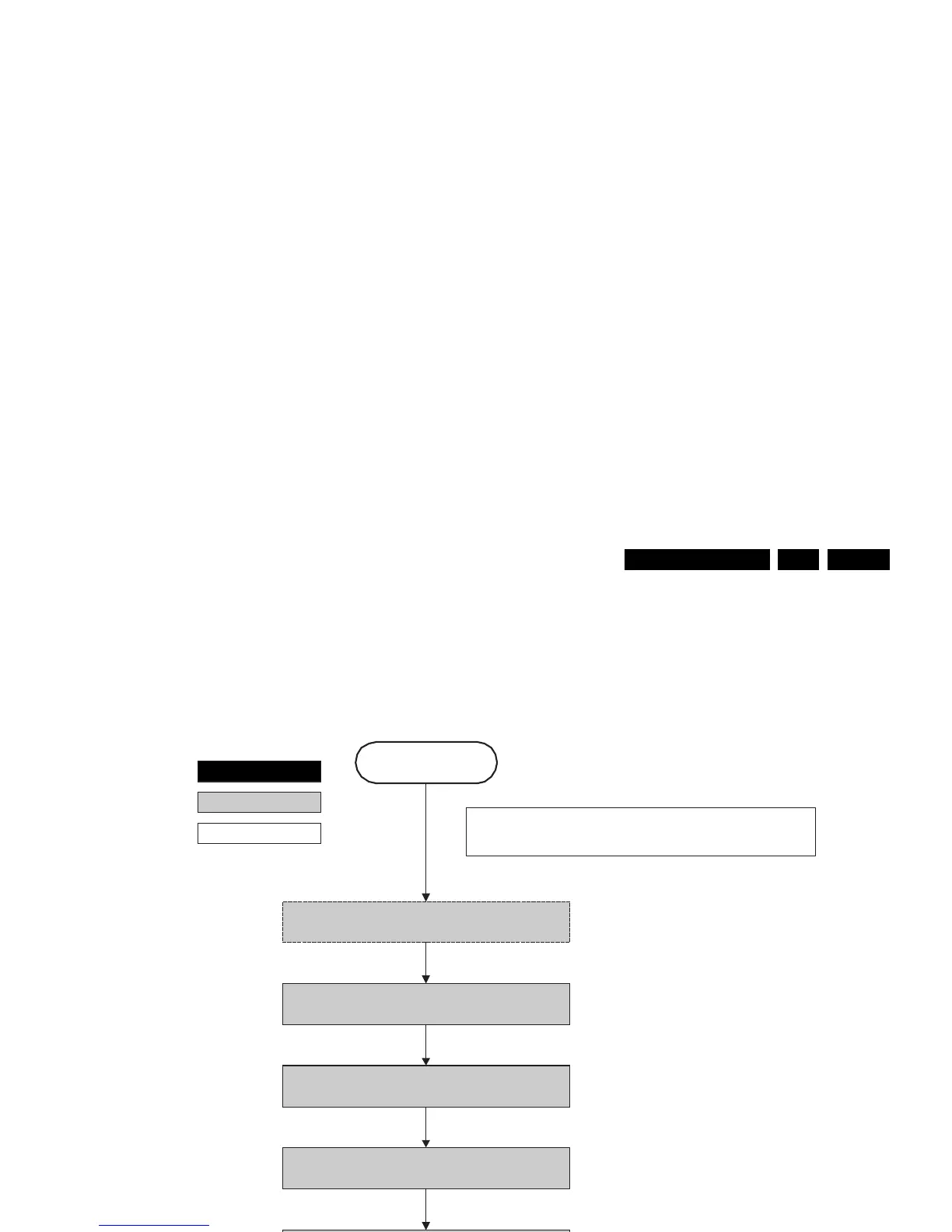
Figure 5-9 “Semi Stand-by” to “POD Stand-by” flowchart
This state transition is entered when stand-by is
requested and an authenticated POD is present.
F_15400_100.eps
260505
POD Stand-by
Semi Stand-by
autonomous action
action holder: St-by
Switch “off” all supplies which are not needed in POD
standby by switching “high” the ON-MODE I/O line.
Disable +8V6 supply detection algorithm
Reboot
Power-down HDMI and 1394 hardware by keeping
POWERDOWN-1394-GPIO- 0 line “high”.
Set Viper HW blocks (TM1, TM2, MBS, VMSP1 and
VMSP2) to powerdown mode.
Hibernate the PNX2015 memory and keep the
PNX2015 in reset state
Disable audio protection algorithm
action holder: MIPS











 To Next Page