12 Setting the Clock
• Entries that do not match the
TV/VCR’s calendar will cause a
question mark (?) to appear on the
screen. Enter the correct number.
• To make corrections while you are
setting the clock, press the CLEAR
button until the space for the num-
ber you want to correct is flashing.
Then enter the correct number.
Helpful Hints
There are three ways to set the clock: Manually, with Automatic
PBS Channel Selection, or with Manual PBS Channel Selection.
With manual clock setting, you tell the TV/VCR the current time.
With Automatic or Manual PBS Channel Selection, the TV/VCR
gets the time from a PBS station.
If you use either Manual PBS Channel Selection or Automatic PBS
Channel Selection, follow the steps on page 19 to have the
TV/VCR maintain the clock according to your Time Zone. The
channel that supplies the time might be broadcasting from a differ-
ent time zone. So, select your Time Zone to ensure the TV/VCR
clock is correct.
Set the clock manually if you are using a Cable Box or the
mobile connection. Details are on pages six and eight.
To set the clock manually, follow the steps on pages 12-13. To set
the clock using Automatic PBS Channel Selection, follow the steps
on pages 14-15. To set the clock using Manual PBS Channel
Selection, follow the steps on pages 16-17.
Before you begin, make sure:
● You have connected and turned on the TV/VCR. Details are on
pages six-nine.
● Channels are set. Details are on pages 10-11.
● You make each entry within 60 seconds of the previous entry.
Manual Clock Setting
1
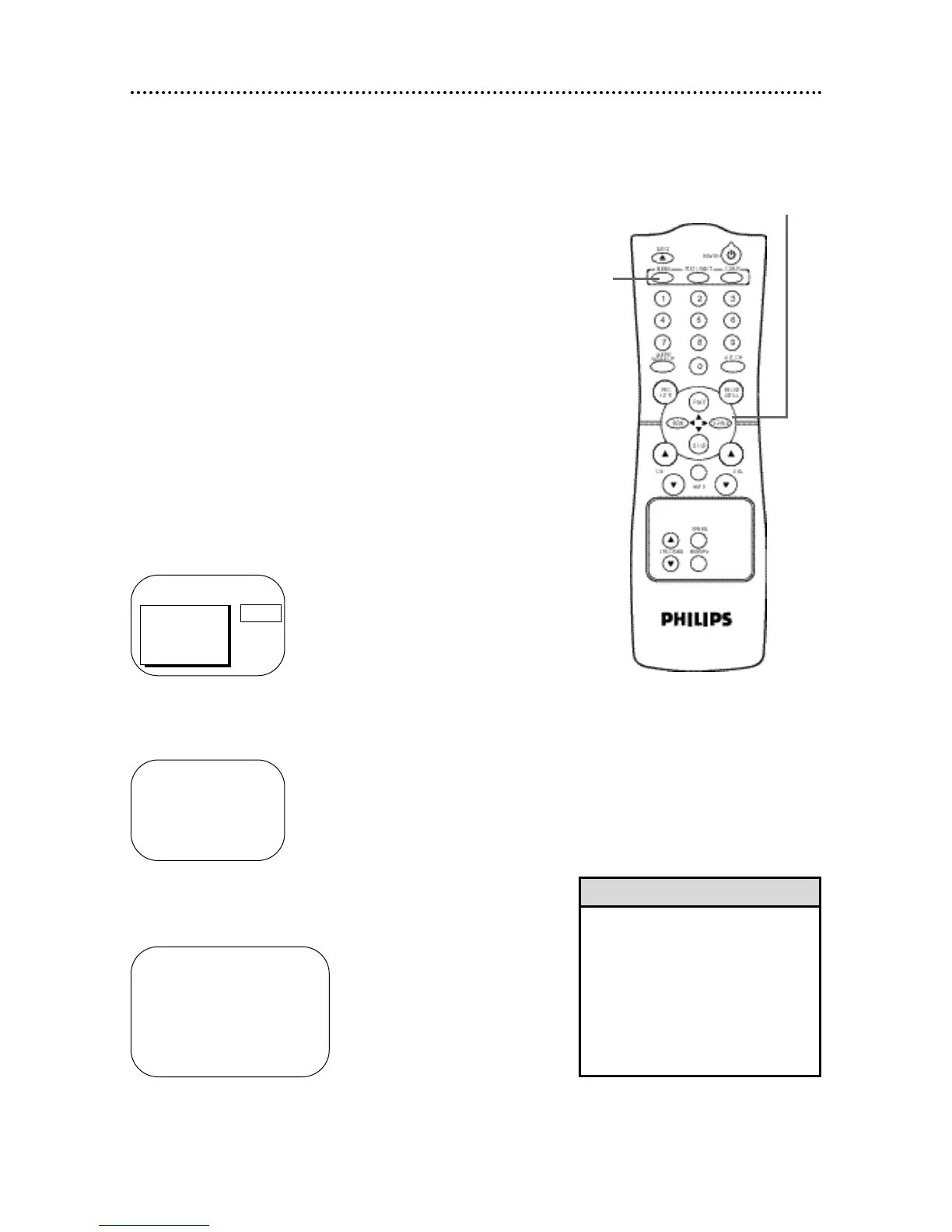
Press the MENU button.
2
Press the PLAY/▲ button or the STOP/▼ button to select
PRIM. SETUP. Then, press the F.FWD/B button.
PRIMARY SETUP
> SELECT LANGUAGE
AUTO PROGRAMMING
CH MEMORY REVIEW
VOLUME BAR [ON]
SET CLOCK
SELECT KL CHOOSE B
TO END PRESS EXIT
> PRIM. SETUP
VCR PROGRAM
VCR SETUP
REMINDER
BRIGHTNESS
PICTURE
PRESS B
SET CLOCK
> AUTO CLOCK [ON]
SET MANUAL CLOCK
DAYLIGHT SVG.TIME [ON]
SET TIME ZONE
[AUTO]
TO CONTINUE PRESS MENU
SELECT KL CHOOSE B
TO END PRESS EXIT
3
Press the PLAY/▲ button or the STOP/▼ button to select
SET CLOCK. Then, press the F.FWD/B button.
2-3
1










 To Next Page