42 Playback Options
Forward and Reverse Searching (SP/LP/SLP)
1
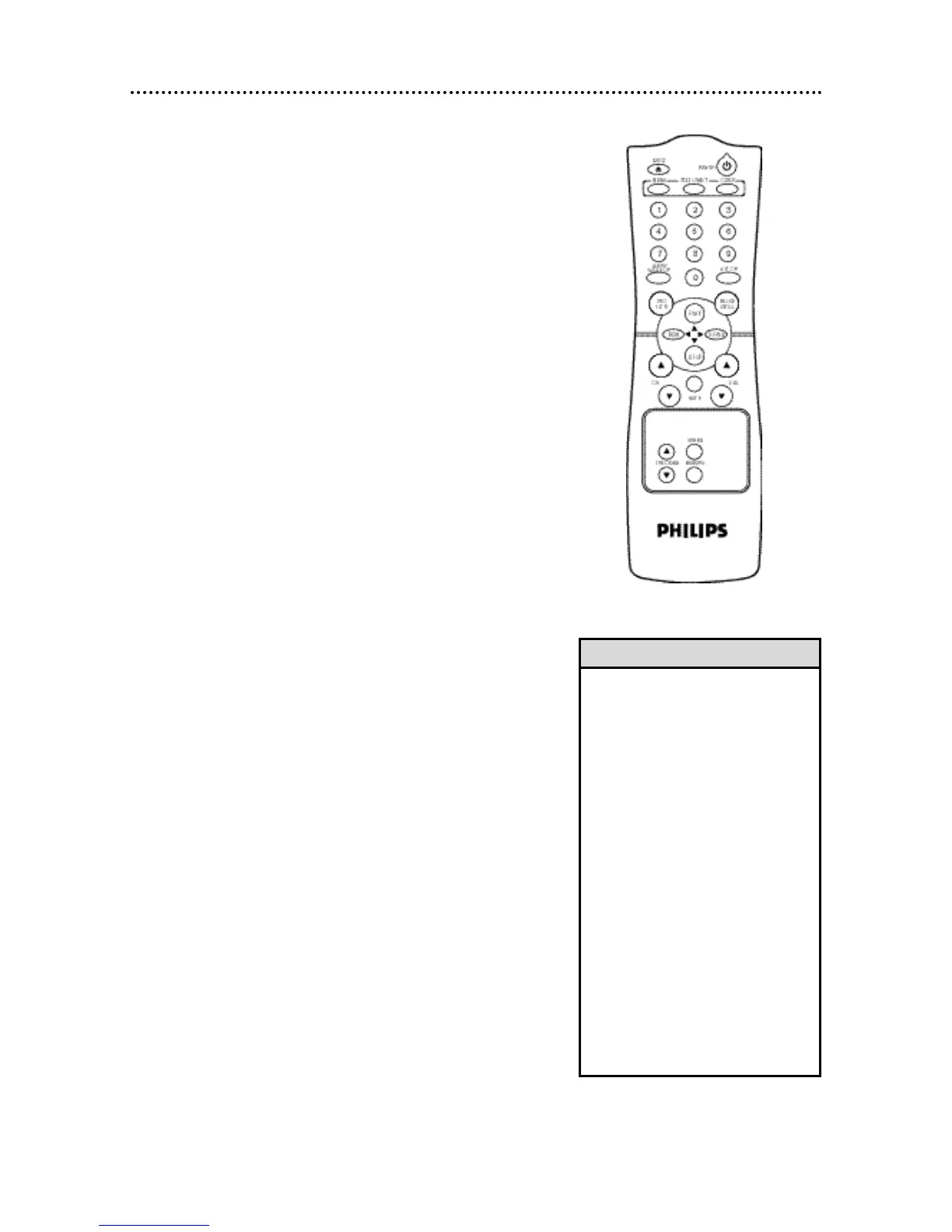
During tape playback, press and release the F.FWD/B button or
the REW(ind)/{ button. A fast forward or reverse picture search
will begin.
2
To return to normal playback, press the PLAY/▲ button.
Super High Speed Searching (LP/SLP)
1
During tape playback, press the F.FWD/B button or the
REW(ind)/{ button, then press again. The TV/VCR will now
search in super high speed.
Press the F.FWD/B button or the REW(ind)/{ button repeatedly
to switch between regular and super high speed searching.
2
To return to normal playback, press the PLAY/▲ button.
Viewing a Still Picture
1
During tape playback, press the PAUSE/STILL button. A still pic-
ture will appear on the screen. The noise lines will move each
time you press the PAUSE/STILL button, and the tape will advance
slightly.
2
To release the still picture and return to normal playback, press
the PLAY/▲ button.
• Still mode will automatically switch to
Stop mode after five minutes to pro-
tect the TV/VCR and the tape from
damage.
• SP/LP/SLP means this feature will
work with tapes recorded in Standard
Play, Long Play, or Super Long Play.
For details about tape speed, see
page 30.
• LP/SLP means this feature will work
with tapes recorded in Long Play and
Super Long Play. For details on tape
speed, see page 30.
• During forward and reverse search-
ing, horizontal noise bars will appear
on the TV/VCR screen.
• Tapes recorded in SLP speed will
have the clearest picture during for-
ward and reverse searching and Still
mode.
• After a search or a still picture, there
may be a brief blue screen before
playback resumes.
Helpful Hints










 To Next Page