10 EN
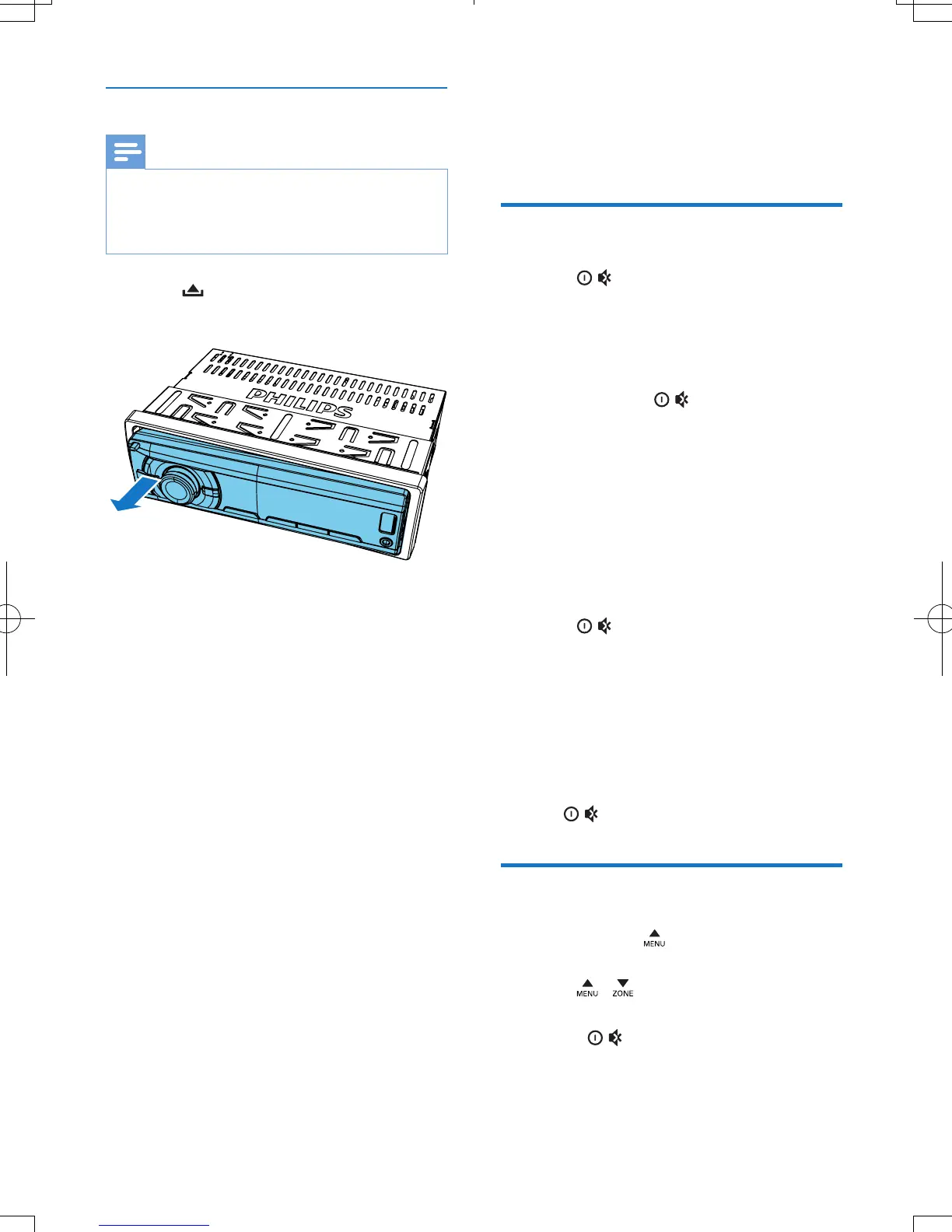
Detach the front panel
Note
•
Before you insert an SD/SDHC card or reset the
system, detach the front panel.
• Before you detach the front panel, make sure that the
system is turned off.
1 Press to release the front panel.
2 Pull the front panel outwards to remove it.
4 Get started
For the rst time use
1
Press to turn on the system.
» [PHILIPS] is displayed and then
[SELECT OPERATING REGION]
(select a radio region) scrolls.
2 When one of the following options is
displayed, rotate
to select a radio
region that matches your location.
• [AREA EUROPE] (Western Europe)
• [AREA ASIA] (Asia Pacic)
• [AREA M--EAST] (Middle East)
• [AREA AUST] (Australia)
• [AREA RUSSIA] (Russia)
• [AREA USA] (United States)
• [AREA LATIN] (Latin America)
• [AREA JAPAN] (Japan)
3 Press to conrm.
» If a DAB radio receiver is correctly
connected, the system switches the
source to [DAB/DAB+] automatically.
» If no DAB radio receiver is connected,
the system switches the source to
[RADIO] automatically.
• To turn off the system, press and hold
until the screen backlight is off.
Set the time format
1
Press and hold to access the system
menu.
2 Press / repeatedly until [CLOCK
24H] or [CLOCK 12H] is displayed.
3 Rotate to select [CLOCK 24H] or
[CLOCK 12H].
• [CLOCK 24H]: 24-hour time format
• [CLOCK 12H]: 12-hour time format



 To Next Page