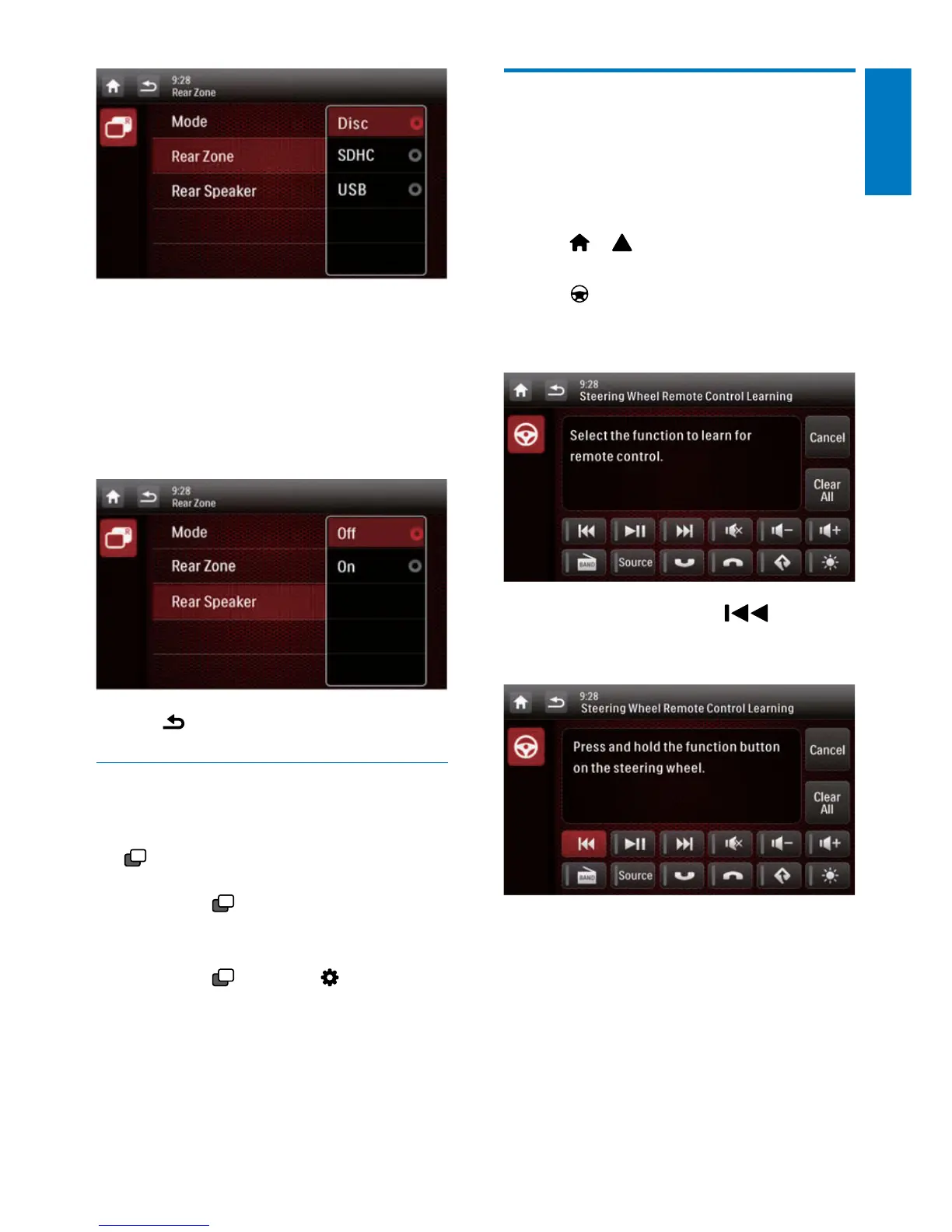
4 Tap to select an available source to start
play.
5 Tap [Rear Speaker] to enable or disable
the audio output to rear speakers.
• [On]: Enable the audio output to rear
speakers.
• [Off]: Mute rear speakers.
6 Tap to return to the previous mode.
Switch the control interfaces
When different sources are selected for front
passengers and backseat passengers, you can
tap
R
to switch the control interface for front
source or rear source.
» When
R
is solidly displayed, the
current control interface is for the
front source.
» When
blinks with and [Rear
zone] displayed, the current control
interface is for the rear source.
Use buttons on the steering
wheel
You can assign a function to a button on the
steering wheel, and then control the system
with that button.
1 Tap > to access the full menu with
all feature icons displayed.
2 Tap .
» The [Steering Wheel Remote Control
Learning] interface is displayed.
3 Tap an icon, for example, , of which
you want to assign the function to a button
on the steering wheel.
• To cancel the assignment, tap [Cancel].



 To Next Page