29
English
EN
1 Tap to display the favorite call list.
2 Tap behind a sequence number.
3 Enter the number and then tap OK to
conrm.
» The number is saved.
• To send a call, tap the number from
the list.
9 Play from an
iPod/iPhone
Note
•
During play, no audio signals are transferred through
the headphone socket of your iPod/iPhone.
Compatible iPod/iPhone
models
This system supports the following iPod and
iPhone models.
• iPhone 4, iPhone 3GS, iPhone 3G, and
iPhone
• iPod touch (1st, 2nd, 3rd, and 4th
generations)
• iPod nano (1st, 2nd, 3rd, 4th, 5th, and 6th
generations)
• iPod classic
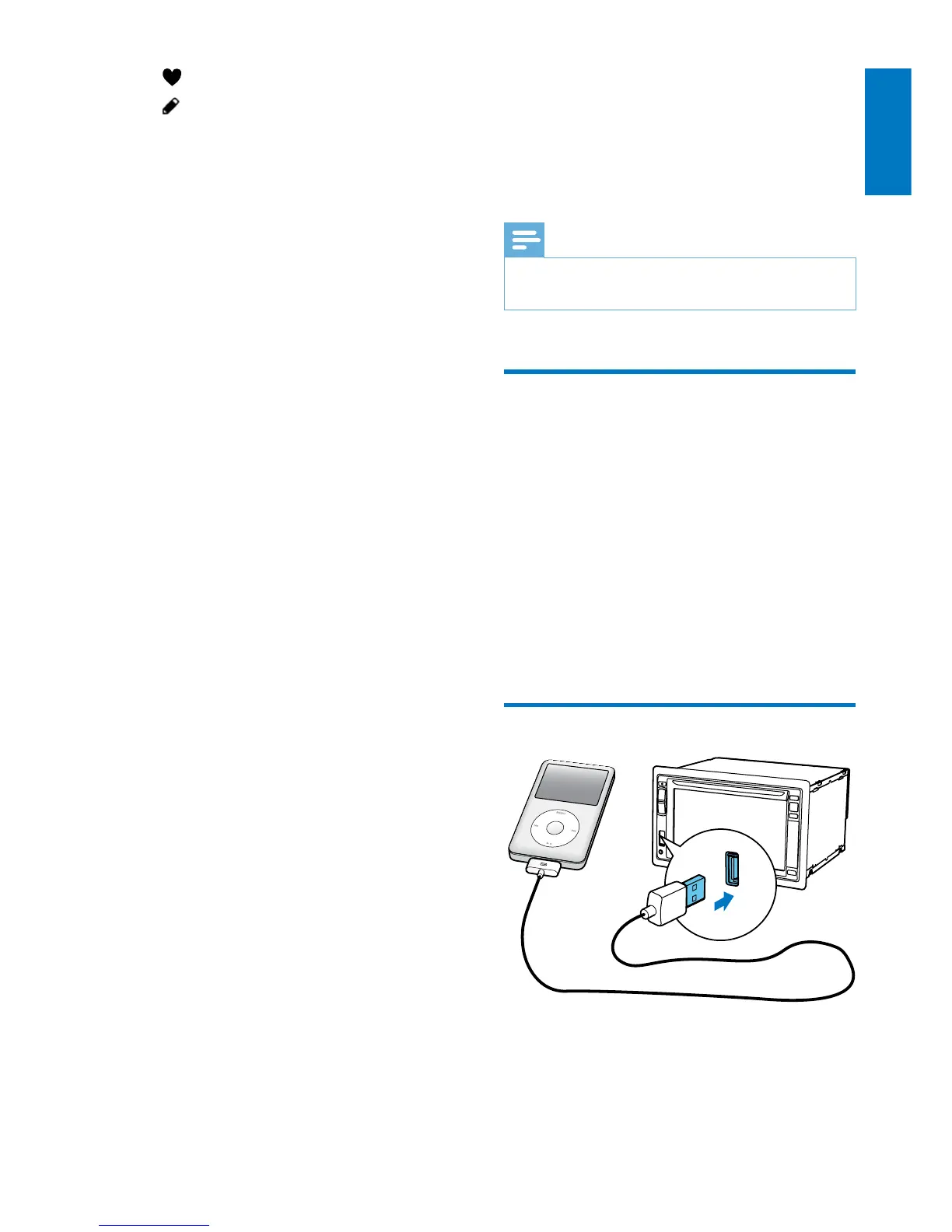
Connect your iPod/iPhone
Connect an Apple 30-pin USB cable to:
• the USB socket on the front panel of this
system, and
• your iPod/iPhone.



 To Next Page