8
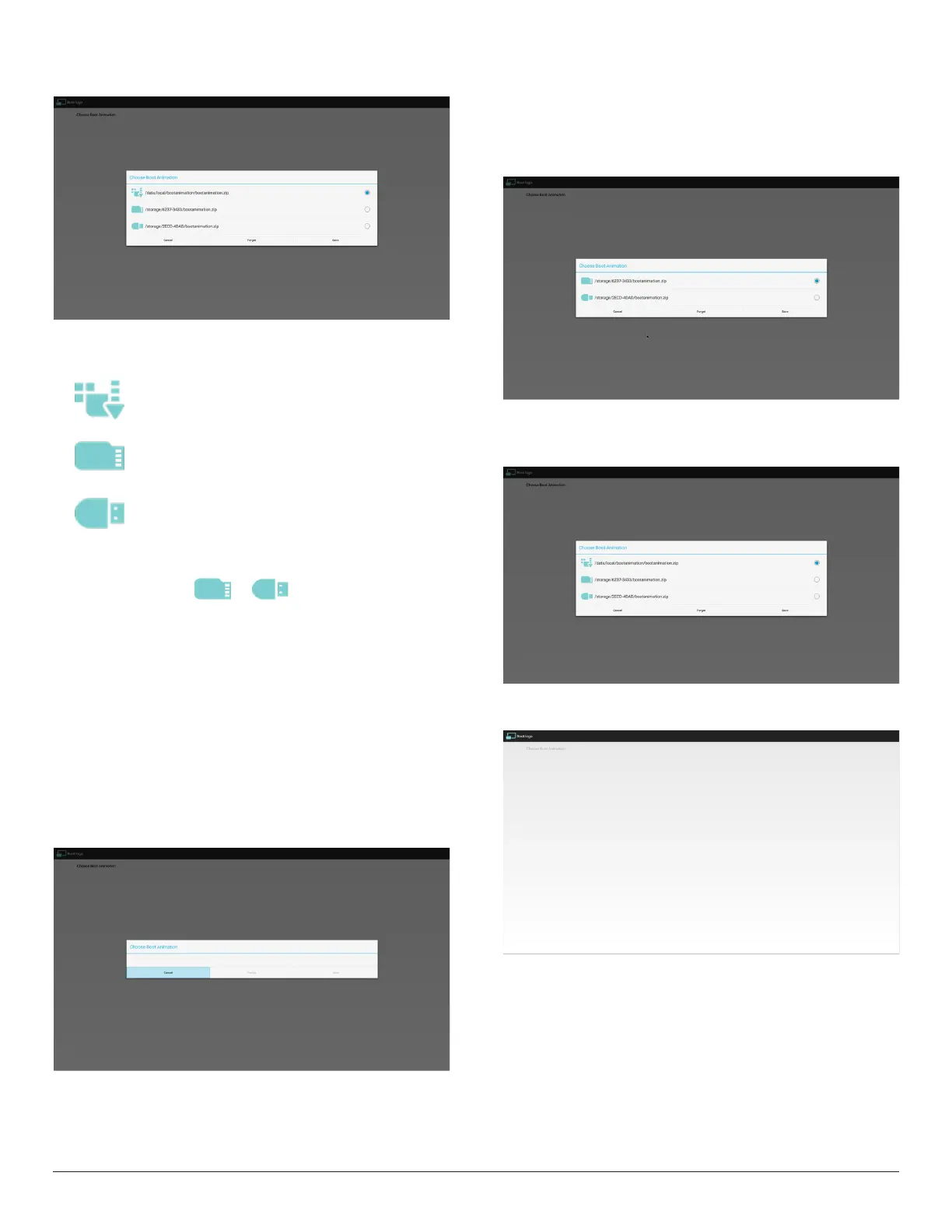
2)Whenbootlogoisselected,PDwillcheckifthereis
bootanimzation.zipintheUSBandSDcard.
Functionintroduction:
a. Optiondescription
Usecustomizedbootanimationlewhichis
copiedfromSDcardorUSB
UsebootanimationsleunderSDcard
UsebootanimationsleunderUSB
b. Save
Iftheoptionfocuson or ,pressSavekeytosavethe
bootanimzation.ziplefromtheSDcardorUSBto/data/localand
setitasbootlogo.
c. Forget
PressForgetkeytodelete/data/local/bootanimzation.zipandnot
showbootlogo.
d. Cancel
Closethedialoguewithoutanychanges.
Scenariointroduction:
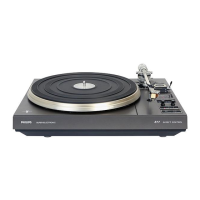
Case1
Theuserdon’tselectcustomizedbootlogo.PDdoesnotndany
bootanimzation.zipleunderSDandUSB.Thelistwillbeblank.Save
andForgetbuttonwillbegrayedout.
Case2
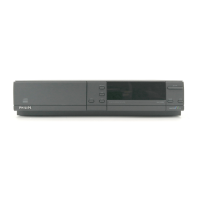
Theuserputcustomizedbootanimzation.zipleintheSDandUSB.
ThedefaultpriorityisSDcard,sothePDwillautomaticallyselect
theleintheSDcardonly.TheleintheUSBdrivewillbeignored.
Incasethebootanimzation.zipisonlyintheUSBdrive,thenthePD
willselecttheleintheUSBdrive(astheSDcardhasnole).
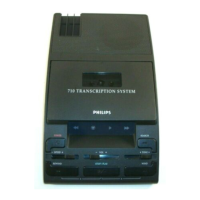
Case3
Theuserselectscustomizedbootlogo,thescreenwillshow/data/
local/bootanimzation.zip.
3)IfOSDmenuLogoitemisOnorOff,theuserscannotchoose
bootanimationinAndroidsettings.
2. Screenshot
ViaEnable/DisabletocontrolscreenshotOn/Off.
AfterEnable,usercansetscreenshottimeslotandsavepath.
Note:
Timeslotofdeletionandscreenshot:
(1)Willdeletepictureatinitialtime0sec.
(2)Willscreenshotatrst40sec.


 To Next Page