17
3.9. Date & time
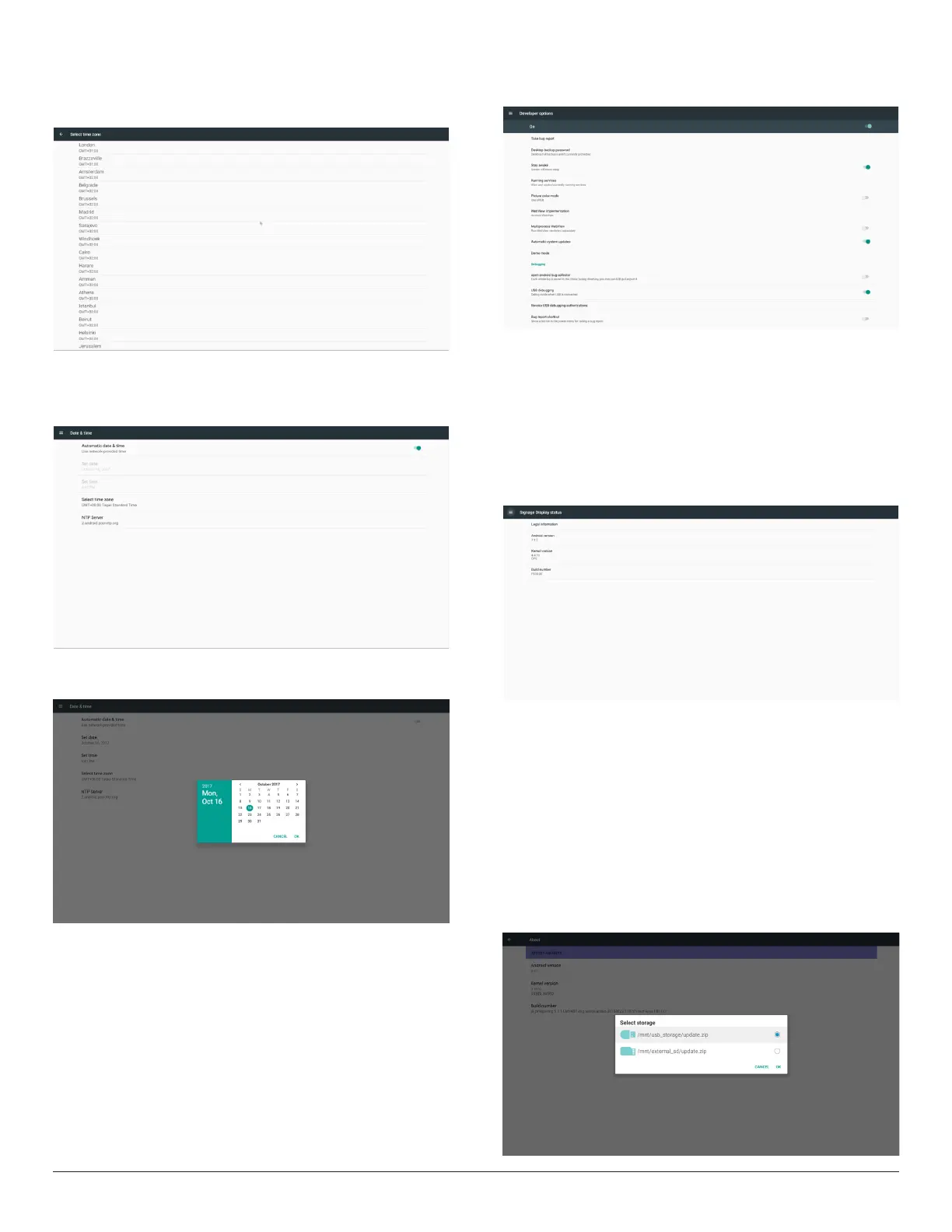
Setupdate,timeandtimezone.Setuptimezonerstandthengo
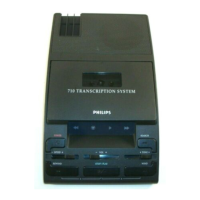
setupdate&time.Aftertimezonesetup,thengosetupdate&time.
Note:
1. If“Automaticdate&time”isenabled,thesetupofdateandtimewill
bedisabledandwilluseNTPservertime.
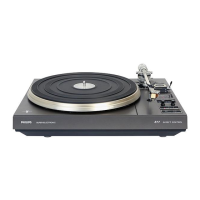
2. Disable“Automaticdate&time”,tosetupthedateandtime.
Android’sdatecanbesetfrom2017/1/1to2037/12/31.
3.10. Developer options
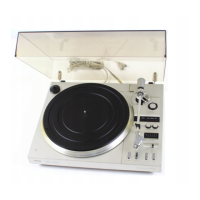
Androiddeveloperoptions.
3.11. About
MaininfoinAbout:
(1)Systemupdates
(2)Legalinformation
(3)Androidversion
(4)Kernelversion
(5)Buildnumber
3.11.1. System updates
1. Willautomaticallysearchupdate.zipinUSBorSDcard.
Willbeshowninlistforuserselectioniffound
2. Afterselectingupdate.ziple,PDwillrestartandstartupdating.
3. Ifupdate.zipisnotfound,thedialogis“nocontent”andtheOK
buttonwillbegrayedout.
Note:
(1)OnlysupportAndroidFullimage.
(2)Filenameshouldbeupdate.zip.
(3)Theleshouldbelocatedinrootofstorage.



 To Next Page