15
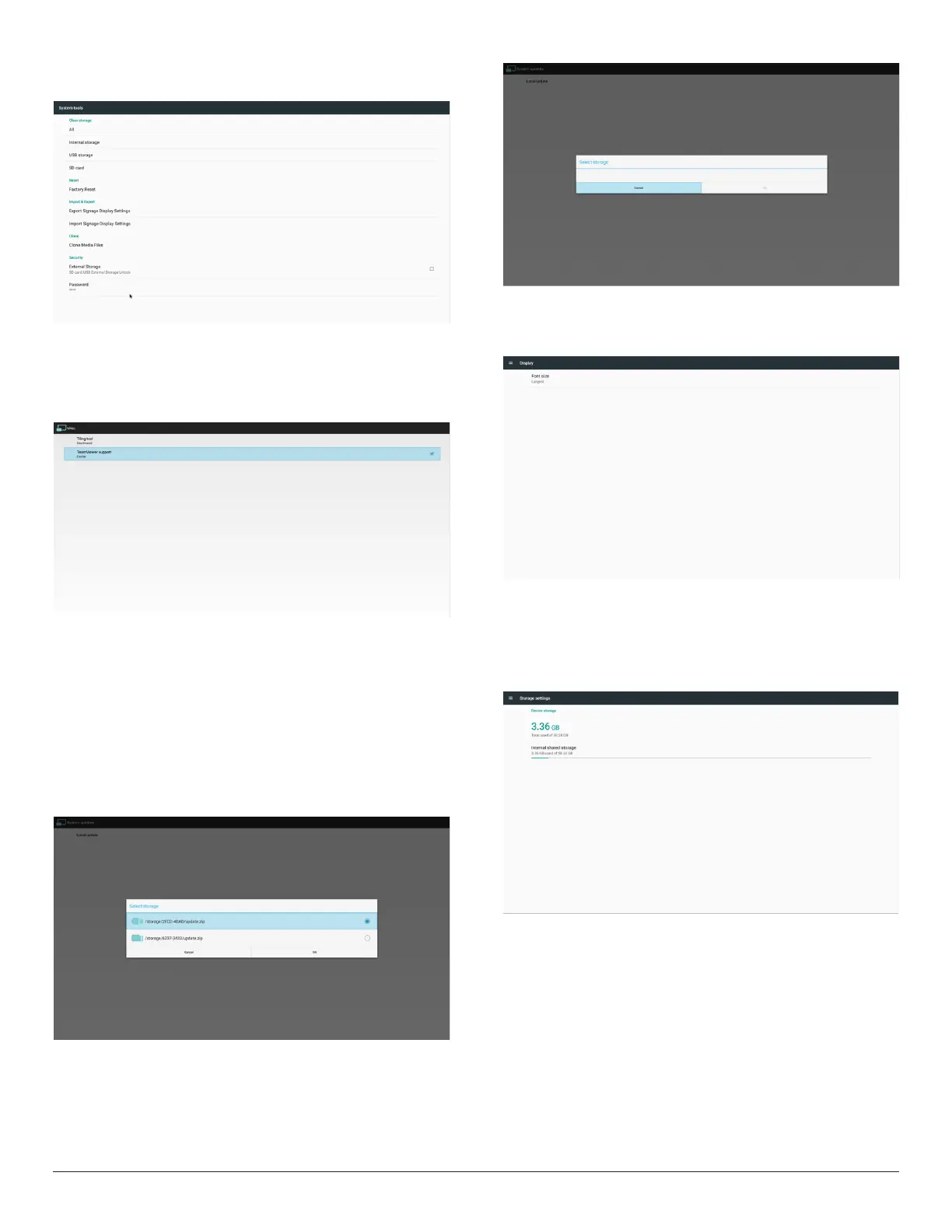
(6) Password
Thisistoallowusertochangeadminmodepassword(pincode)
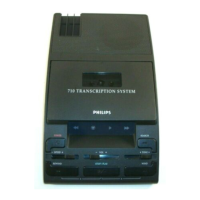
3.4.6. Misc.
1. TeamViewerSupport
Enable/DisableTeamViewersupport.
3.4.7. System update
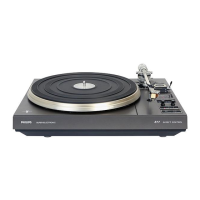
1. Localupdate
(1)Willautomaticallysearchupdate.zipinUSBorSDcard.Iffoundwill
beshownupinlistforuserselection.
Note
a.OnlysupportAndroidFullimage.
b.Filenameshouldbeupdate.zip
c.Theleshouldbelocatedinrootofstorage.
(2)Afterselectingupdate.ziple,systemwillrestartandstartupdating.
(3)Ifupdate.zipisnotfound.Thedialogis“nocontent”.(OKbuttonwill
begrayed.)
3.5. Display
Usercanmodifythefontsize,canchoose:Small/Normal/Large/Huge
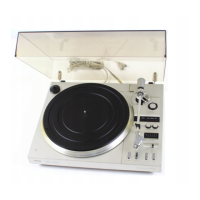
3.6. Storage
DisplaycurrentOPSAndroidstorageinformation.
Note
(1)UseroptionkeyonRCUtoshowsettingoption


 To Next Page