13
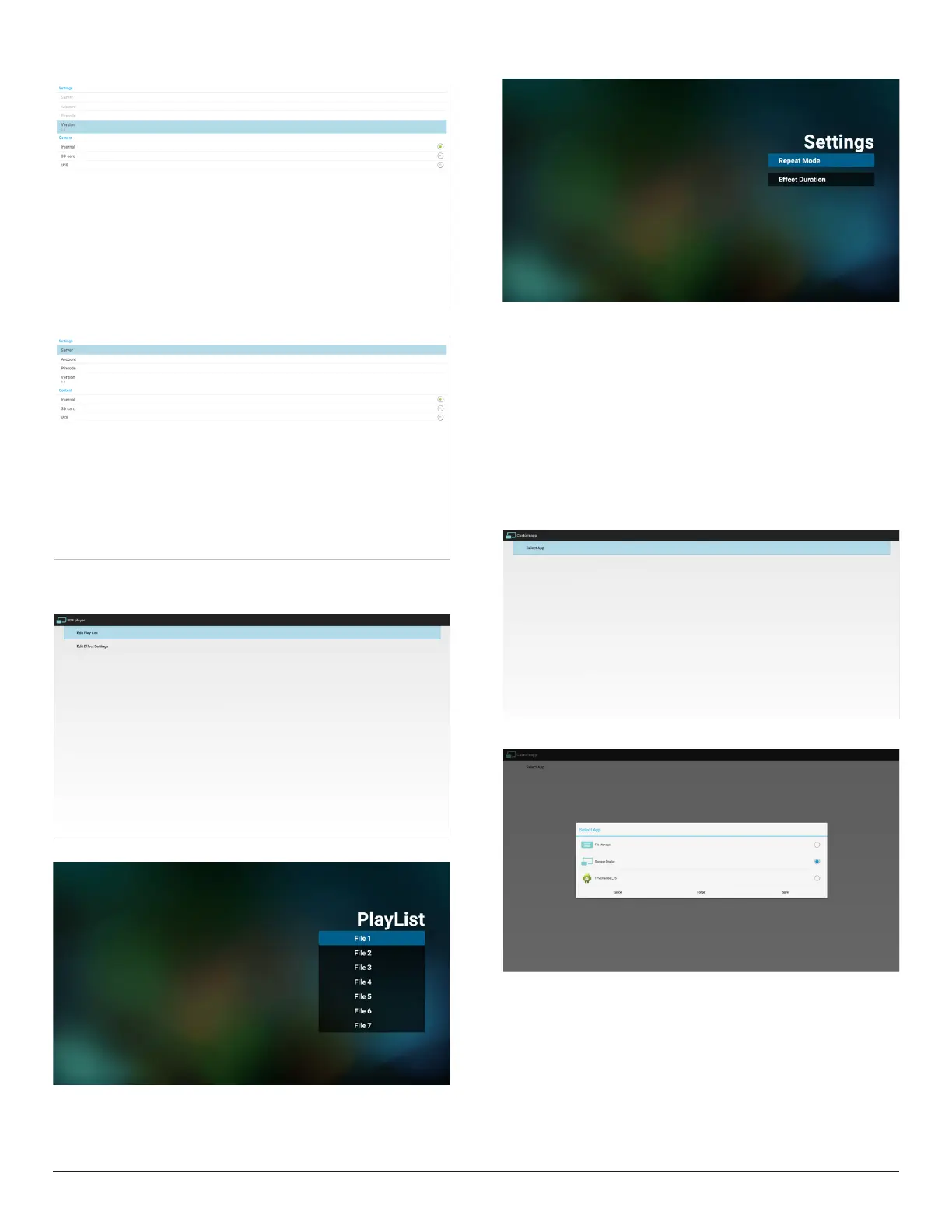
WhenVer.2,Server/Account/PINcodewillbegrayandunavailable
.
WhenVer.3,Server/Account/PINcodeisavailable.
4. PDFPlayer
CaneditPDFPlayerPlayListandEffectSettings.
(1)OpenPDFPlayerPlayerListeditpage.
(2)OpenPDFPlayereffecteditpage.
5. CustomApp
UsercansetuptheapplicationforCustomerSource.
Note
Displaypre-installedapp.anduserinstalledapp..
OSDmenuoperation:
RCU:Source->Custom
IfsetupcustomerAPK,PDwillopencustomerappwhenswitchsource
toCustomermode.
IfnosetupcustomerAPK,PDwillopendefaultappSignageDisplay,
whenswitchsourcetoCustomermode.
Functionintroduction
(1)Save
SelectAppandpressSavekeytosaveit.
(2)Forget
PressForgetkeytocleanpreviousstoreddata
(3)Cancel
Nochange,closewindowdirectly
Ifnocustomerinstalledapk,thelistwillbeblank.
Nooptionforchoose.SaveandForgetkeywillbegrayand
unavailable.



 To Next Page