DPM 9360 - User Manual
9
3. Set the time.
When you have set and confirmed the MM (minutes) setting, you will automatically return to the DPM main
menu.
See also the Additional information section below.
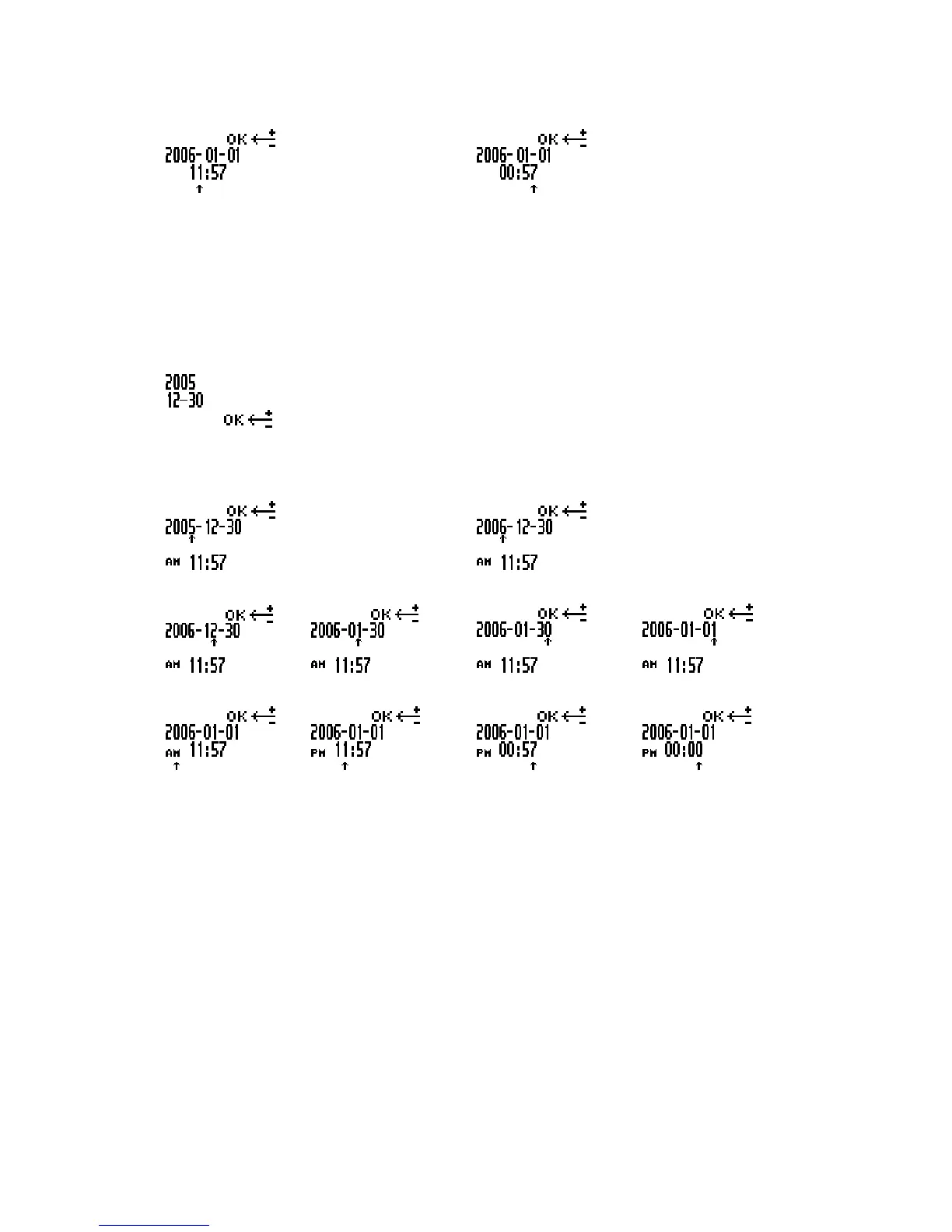
Setting the date and time (DPM 9360/52)
This is the default date and time format for DPM 9360/52:
YYYY-MM-DD (year-month-day) and HH:MM (hours:minutes)
The menu entry for the date and time displays the current date setting:
Confirm the menu entry selection by pressing the Jog Dial and do the following:
1. Set the year by moving the Jog Dial up or down. Confirm the setting by pressing the Jog Dial.
2. Set the month and the day.
3. Set the time.
When you have set and confirmed the MM (minutes) setting, you will automatically return to the DPM main
menu.
Additional information
• If you do not want to change, for example, the YY (year) setting, you can proceed to the MM (month) setting by
pressing the Jog Dial.
• When you change the batteries for the DPM, a built-in power storage will keep the clock active for ten hours.
After that, the time setting has to be repeated as described above. Alternatively, you can also connect the
DPM to the PC and enable the Synchronize DPM time with PC time option in SpeechExec Dictate.














 To Next Page