1-4-3 E9H90FIS
If an error occurs during the timer recording, one of the following error numbers (40 to 42) or the above error
messages (error number: 1 to 39 and 43 to 46) is displayed on the recording menu after timer recording.
(Once the timer programming list with error indication is displayed, the program line(s) with error will be cleared
only after the programs are cancelled and reset to the timer standby mode.)
(In the case of the error occurs during setting the timer programming, no error messages is displayed.)
You cannot record on this disc
as Power Calibration Area is
full.
Insert a new disc. 35 PCA is Full. (in REC start) 4
This disc is already finalized.
Release the finalizing for this
disc.
36 It is finalized. (Video Format Disc) 6
Can not record on this disc. Repeat the same operation.
37 Access to Memory Area range outside. -
38 Sector Address is wrong. -
39 BUP writing error of chapter editing. -
You cannot record more than
49 titles on the disc.(The
maximum is 49.)
Delete unnecessary titles. 43 Its recording capacity has been reached. 9
You cannot record more than
254 chapters on the disc.(The
maximum is 254.)
Delete unnecessary chapter
marks.
44 The 254 chapter has been reached. 10
This program is not recordable
in +VR mode.
You cannot record copy
prohibited programs.
45 During the CGMS picture input. 12
The disc has a different menu
layout. (Set “Replace Disc
Menu” to ON to rewrite the
menu.)
Set “Replace Disc Menu” to
“ON” to rewrite the menu,after
that you will record to.
46
Trying to record onto the +VR formatting
disc that had been recorded by the other
recorder.
7
Message Solution
Error
No.
Error Description Priority
Error message is not
displayed.
- Set the timer programming
correctly.
- Set the timer programming
before the start time.
- Insert a recordable videotape
with a record tab.
40
- Some portion has not been recorded
because of program overlapping.
- Recording did not start at the start time.
- No Videotape is inserted.
Videotape ran out during recording.
-
Turn the power on and set the
clock correctly then set timer
programming again.
41 Power failed -
Insert the recordable disc. 42 No disc when recording -
Message Solution
Error
No.
Error Description Priority
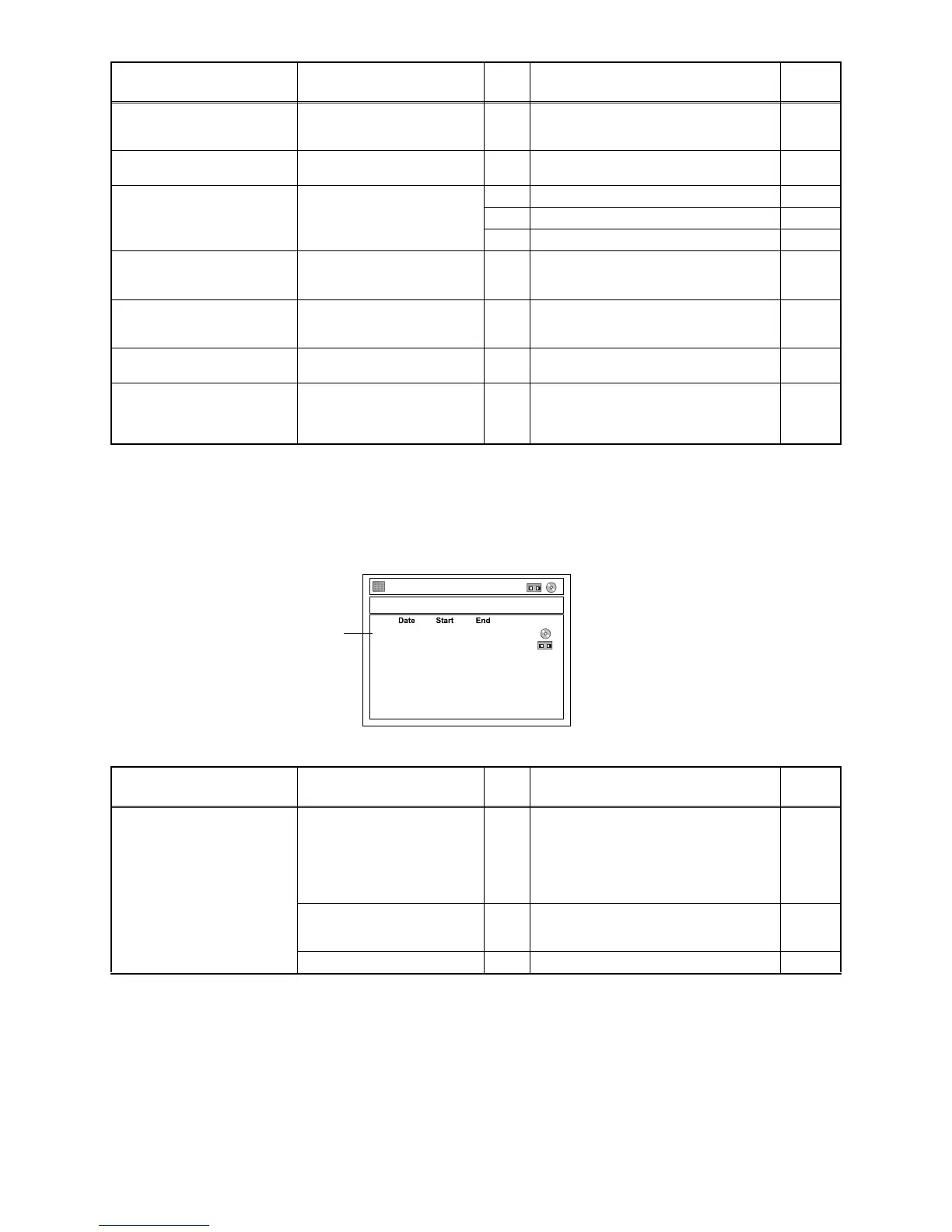
A program with the error number is grayed out and asterisked on the timer programming list.
Error Number
Ti
JAN/01
JAN/07
E40 12:00PM
7:00PM
1:00PM
9:00PM
z MON JAN/01 1:01AM
1 / 1
mer Programming
E1
E2
E1/E2















 To Next Page