English
14 First-time DVD/VCR Setup
3
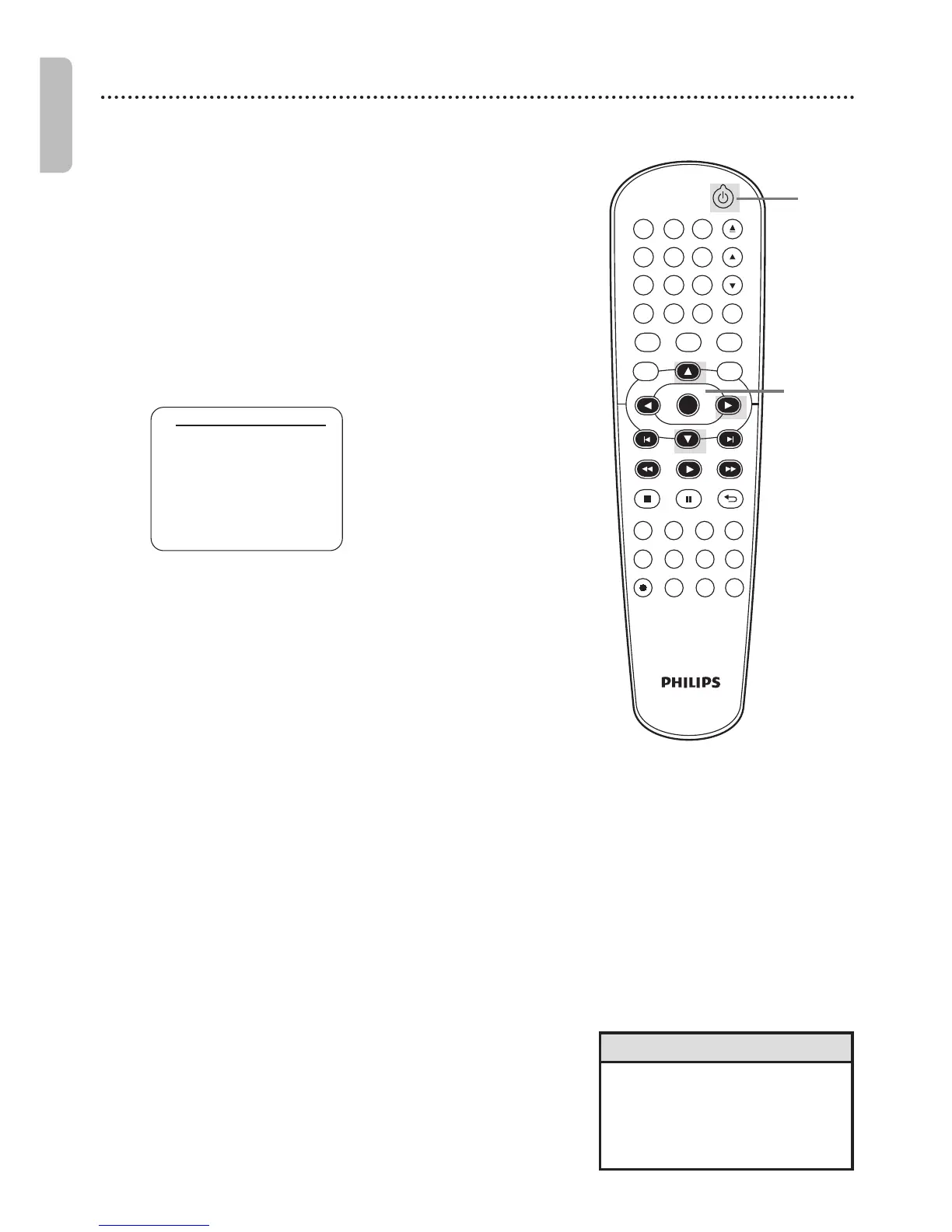
Press K or L to select ENGLISH, FRANCAIS
(French) or ESPAÑOL (Spanish) as the language for
VCR On-Screen Displays and menus. Then, press B.
● To put the DVD/VCR in VCR mode,press VCR so VCR
light appears.
• To skip this feature and play a
tape immediately,insert a tape
with its record tab removed.
• Repeat this process if the power
fails.
Helpful Hints
Before turning on your DVD/VCR,make sure batteries are in the
remote control and the DVD/VCR and TV are connected correctly.
These menus may not appear if you have already
turned on the DVD/VCR.
1
Turn on the TV. Set it to the correct Video In
channel. (Check your TV owner’s manual for details.)
2
Press y. VCR light will appear on the front of the
DVD/VCR. The display shown below will appear.
These menus may not appear if you have already turned on
the DVD/VCR. You may have turned on the DVD/VCR
before to find the Audio/Video In channel of the TV,for
example.If so,follow the steps on page 20 to select a
language for the VCR menus.
1
Turn on the TV.











 To Next Page