38 Markers
2
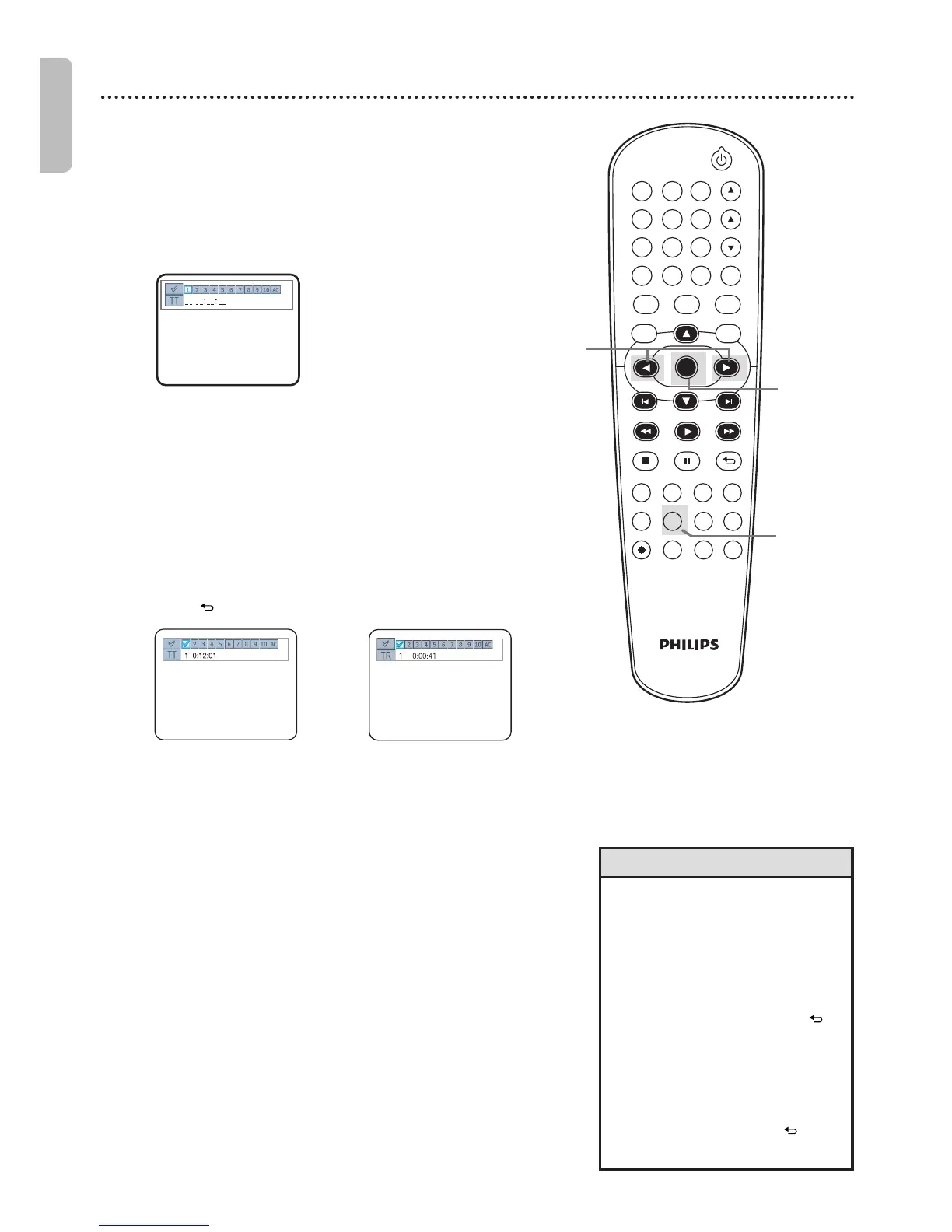
Within 30 seconds, press s or B to select a Marker
(1-10).
Make sure _ _ :_ _ :_ _ appears beneath the number.
3
When the playback reaches the point you want to
remember, press OK.
The title or track number and its
elapsed playing time will appear beneath the Markers.
A checkmark will replace the Marker number. The Marker
Display will disappear in about 30 seconds,or press
BACK to remove it.
4
To return to a Marker during playback, press
SEARCH repeatedly until Marker Display
appears.
Press s or B to choose the Marker you want,
then press OK. Disc playback will continue from the
marked point.
• Opening the disc tray or turning
off the DVD/VCR will erase all
the Markers.
• To erase a single Marker,press
SEARCH repeatedly until
Marker Display appears.Press
s or B to select a Marker.
Press CLEAR.Press BACK
to remove the display.
• To erase all the Markers,press
SEARCH repeatedly until
Marker Display appears.
Press B to select AC,then
press OK.Press BACK to
remove the display.
Helpful Hints
2,4
Example:DVD
Example:Audio CD
Example:DVD
Use Markers to remember your favorite places on a DVD or
Audio CD.
●●
Before you begin,place the DVD/VCR in DVD mode.Press
DVD so DVD light appears on the front of the DVD/VCR.
1
Play the disc to within 30 seconds of the point at
which you want to set the Marker. Press SEARCH
repeatedly until Marker Display appears.
3-4
1,4











 To Next Page