EasyManua.ls Logo

Philips FR 930 - Positioning Your System; Ac Power Supply

Philips FR 930
11 pages
Print Icon
To Next Page IconTo Next Page
To Previous Page IconTo Previous Page
Loading...
Thank
you
for
selecting
the
Philips
FR
930
Stereo
Receiver.
A
part
of
the
state-of-the-art
Philips
900
series,
the
FR
930
receiver
is
engineered
to
fulfil
the
task
of
generating
powerful
sound
with
the
highest
achievable
definition,
minimum
noise
and
distortion
The
FR
930
is
supported
by
features
such
as:
A
full-function
remote
contro!
which
can
handle
your
entire
PHILIPS
900
series
HiFi
system,
as
well
as
a
TV
set
and
a
video
cassette
recorder.
Enhanced
System
Intelligence
(ESI),
offering
increased
ease
of
operation
by
extensive
communication
between
the
various
components
of
your
system.
High-precision,
drift
free
quartz-locked
digital
tuning
on
two
wavebands.
30
frequencies
can
be
stored
in
the
memory
together
with
a
programmable
station
name.
This
manual
is
divided
into
eight
sections:
Installation:
explains
how
to
set
up
your
system.
(pg.
3,
4, 5)
Operation:
explains
how
to
use
the
major
controls.
(pg.
6)
Amplifier:
gives
more
detailed
information
on
operation
of
the
amplifier
section
of
your
receiver,
nealing
special
features.
(pg.
7)
Tuner:
gives
more
detailed
information
on
operation
of
the
tuner
section
of
your
receiver,
including
special
features.
(pg.
8,
9)
Other
possibilities:
explains
the
sleep-timer
function
and
the
demo
mode.
(pg.
9)
System
Aspects:
explains
the
Enhanced
System
Intelligence
feature
and
its
benefits.
(pg.
10)
Remote
Control:
gives
detailed
information
on
the
operating
functions
of
the
system
remote-control
transmitter.
(pg.
10,
11)
General
Information:
includes
maintenance
information
and
technical
data.
(pg.
12)
_
INSTALLATION
@
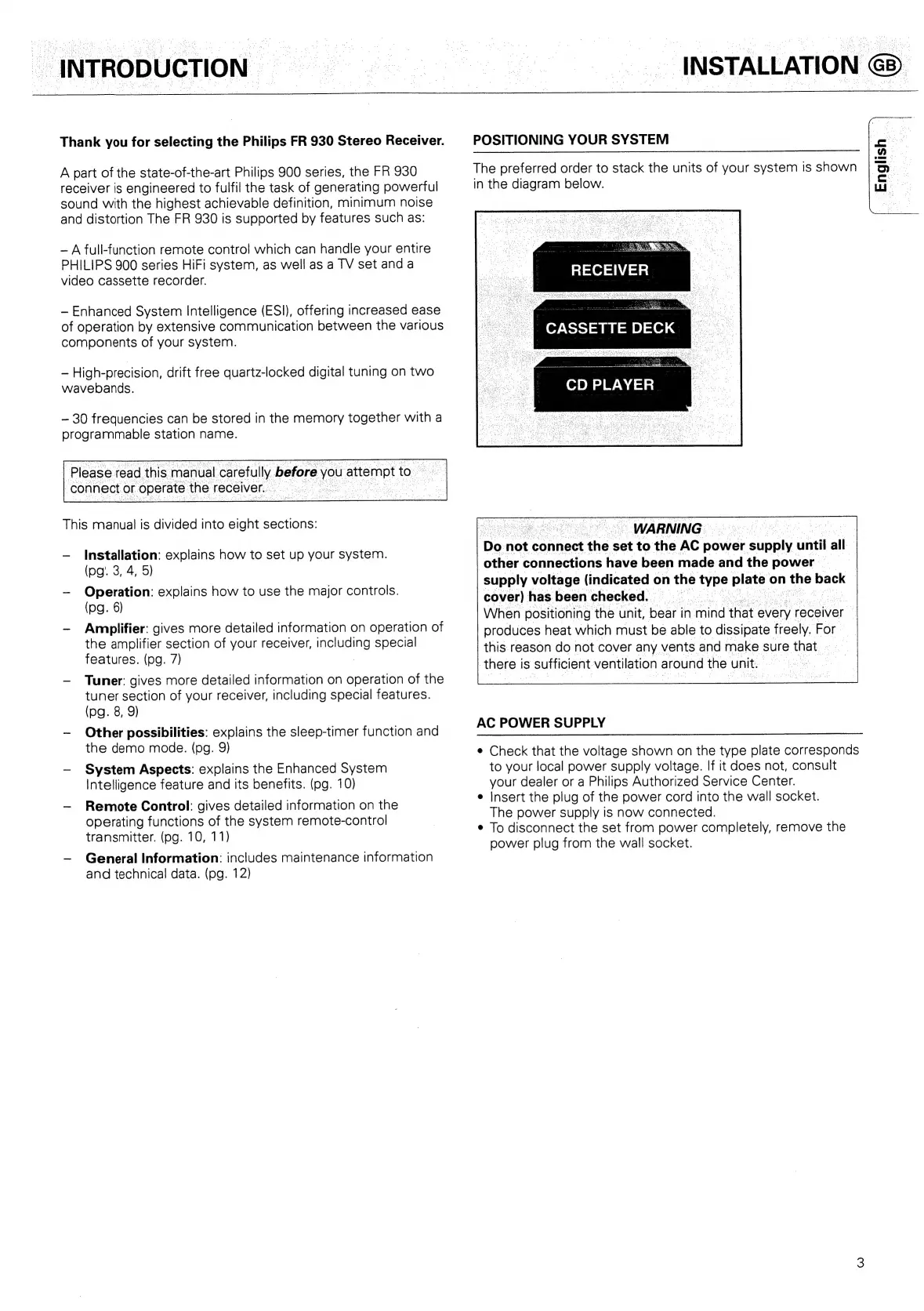
POSITIONING
YOUR
SYSTEM
The
preferred
order
to
stack
the
units
of
your
system
is
shown
in
the
diagram
below.
RECEIVER
f=)
CASSETTE
DECK
CD
PLAYER
a
~
WARNING
ee
eae
Do
not
connect
he:
set
to
the
AC
power
ol
until
all”
other
connections
have
been
made
and
the
power
supply
voltage
(indicated
on
the
‘ype
plate
©
on
me
back
cover)
has
beenchecked.
When
positioning
the
unit,
bear
in
1
mind
that
every
receiver
.
produces
heat
which
must
be
able
to
dissipate
freely.
For
this
reason
do
not
cover
any
vents
and
make
sure
that.
»
there
is
sufficient
ventilation
around
the
unit.
AC
POWER
SUPPLY
¢
Check
that
the
voltage
shown
on
the
type
plate
corresponds
to
your
local
power
supply
voltage.
If
it
does
not,
consult
your
dealer
or
a
Philips
Authorized
Service
Center.
e
Insert
the
plug
of
the
power
cord
into
the
wall
socket.
The
power
supply
is
now
connected.
¢
To
disconnect
the
set
from
power
completely,
remove
the
power
plug
from
the
wall
socket.

Related product manuals