EasyManua.ls Logo

Philips FR 930 - Remote Control; Automatic Stop

Philips FR 930
11 pages
Print Icon
To Next Page IconTo Next Page
To Previous Page IconTo Previous Page
Loading...
ENHANCED
SYSTEM
INTELLIGENCE
:
are
not
used
i
in
a
HiFi
system
the
6
swatch
2
ON
position.
-
:
me
sre
at
the
respective
unit
i
is
switched
oft
wher
ae
ning
t
he
ee
on.
and
off.
SAB
IS
ah
ee
AUTOMATIC
SOURCE
SELECTION
Equipment
connected
via
the
ES!
sockets
to
the
receiver
is
automatically
selected
as
the
source
by
pressing
any
button
that
activates
the
play
function
on
the
external
equipment
(e.g.
PLAY,
SCAN,
PRESET).
Example:
|f
you
press
the
PLAY
key
on
your
CD
(Compact
Disc)
while
listening
to
your
tuner,
the
source
CD
will
be
selected.
AUTOMATIC
STOP
When
the
selected
source
is
in
the
play
mode,
it
will
always
be
stopped
automatically
as
soon
as
another
source
is
selected.
Example:
|\f
you
select
TUNER
with
the
SOURCE
SELECT
knob
(3)
while
listening
to
your
CD,
the
CD
player
will
be
stopped.
REMOTE
CONTROL
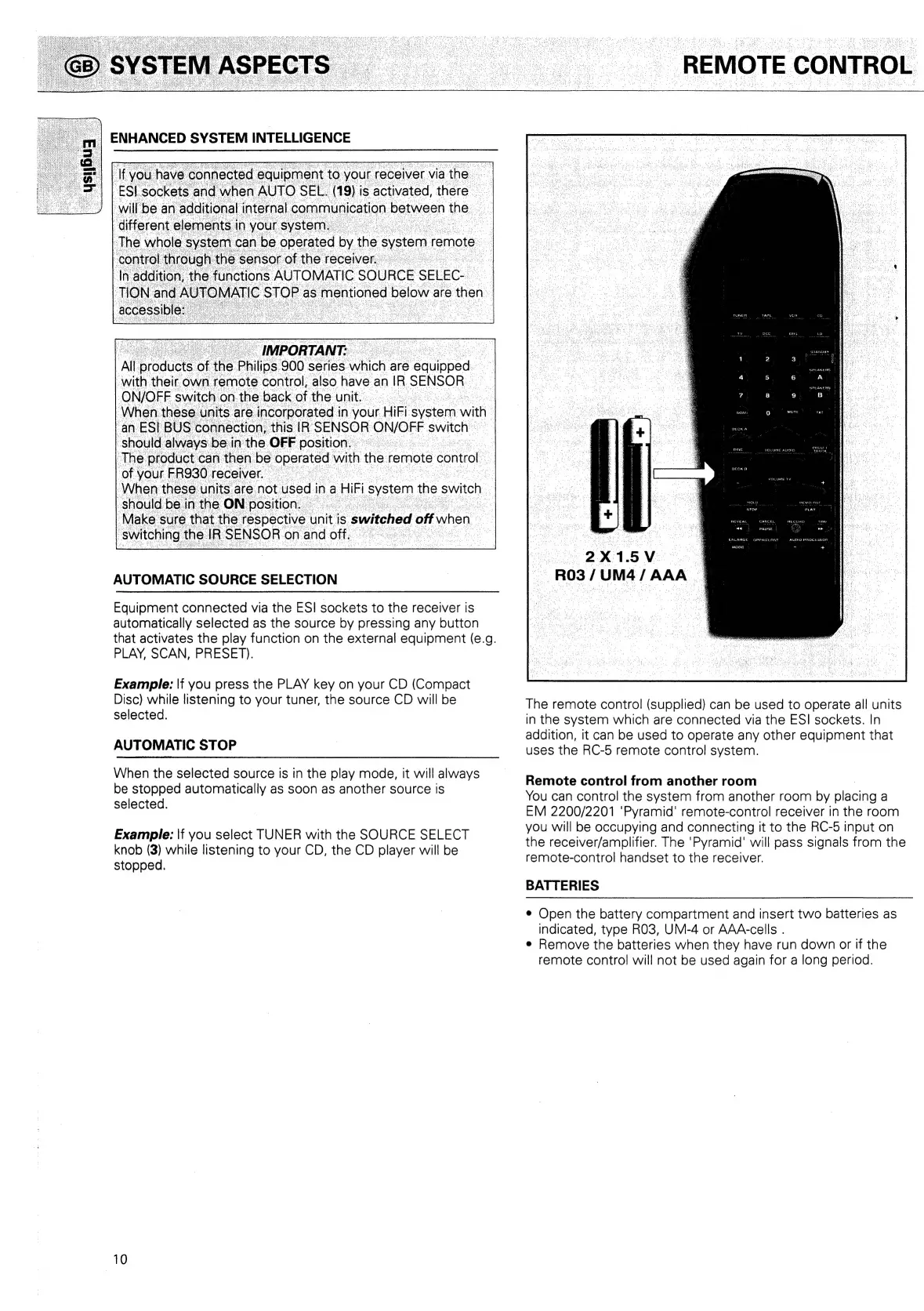
eX1.5V>
R03
/UM4/
AAA
The
remote
control
(supplied)
can
be
used
to
operate
all
units
in
the
system
which
are
connected
via
the
ESI
sockets.
In
addition,
it
can
be
used
to
operate
any
other
equipment
that
uses
the
RC-5
remote
control
system.
Remote
control
from
another
room
You
can
control
the
system
from
another
room
by
siacing
a
EM
2200/2201
‘Pyramid’
remote-control
receiver
in
the
room
you
will
be
occupying
and
connecting
it
to
the
RC-5
input
on
the
receiver/amplifier.
The
‘Pyramid’
will
pass
signals
from
the
remote-control
handset
to
the
receiver.
BATTERIES
e
Open
the
battery
compartment
and
insert
two
batteries
as
indicated,
type
RO3,
UM-4
or
AAA-cells
.
¢
Remove
the
batteries
when
they
have
run
down
or
if
the
remote
control
will
not
be
used
again
for
a
long
period.

Related product manuals