REMOTE CONTROL
6
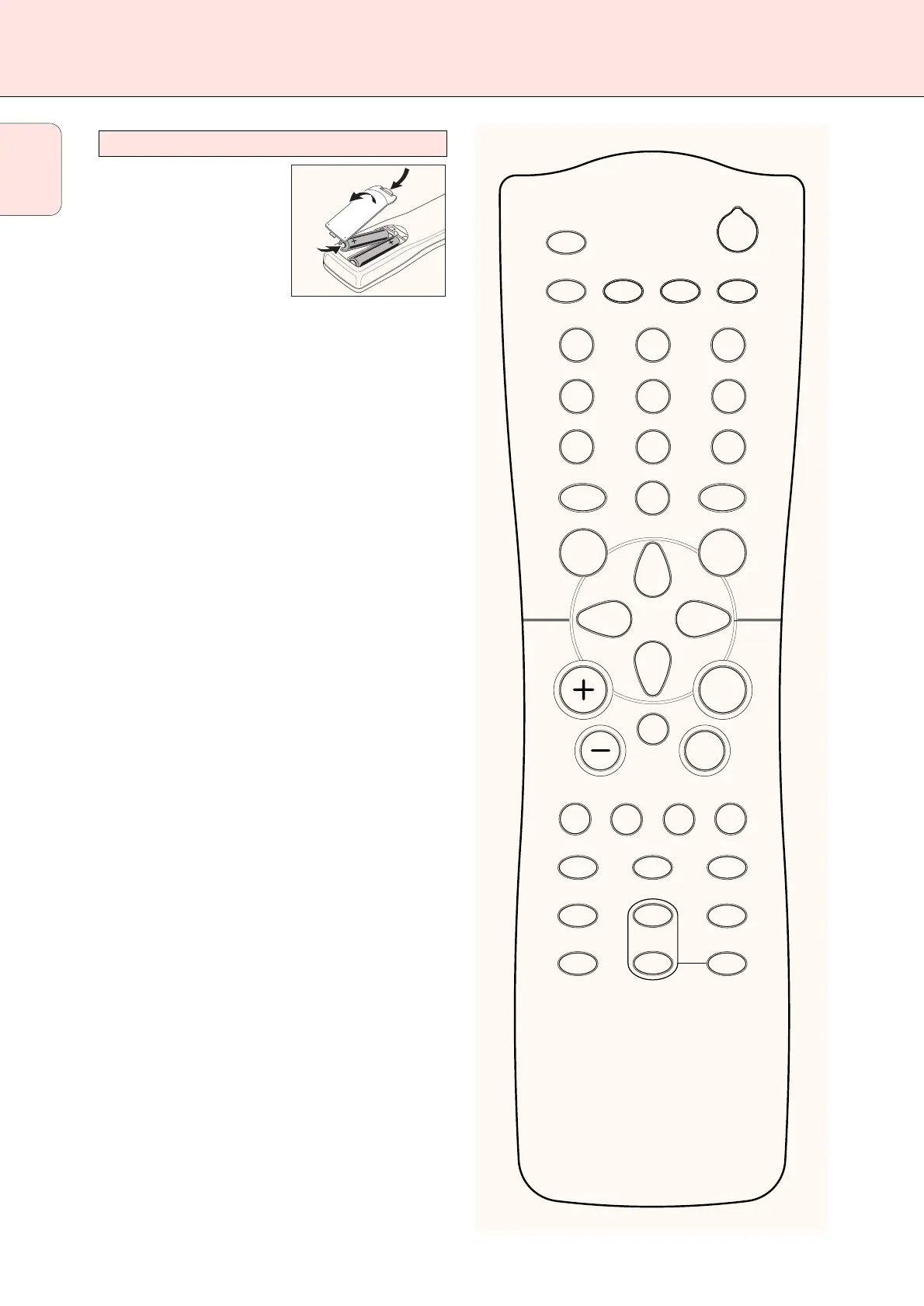
Open the battery compartment
of the remote control and insert
2 alkaline batteries, type AA
(R06, UM-3).
Remove batteries if they are flat
or if the remote control is not
going to be used for a long time.
Batteries contain chemical substances, so they should
be disposed of properly.
The buttons on the remote control work the same way as the
corresponding ones on the receiver.
Additional appliances can only be controlled if they are
working with the RC-5 and the RC-6 code system.
Important!
You have to press a source button for longer than 2 seconds
to switch the sound source on the receiver. Pressing a source
button for less than 2 seconds will only switch the remote
control to use the commands for the selected product.
The remote control remains tuned to the selected source until
another source button on the remote control is pressed.
This enables you to operate additional sources (i. e. winding
a tape) without changing the source on the receiver.
Remote control usage
English



 To Next Page