24
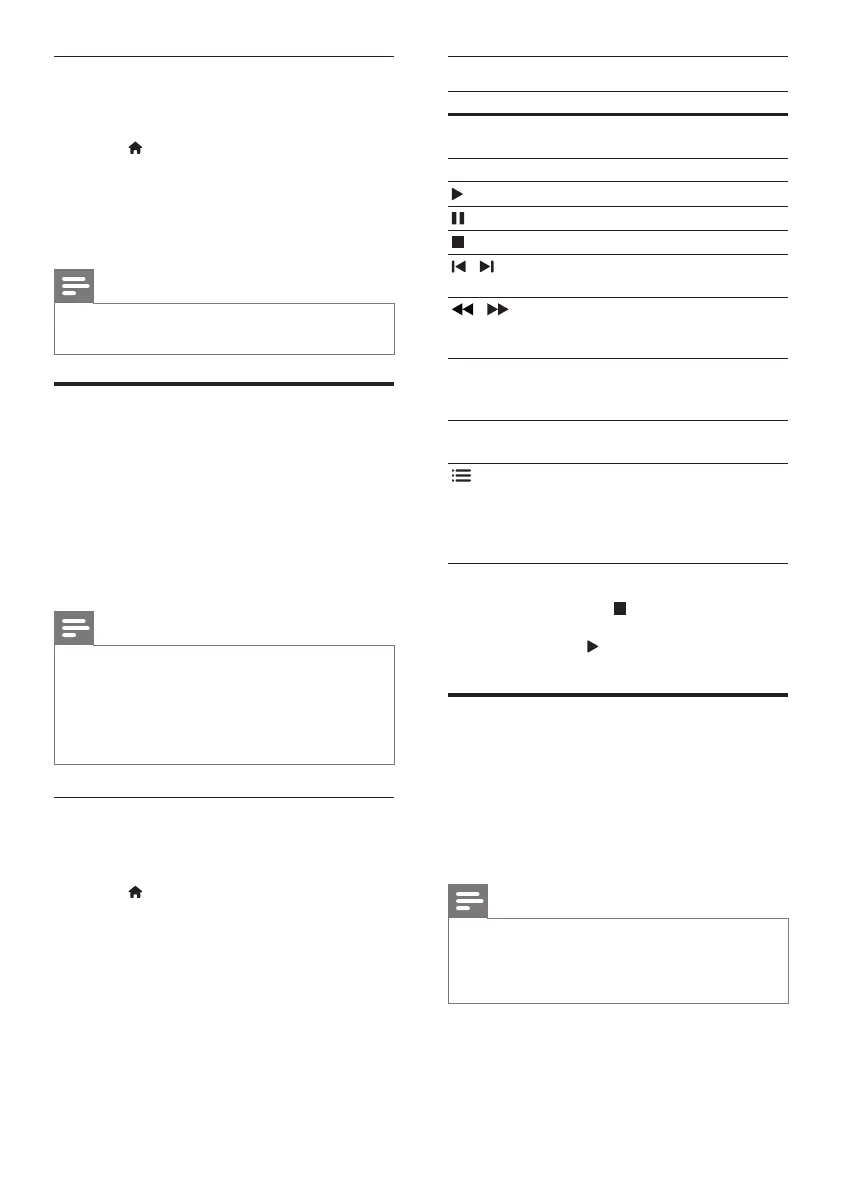
Play buttons
Button Action
Navigation
buttons
Navigate menus.
OK
Conrmanentryorselection.
(Play)
Start or resume play.
Pause play.
Stop play.
/
Skip to the previous or next
track,chapterorle.
/
Fast backwards or fast
forwards. Press repeatedly to
change the search speed.
Navigation
buttons (up/
down)
Rotate the picture clockwise or
counter-clockwise.
SUBTITLE Select subtitle language for
video.
OPTIONS
Access the advanced options
when you play your audio,
video,ormediales(see
‘Audio,video,andpicture
options’onpage25).
For video formats such as DivX and WMV:
• To stop play, press .
• To resume the video from where you
stopped, press
(Play).
• To play the video from the start, press OK.
DivX
Play DivX videos from :
• adisc(see‘Discs’onpage21),
• aUSBstoragedevice(see‘USBstorage
devices’onpage24),or
• anonlinevideostore(see‘Rentonline
video’onpage33).
Note
• ToplayDivXDRMprotectedlesfromadisc,
a USB storage device, or an online video store,
connect your home theater to a TV through
an HDMI cable.
Disable BD-Live
To restrict access to BD-Live, turn on the BD-
Live security.
1 Press (Home).
2 Select [Setup], and then press OK.
3 Select [Advanced] > [BD-Live security] >
[On], and then press OK.
» BD-Live access is restricted.
Note
• You cannot restrict internet access on
commercial Blu-ray discs.
USB storage devices
Enjoy pictures, audio and video on a USB storage
device.
What you need
• A USB storage device that is formatted for
FATorNTFSlesystems,andcomplies
with the Mass Storage Class.
• A USB extension cable, if the USB storage
devicedoesnottintotheconnector.
Note
• You can use digital cameras connected by USB
iftheycanplaytheleswithoutusingaspecial
computer program.
• ToplayDivXDRM-protectedlesfrom
a USB storage device, connect your home
theater to a TV through an HDMI cable.
Playles
1 Connect the USB storage device to the
home theater.
2 Press (Home).
» The home menu is displayed.
3 Select [browse USB], and then press OK.
» A content browser is displayed.
4 Selectale,andthenpressOK.
5 Press the playback buttons to control play
(see‘Playbuttons’onpage24).
EN



 To Next Page