40
10 Product
specifications
Note
• Specicationsanddesignaresubjecttochange
without notice.
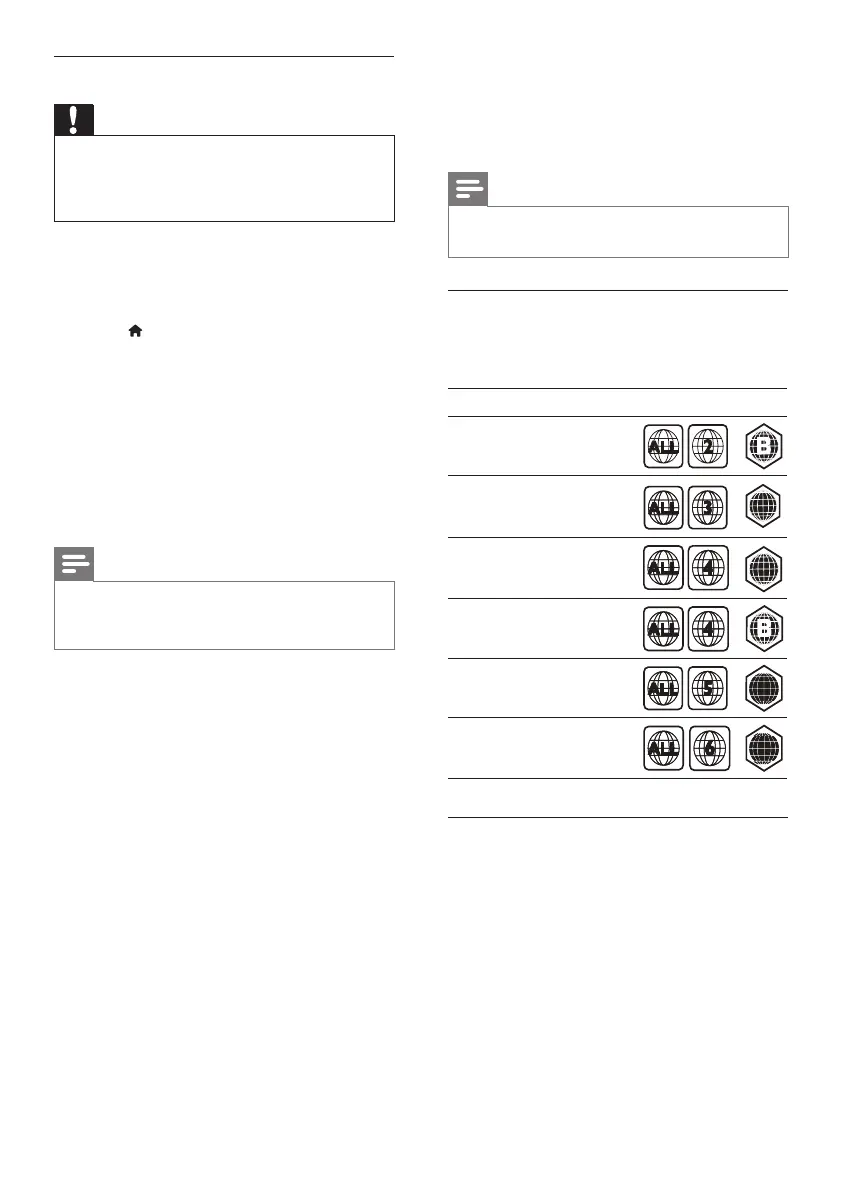
Region codes
The type plate on the back or bottom of the
home theater shows which regions it supports.
Media formats
• AVCHD, BD, BD-R/ BD-RE, BD-Video,
DVD-Video, DVD+R/+RW, DVD-R/-RW,
DVD+R/-R DL, CD-R/CD-RW, Audio CD,
VideoCD/SVCD,Pictureles,MP3media,
WMA media, DivX Plus HD media, USB
storage device
Country
DVD BD
Europe,
United Kingdom
Korea
Latin America
Australia,
New Zealand
Russia, India
China
AA
AA
CC
CC
Asia Pacific, Taiwan,
Step 2: Update the software
Caution
• BeforeyouconnecttheUSBashdriveto
your home theater, make sure that there is
no disc in the disc compartment, and the disc
compartment is closed.
1 ConnecttheUSBashdrivetoyourhome
theater.
2 Switch your TV to the correct source for
your home theater.
3 Press (Home), and then select [Setup].
4 Select [Advanced] > [Software Update] >
[USB].
5 Follow the instructions on the TV to
conrmtheupdate.
» When the software update is complete,
the home theater automatically switches
off and restarts. If it does not, disconnect
the power cord for a few seconds, and
then reconnect it.
Note
• When the software update is in progress, do
not turn off the power or remove the USB
ashdrive.
EN



 To Next Page