28 EN
4 Using the air disinfector
Understanding the air quality light
The air quality light automatically goes on
when the air disinfector is switched on,
and lights up all colors in sequence� After
approximately 30 seconds, the air quality
light becomes stable� The color of the air
quality light is determined by the highest risk
index among PM2�5, IAI and Gas readings�
PM2�5
AeraSense sensing technology accurately
detects and quickly responds to even
the slightest particle change in the air� It
provides you with reassurance with real-time
PM2�5 feedback�
Most of the indoor air pollutants fall under
PM2�5 – which refers to airborne particle
pollutants smaller than 2�5 micrometers�
Common indoor sources of ne particles are tobacco smoke, cooking, burning candles� Some
airborne bacteria and the smallest mold spores, pet allergen and dust mite allergen particles
also fall under PM2�5�
IAI
The professional-grade AeraSense sensor detects
the level of indoor air allergen and with numerical
feedback from 1 to 12 the potential risk level of
indoor air allergens can be displayed� 1 indicates
best air quality�
GAS
With an advanced gas sensor, a display ranging from
L1 to L4 shows the level change of potential harmful
gases (incl� VOC, odor, etc�) detected� L1 indicates
best air quality�
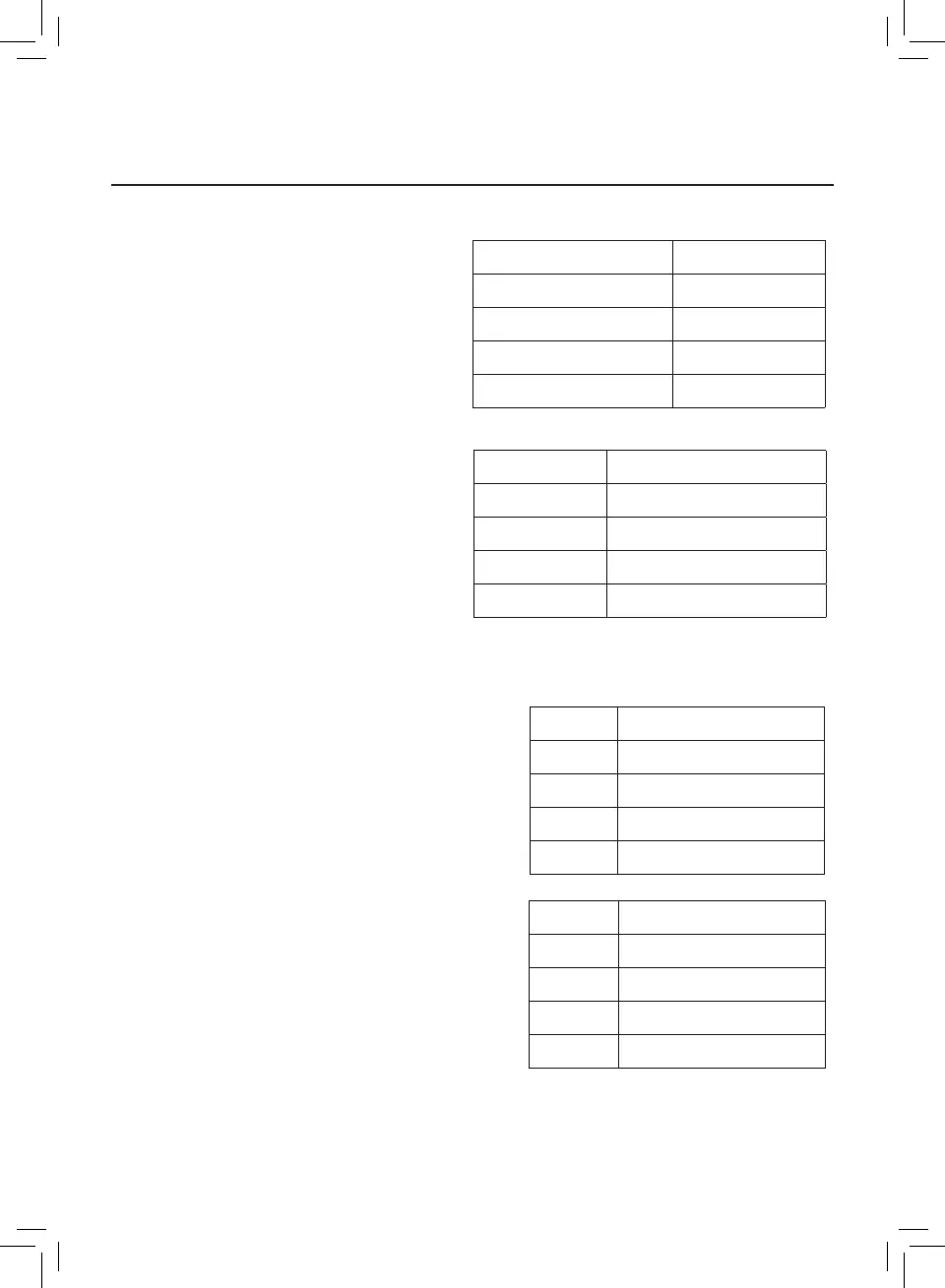
Air quality light color Air quality level
Blue Good
Blue-purple Fair
Purple-red Poor
Red Very poor
PM2�5 level Air quality light color
≤35 Blue
36-75 Blue-purple
76-115 Purple-red
>115 Red
IAI level Air quality light color
1-3 Blue
4-6 Blue-purple
7-9 Purple-red
10-12 Red
Gas level Air quality light color
L1 Blue
L2 Blue-purple
L3 Purple-red
L4 Red



 To Next Page