VOL
1
1
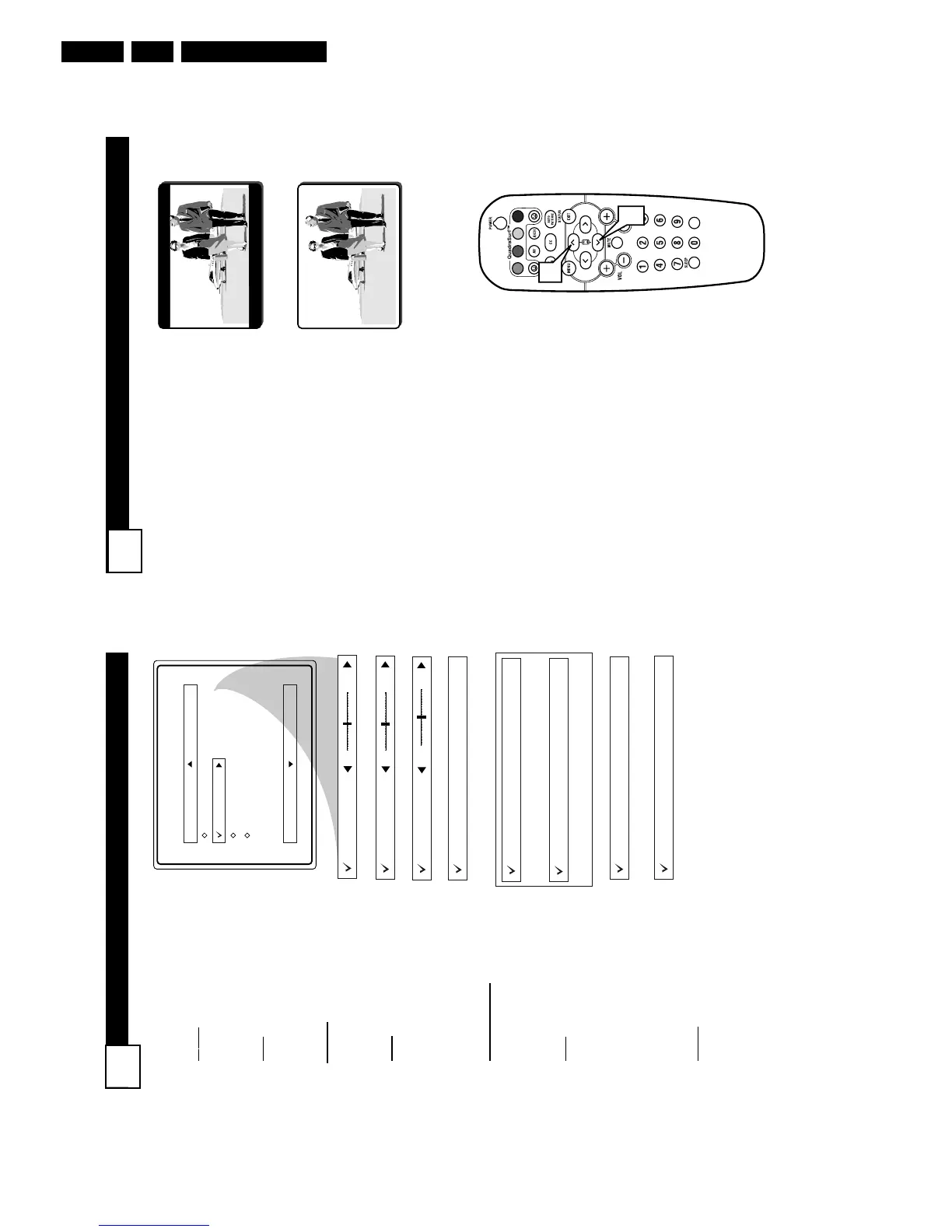
4:3
Expand 4:3
M
any times while watching
movies from a DVD player the
image is shown in “letter box” for-
mat. This is the format that is
shown in movie theaters. when
shown on a TV screen, the image
will have areas of black on top and
bottom of the screen.
1
Press the CURSOR UP
3
or
DOWN
4
buttons to select
one of the two options 4:3 or
Expand 4:3.
4:3 - Standard format for the
TV.
Expand 4:3 - Enlarges the
picture to fill out the entire
screen area, eliminating the
“letter box” effect.
HOW TO USE THE 4:3 EXPAND FORMAT CONTROL
17
S
OUND
M
ENU CONTROLS
16
T
o adjust your TV sound, select and
use the Sound Menu Controls listed
below:
1
Treble: Press the
CURSOR
RIGHT 2 or LEFT 1 buttons
to adjust the control. The control
will enhance the high frequency
sounds.
2
Bass: Press the
CURSOR
RIGHT 2 or LEFT 1 buttons
to adjust the control. The control
will enhance the low frequency
sounds.
3
Balance: Press the
CURSOR
RIGHT 2 or LEFT 1 buttons
to adjust the level of sound com-
ing from the left and right speak-
ers.
4
AVL: (Auto Volume Leveler)
Press the
CURSOR RIGHT 2
or LEFT 1 buttons
to turn the
control On or Off. When On, AVL
will level out the sound being
heard when sudden changes in
volume occur during commercial
breaks or channel changes.
5
Incr. Surround: Press the
CUR-
SOR RIGHT 2 or LEFT 1 but-
tons
to select between Dolby
Virtual or Stereo settings (If
Stereo), or select Spatial or Mono
(If Mono).
6
SAP: Press the
CURSOR
RIGHT 2 or LEFT 1 buttons
to toggle this control to On or Off.
SAP is short for Secondary Audio
Programming and is sent as a
third audio channel, a SAP signal
can be heard apart from the cur-
rent TV program sound.Note: If
SAP is not present on a selected
show No SAP will appear on the
screen.
7
Sound: Press the
CURSOR
RIGHT 2 or LEFT 1 buttons
to select between Stereo or Mono
settings. Note: If Stereo is not
present on a selected show and the
TV is placed in the Stereo mode,
the sound coming from the TV
will remain in the Mono mode.



 To Next Page