27
7Copier
Help 5 · Copier
10 Documents · A5/A4
Use documents with sizes A5 or A4 with 60 to 100 g/m
2
weight. You can insert up to 10 documents at a time.
Inserting Documents
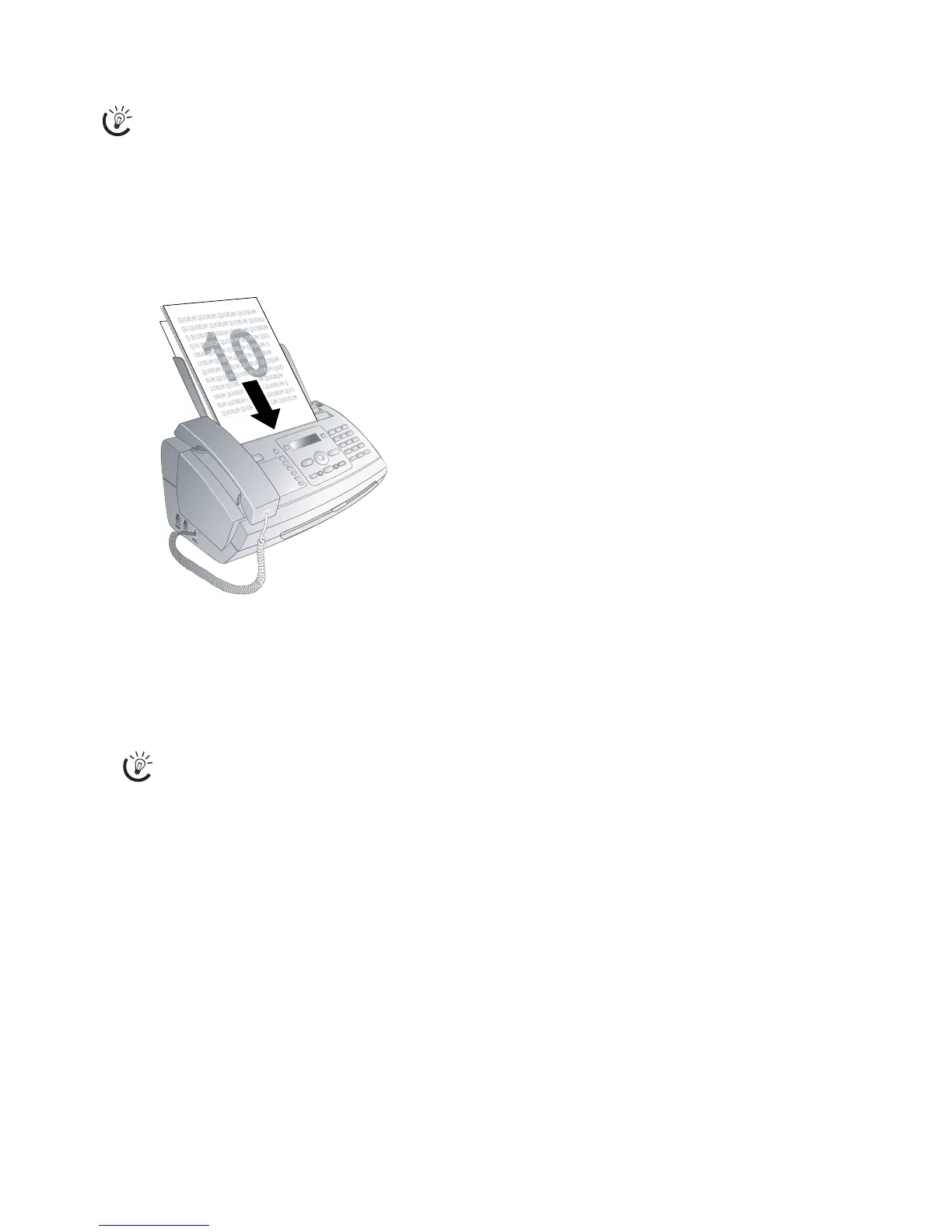
1 Insert the documents face down into the document
feeder. The top most document will be fed in first.
2 Then configure the desired resolution. You can choose
between
RESOL.: STANDARD (for documents
without special features),
RESOL.: FINE (for texts
with small print or drawings) and
RESOL.: PHOTO
(for photos). Press ã. The configured resolution ap-
pears on the display. Press ã again to change the reso-
lution.
Creating a Copy
Press j briefly. The copy is created.
Creating Multiple Copies
1 Hold j pressed (for at least two seconds).
2 Enter the number of times you would like to copy the
document (maximum of 15 copies).
3 Press j.
4 Use / to select whether the document should be mag-
nified or reduced in size when copied. You can magnify
up to 200 percent or reduce to as small as 50 percent of
the original size.
5 Confirm with _. The copy is created.
Press H to eject the documents without copying
them.
Press i and 5 to print help for copying.
You can adjust the default contrast (see also sec-
tion Settings, page 33).



 To Next Page