Channel Setup (cont’d) 29
Adding/Deleting Channels
You may want to add or delete TV channels if your channel lineup
changes or if you no longer watch some channels.
1
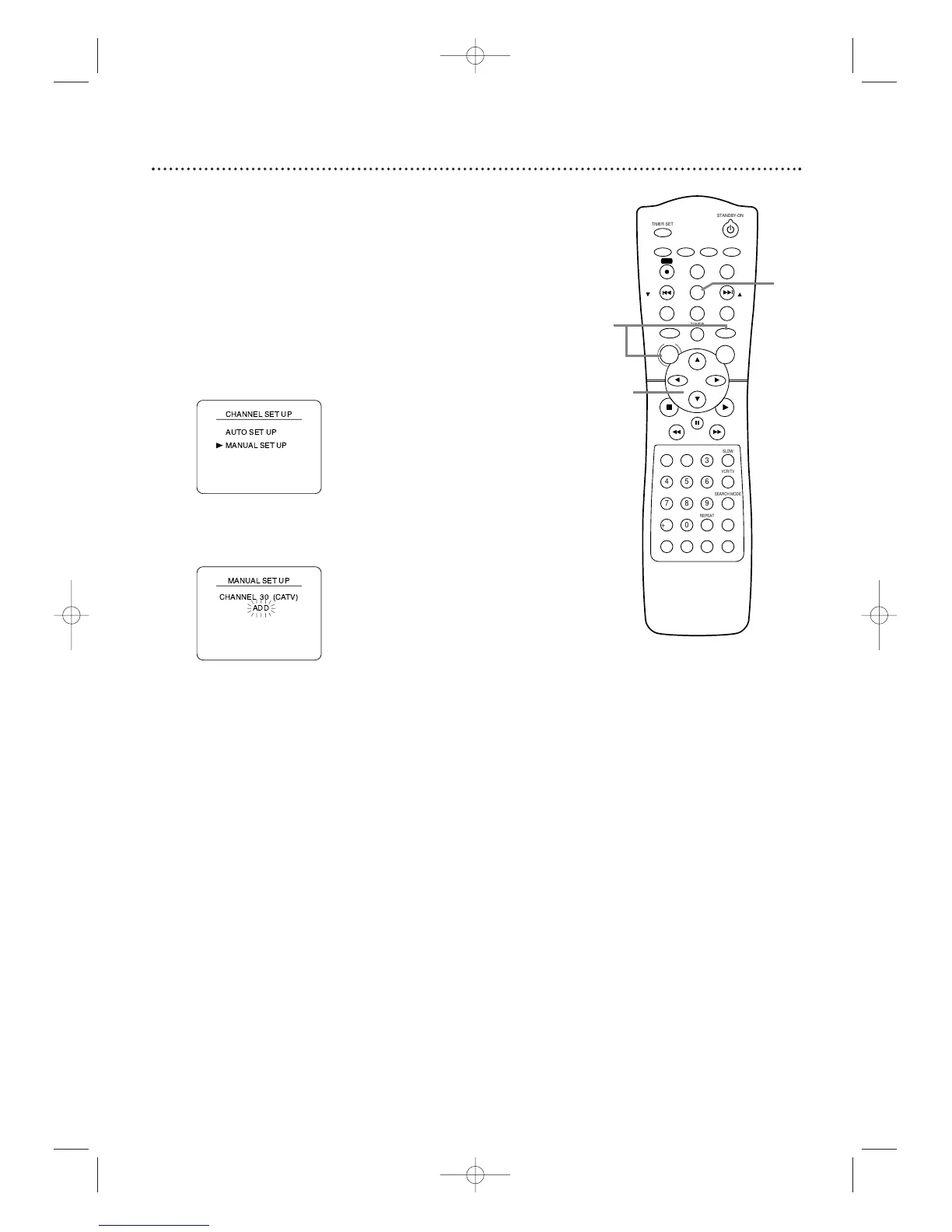
Press VCR,then press DISC/MENU so the main menu
appears.
2
Press o or p to select CHANNEL SET UP, then
press B.
3
Press o or p to select MANUAL SET UP, then press
B.
4
Press o or p until the channel number you want to
add or delete appears on the screen.
5
Press B or s so ADD or DELETE flashes on the
screen.
6
While your choice is flashing,press
C-RESET/CLEAR.The channel you added or deleted will be
the current channel.Added channels are available when you
flip through channels using the SKIP i /CH o and SKIP
j /CH p buttons.You still can select deleted channels with
the Number buttons.








 To Next Page