9EN
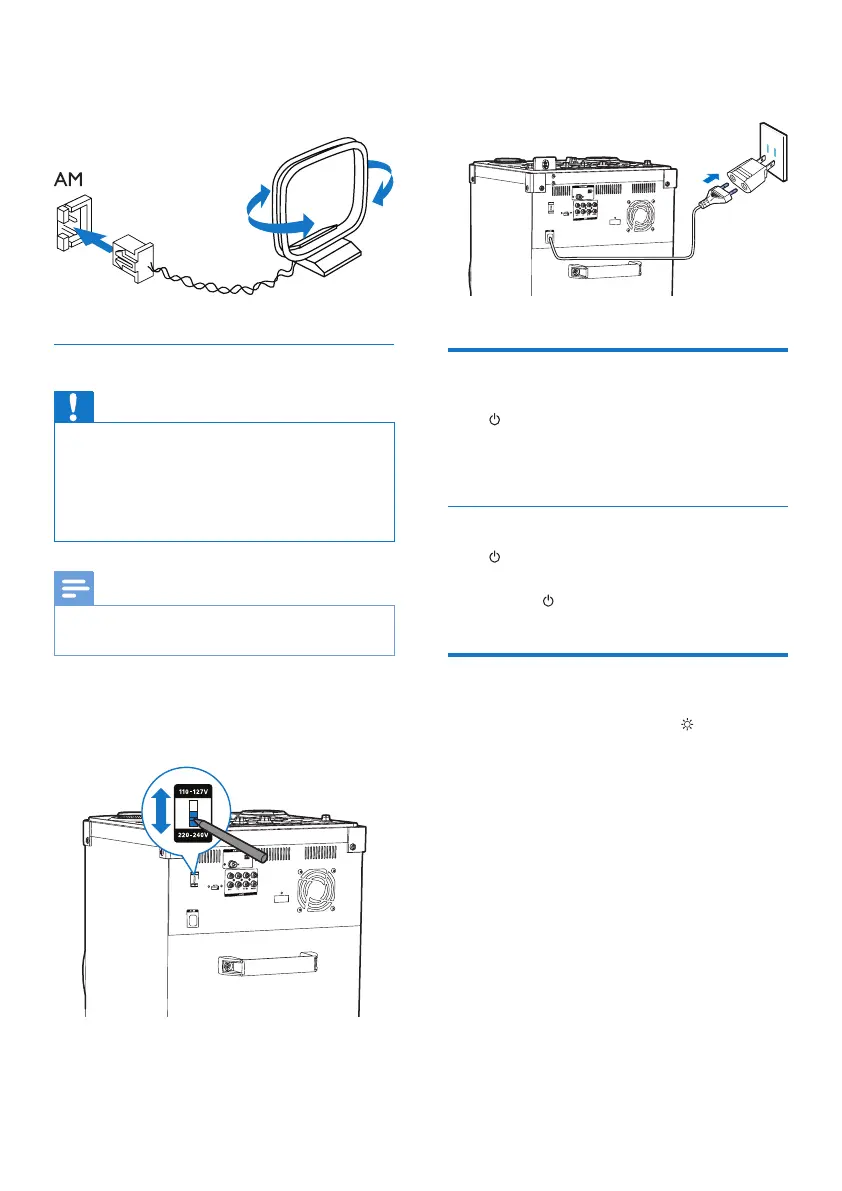
2 Connect the AM loop antenna to the AM
jack on the back of the main unit.
Connect power
Caution
• Risk of product damage! Make sure that you have
selected the power supply voltage that corresponds to
your local power supply.
• Risk of electric shock! When you unplug the power
cord, always pull the plug from the socket. Never pull
the cord.
Note
• Before connecting to AC power, make sure that you
have completed all other connections.
1 Adjust the voltage selector on the back of
the main unit to match your local power
supply.
2 Connect the AC power plug to the power
outlet.
Turn on
Press .
» The unit switches to the last selected
source.
Switch to standby mode
Press again to switch the unit to standby
mode.
» The button lights up red.
Turn demo mode on or off
In standby mode, press and hold for more
than 5 seconds to turn demo mode on or off.
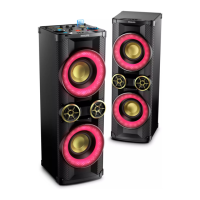
» When the demo mode is activated,
the color of the speaker box changes
randomly and constantly.


 To Next Page