20
4 Use your portable Blu-ray disc
player
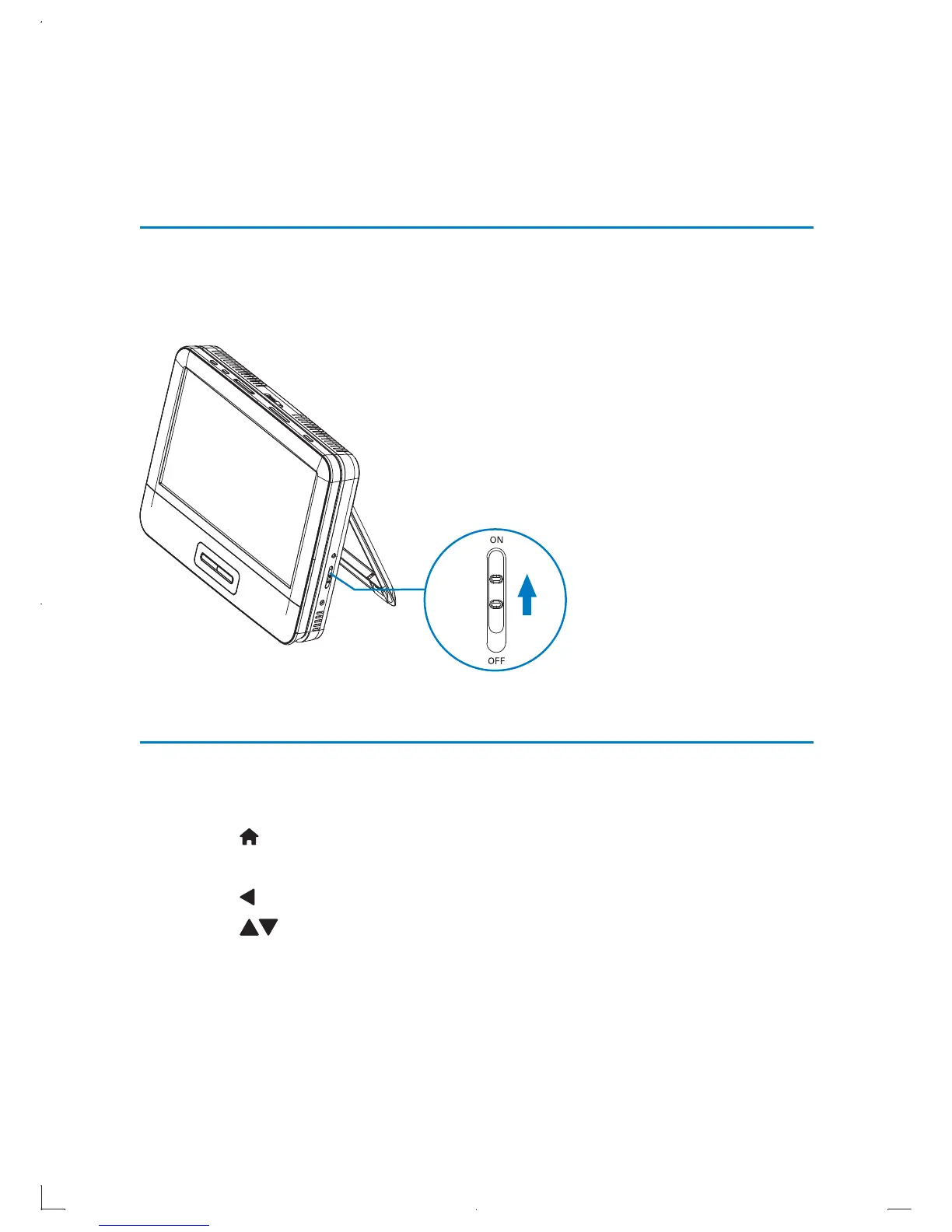
Turn on
1 To turn on this player, slide the OFF•POWER•ON switch to the ON
position.
The power indicator turns on (green). »
Select OSD language
You can choose a different language for the on-screen display text.
1 Press .
The home menu is displayed. »
2 Press to highlight [Setup], then press OK.
3 Press to highlight [Language], then press OK.
The language setting menu is displayed: »
EN



 To Next Page