21
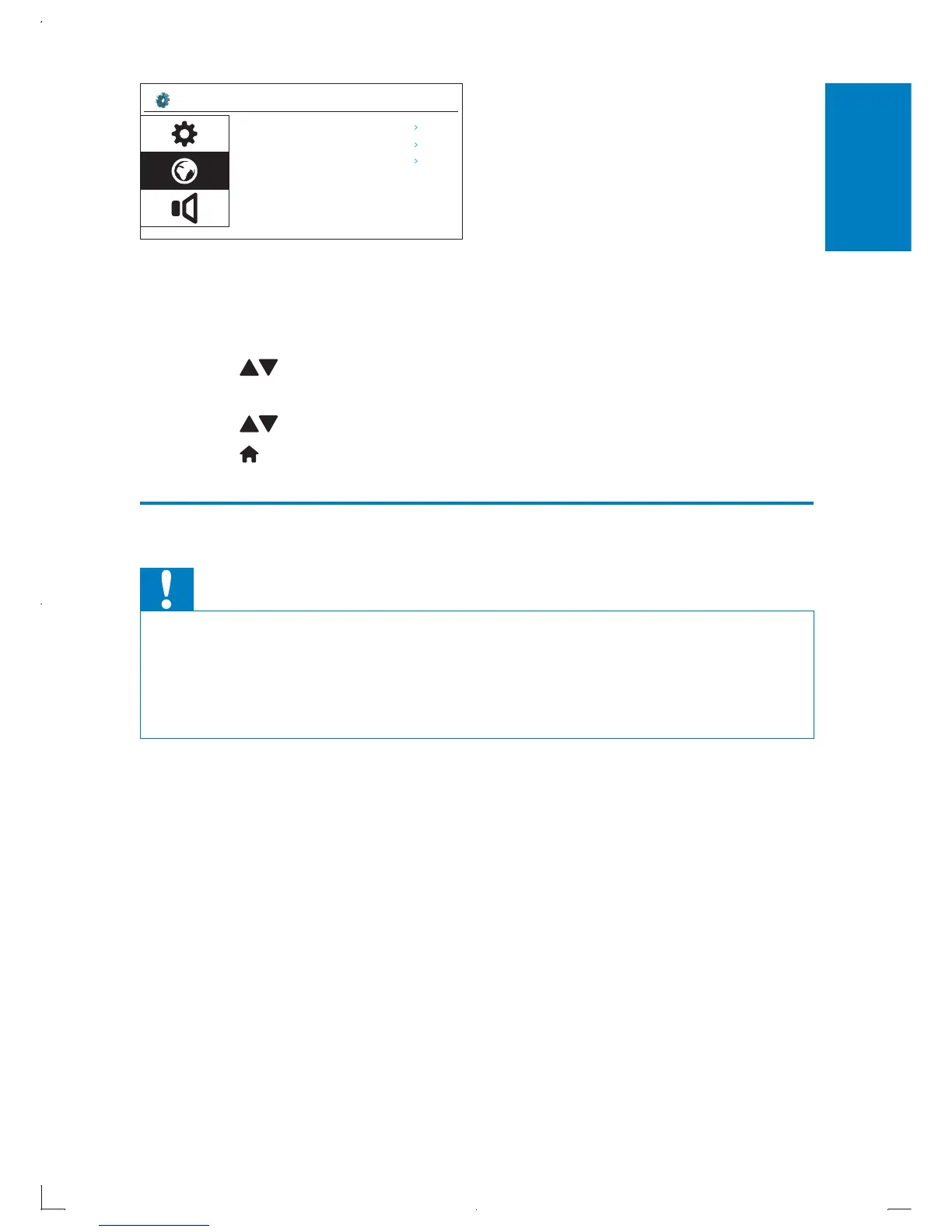
» [OSD language]: Select menu display language.
» [Subtitle language]: Select video subtitle language.
» [DivX subtitles]: Select DivX video subtitle language.
4 Press to select an option and then press OK.
Available languages are displayed.•
5 Press to select a language, then press OK to confirm.
6 Press to return back home menu.
Play a disc
Caution
Risk of damage to the player! During play, never move the unit. •
Never put any object other than a disc into the disc compartment. •
Never look at the laser beam inside the player. •
Never play discs with accessories such as disc stabilizer rings or disc treatment •
sheets.
1 Slide OPEN button to right to open the disc cover.
2 Place a disc into the tray with the label side up.
Setup? Language
OSD Language
English
Subtitle anguageL
English
Standard
DivX Subtitles
English
EN



 To Next Page