24
Video, audio and picture options
You can specify options for video or picture play from a disc or a USB
storage device.
Video options
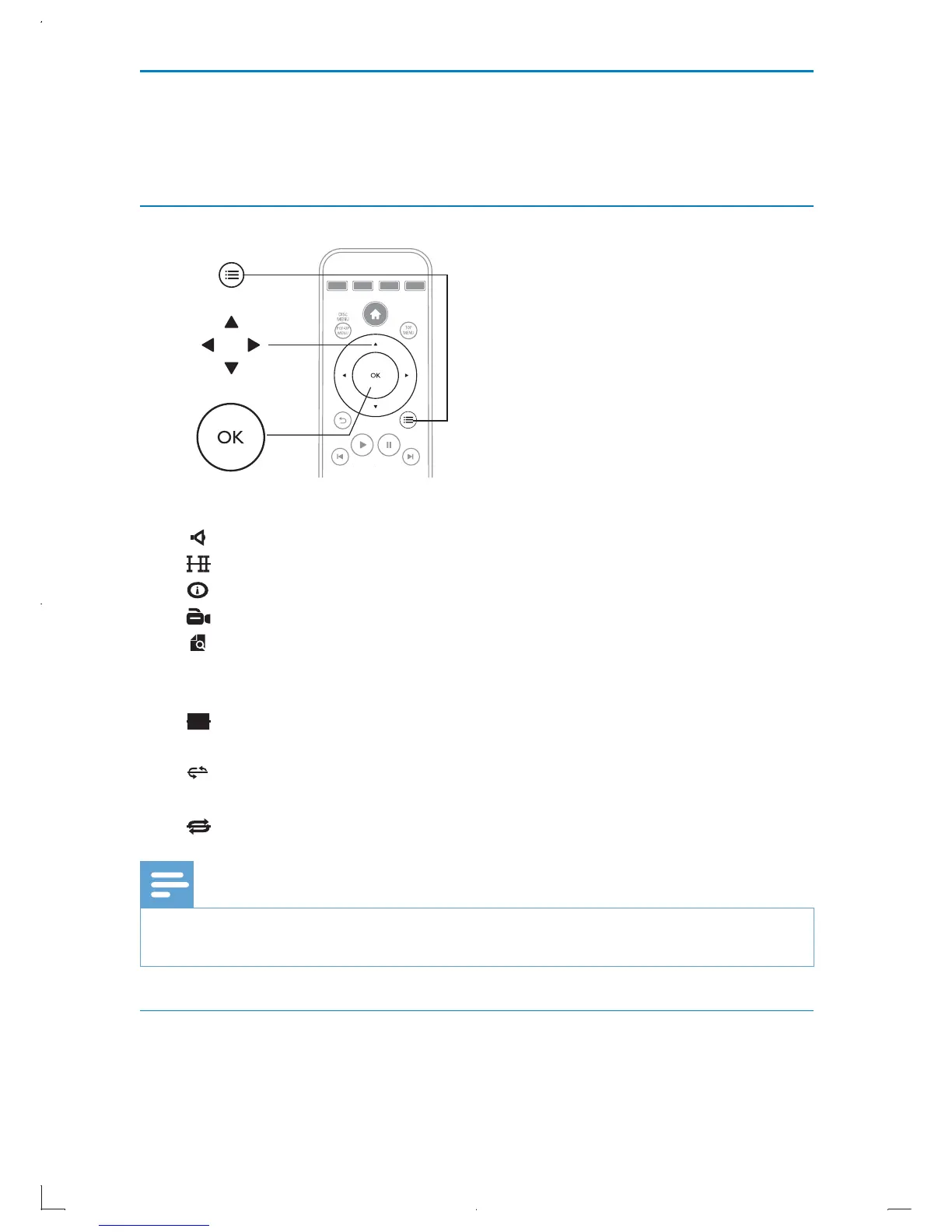
Access more options during video play.
•
[Audio]: Select an audio language.
•
[Subtitle]: Select a subtitle language.
•
[Display]: Display video information.
•
[Angle]: Select a camera angle.
•
[Search]: Skip to a specific title, chapter or angle via the numeric
buttons and specific time via the navigate buttons on the remote
control. See “Search” section for details.
•
[PIP]: Display a picture-in-picture window. See “BonusView on
Blu-ray” section for details.
•
$%
[REPEAT A-B]: Repeat a specific section within a chapter, or turn
off the repeat A-B function.
•
[REPEAT]: Repeat chapter or turn repeat off.
Note
Available video options depend on the video source. •
Search
During play, you can skip to a specific title, chapter, angle or a specific time.



 To Next Page