27
5 Change settings
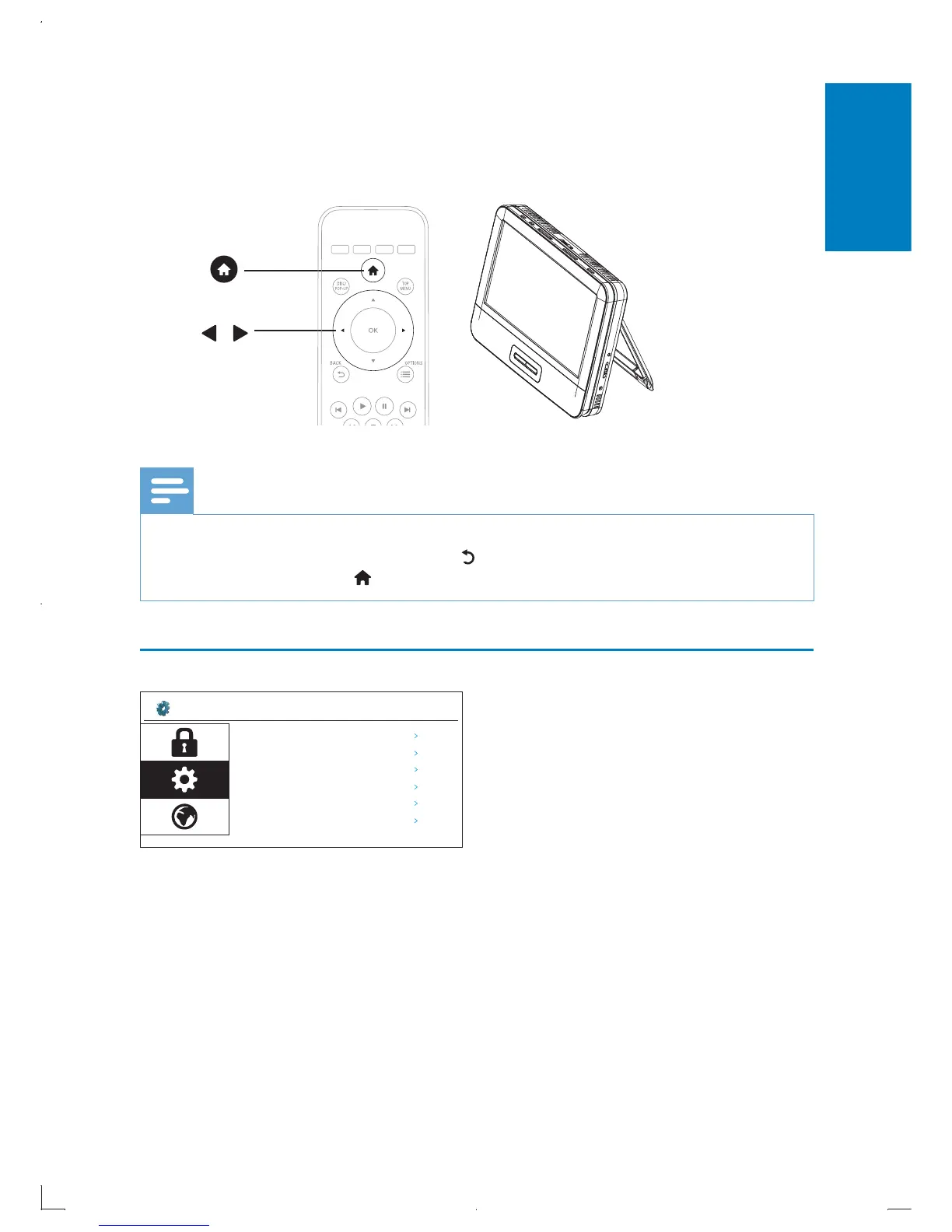
You can change the settings of this player in the setup menu.
Note
You cannot change a menu option that is grayed out. •
To return to the previous menu, press • .
To exit the menu, press
• .
General
[Screen Saver]: Turn on or off screen saver.
[DivX Registration]: View DivX registration code.
[Use Default Settings]: Restore to factory default settings.
[BD Info Storage]: View Blu-ray storage information.
[Version]: View product software version.
[Software Update]: Update software. See “Update software via USB” section.



 To Next Page