26
Audio options
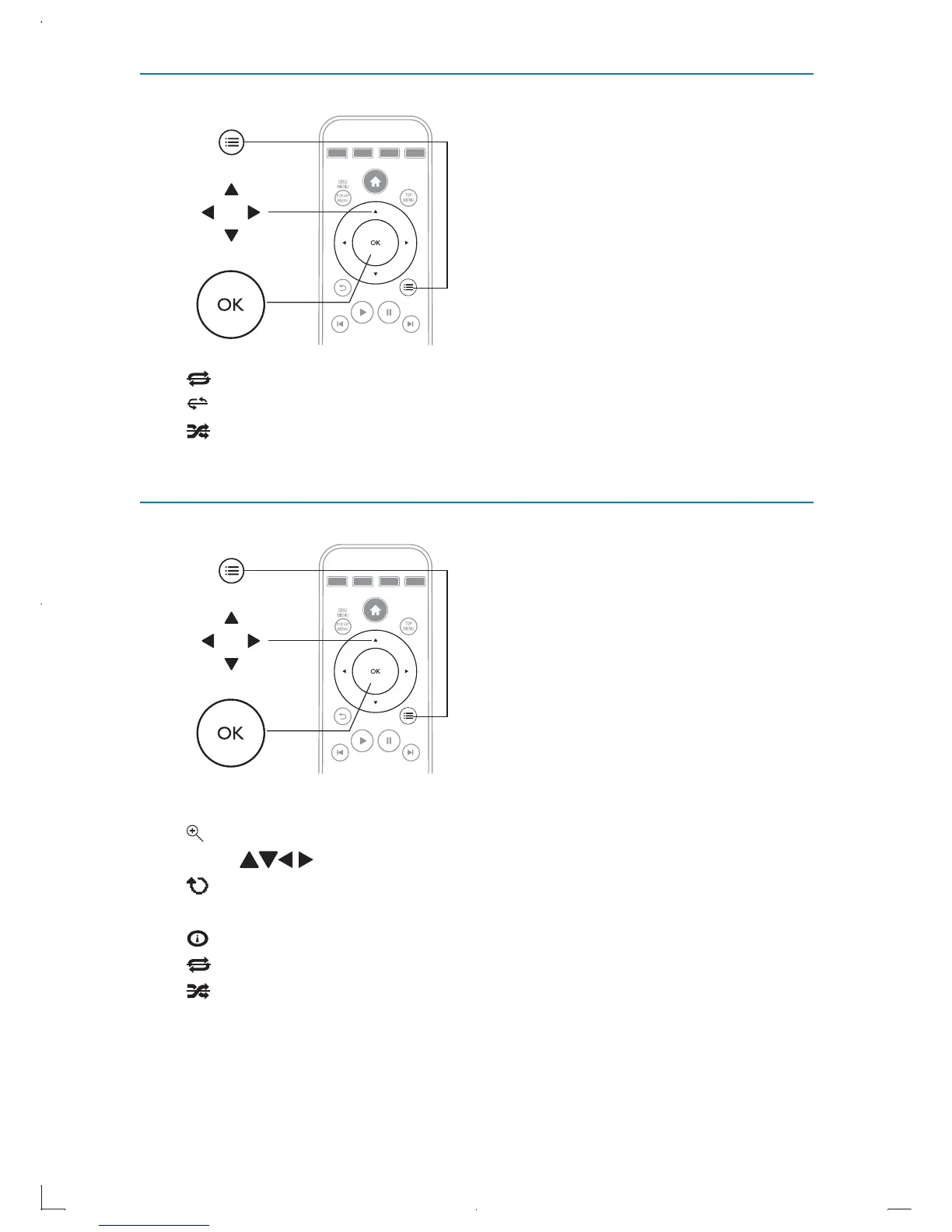
• [REPEAT]: Repeat one, repeat folder or turn repeat off.
•
$%
[REPEAT A-B]: Repeat a certain section of a track.
•
[SHUFFLE]: Plays audio tracks in a random order, or to cancel
random play.
Picture options
Access more options during a slideshow.
•
[ZOOM]: Zoom into a picture. Press OK to zoom in or zoom out.
Press
to pan through the picture.
•
[ROTATE]: Rotate picture 90 degrees clockwise each time
pressing OK.
•
[Display]: Display picture information.
•
[REPEAT]: Repeat one, repeat folder or turn repeat off.
•
[SHUFFLE]: To turn random play on or off.



 To Next Page