29
[Subtitle Setup]: Set font size, font color.
[Aspect Ratio]: select display aspect ratio.
Note
If the player is connected to TV via HDMI cable, • [LCD Settings] and [LCD
Backlight] cannot be changed.
Picture
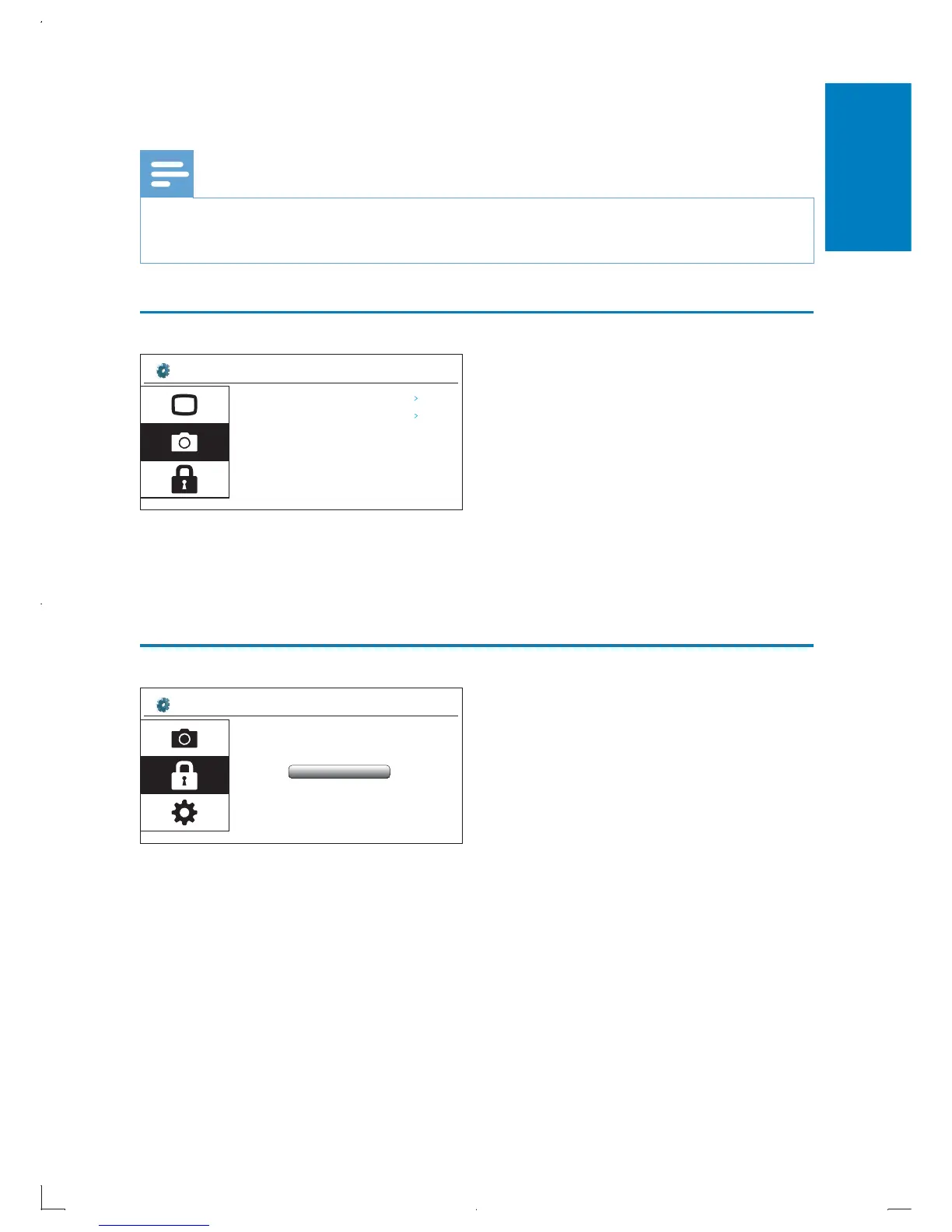
[Transition mode]: Set the transition mode between two slides.
[Slide Interval Time]: Set the time interval before one slide switches to
another.
Parental Control
[Parental control]: Select a rating level to restrict the play of discs to children.
To set rating level, you need to enter password first. The default password is
3308. You can change password.
Setup? Picture
Transition Mode
Random
Slide Interval Time
5 Seconds
Setup? Parental Control
Enter the p ssword:a
English
EN



 To Next Page