22
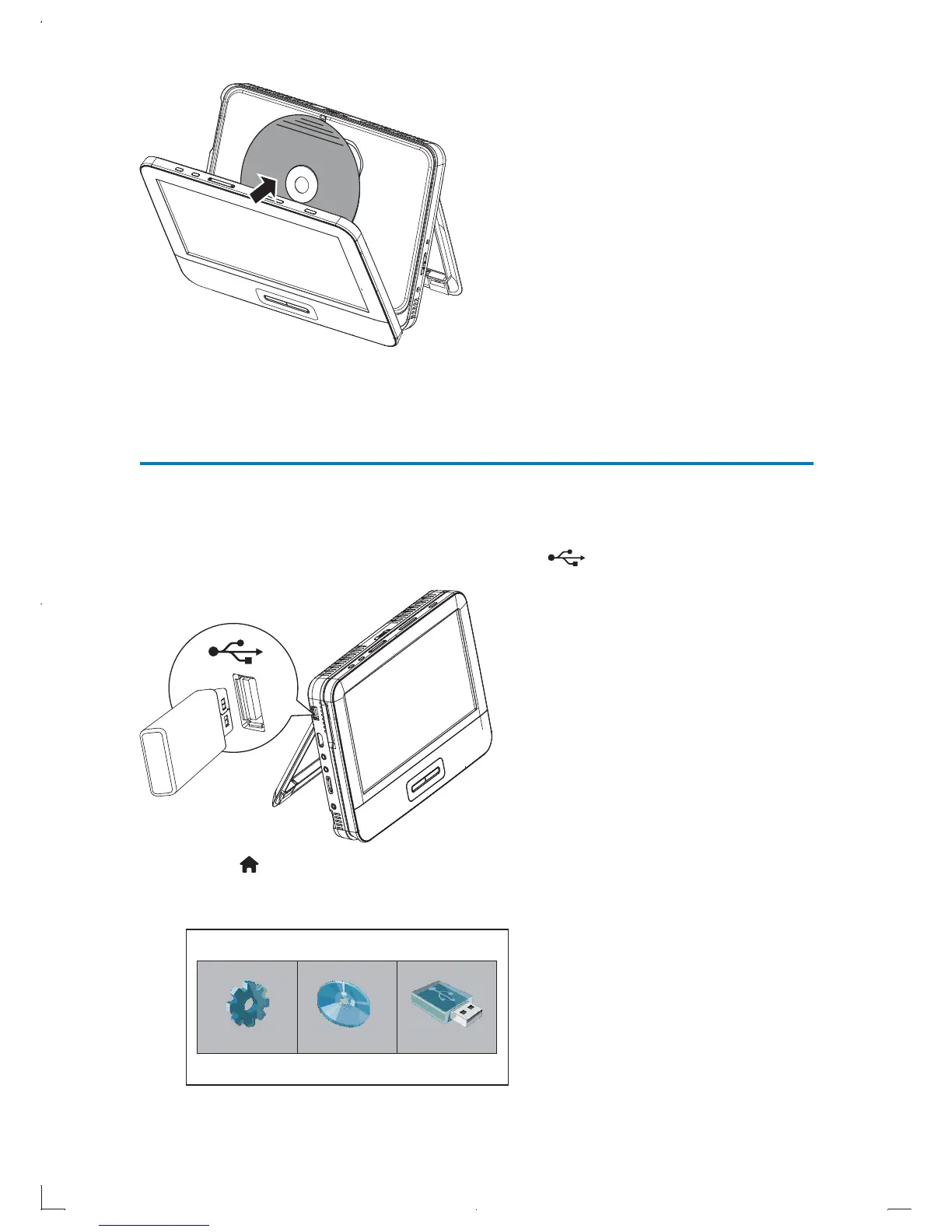
3 Close the disc cover.
The player starts playing automatically. »
Play media files via USB
To play picture, music, and video files from a USB storage device,
1 Connect the USB storage device to the (USB) jack.
2 Press , and select USB.
The file browser is displayed. »
Setup Disc USB
EN



 To Next Page