32
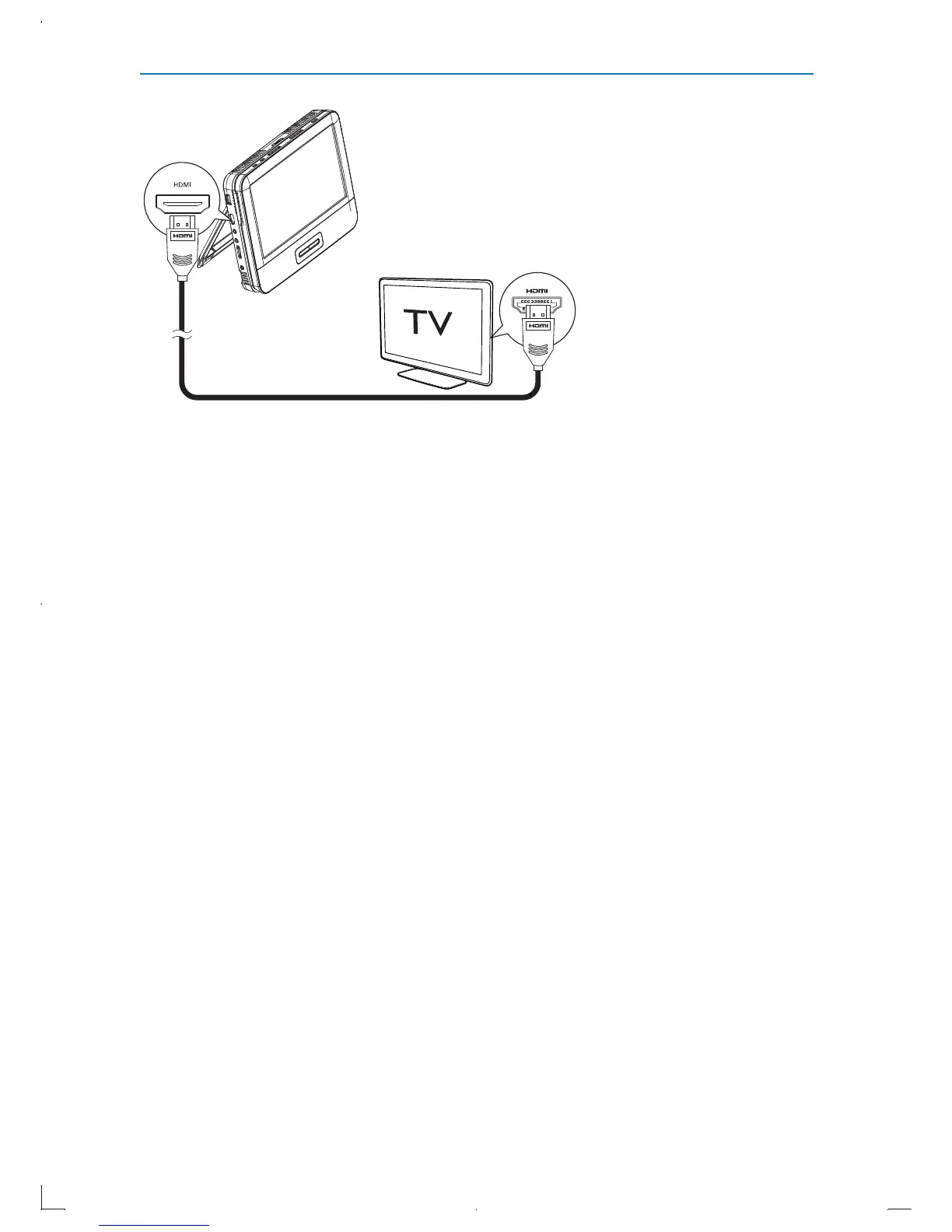
Use an HDMI cable
1 Connect the HDMI cable (not supplied) to the HDMI jack of this
player and the HDMI jack of your TV.
2 Turn on the player and your TV.
3 Find the HDMI input source on your TV (For details, refer to the
user manual of your TV).
When the player is connected to TV via HDMI cable successfully, »
the second player and TV displays play content. The main player
displays HDMI out, Panel display off”.
EN



 To Next Page