Interconnectivity
Page 4 of 14
PDIUSBD12 Evaluation Board (PC Kit) User’s Manual REV. 2.1
_______________________________________________________________________________________________
Philips Semiconductors - Asia Product Innovation Centre
Visit http://www.flexiusb.com
INSTALLATION OF PDIUSBD12 EVALUATION BOARD
Introduction
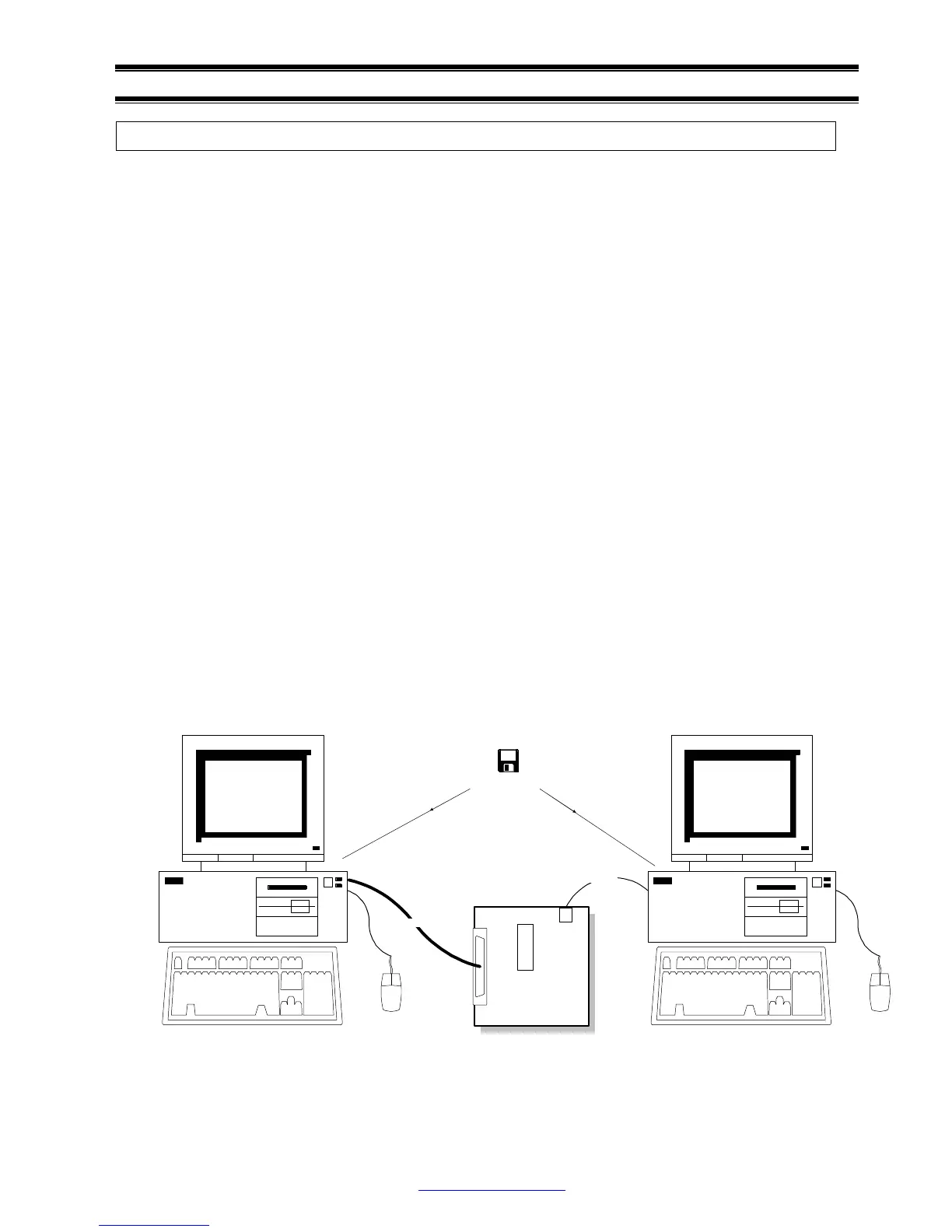
The PDIUSBD12 evaluation kit uses 2 PC as a complete USB development environment, a host PC
with USB host capability and a device PC running PDIUSBD12’s firmware. The PDIUSBD12 ISA
bridging board is plugged inside the device PC and connects to the evaluation board using a 25-wire
cable. So the device PC behaves as a big USB device.
Features evaluation of PDIUSBD12, firmware and product prototype development can be easily done
with this setup, without the resource limitation of a micro-controller. Customers can also connect the
evaluation board to their own CPU and bus through the 25-wire cable for final product development.
The firmware is carefully developed for high rate data transmission and is written in C, that supports
Borland Turbo C for x86 and Keil C51 for 8031 currently. Supporting to other CPU platforms will be
available soon.
System Requirements
1. PDIUSBD12 evaluation board and ISA bridging board;
2. 25-wire shielding data switch cable;
3. Host PC with USB motherboard or add-on card;
4. Microsoft Windows 98 or Windows NT 5.0 Beta 2;
5. Device PC running Microsoft DOS 6.x;
6. PDIUSBD12 evaluation diskette.
For firmware development:
1. X86 CPU platform: Borland Turbo C++ 3.0 or above;
2. 8031: Keil C51 4.0 or above.
Mouse
D12
Host PC with USB host Controller
Mouse
Device PC with PDIUSBD12 ISA Bridging Board
25-Wire Cable
USB Cable
PDIUSBD12 Evaluation Board
PDIUSBD12 Evaluation Disk
D12TEST.EXE
D12TEST.SYS
D12TEST.INF
D12FW.EXE



 To Next Page