Interconnectivity
Page 6 of 14
PDIUSBD12 Evaluation Board (PC Kit) User’s Manual REV. 2.1
_______________________________________________________________________________________________
Philips Semiconductors - Asia Product Innovation Centre
Visit http://www.flexiusb.com
Possible conflict table:
IRQ or DMA
Number
Possible Conflict
IRQ5 Creative SoundBlaster™ and compatible sound cards always occupy
this IRQ by default. If this kind of sound card is installed, you should
check its settings or remove it.
Some network cards may also use this IRQ.
IRQ7 Used by parallel port by default. May cause printing problem on
device PC.
DMA1 Creative SoundBlaster™ and compatible sound cards always occupy
this DMA by default. If this kind of sound card is installed, you should
check its settings or remove it.
DMA3 No conflict.
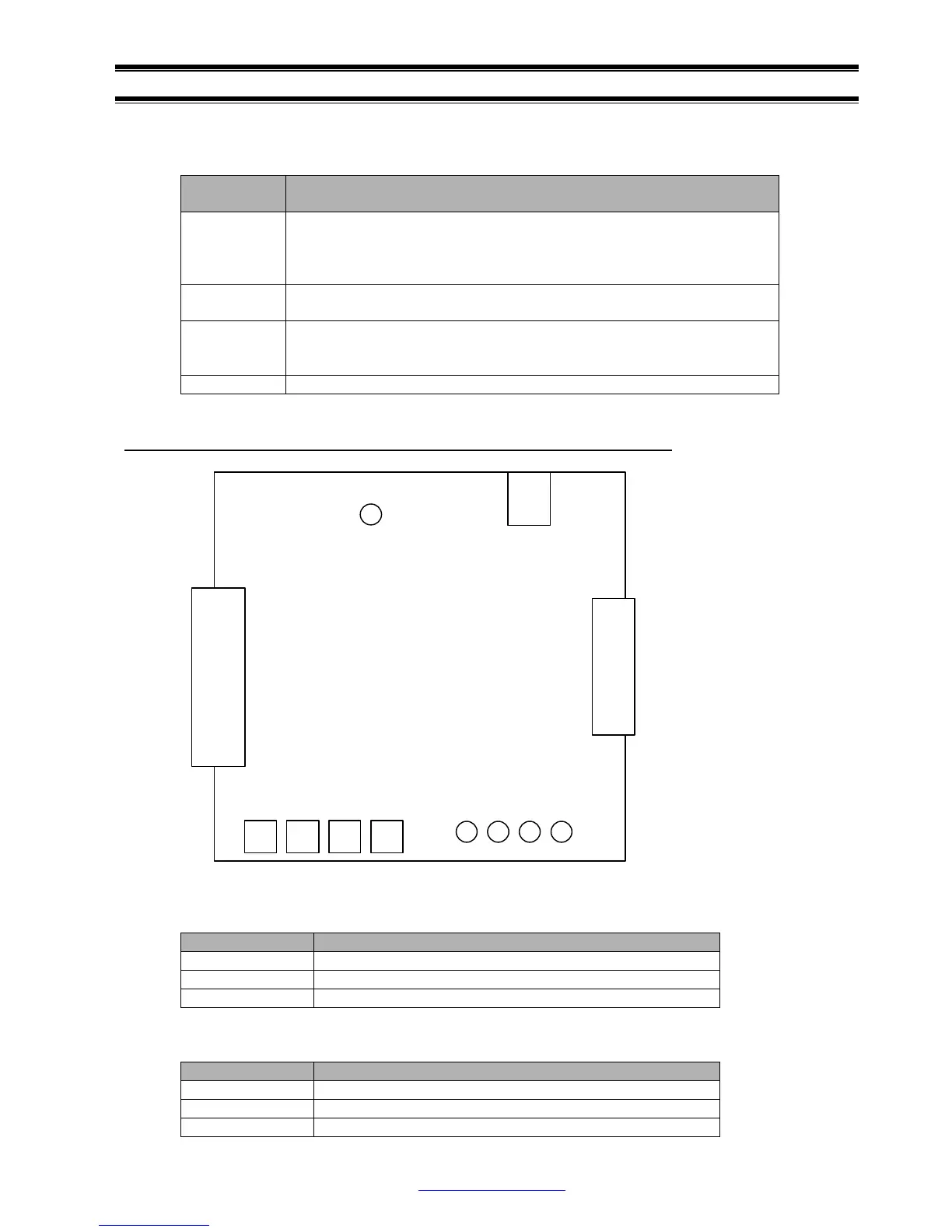
Location of key components on the PDIUSBD12 evaluation board.
See the table below for the list of connectors.
Connector Descriptions
J1 USB upstream connector
J2 DB25 data bus connector
J3 Extension board connector
See the table below for the list of switch and LEDs.
Name Descriptions
S1, S2, S3, S4 Test switches
D1
GoodLink™ LED
D2, D3, D4, D5 Test LEDs
J2
J3
J1
S1
D1
D5 D4 D3 D2
S2S3S4



 To Next Page