Interconnectivity
Page 7 of 14
PDIUSBD12 Evaluation Board (PC Kit) User’s Manual REV. 2.1
_______________________________________________________________________________________________
Philips Semiconductors - Asia Product Innovation Centre
Visit http://www.flexiusb.com
Installation of firmware, INF and driver
The firmware, D12FW.EXE, runs on the device PC under DOS mode. When D12FW starts, it lights up
test LEDs on the evaluation board for 1 second. This means that the I/O address setting is correct.
And the evaluation board is disconnected and re-connected to USB by SoftConnect
TM
. If this is the
first time that the evaluation board is connected to host PC, host OS Device Manager will prompt
installation of INF and driver. Select the location of D12TEST.INF and D12TEST.SYS and complete
installation procedure.
Some useful key command is supported when the firmware is running.
Key Operation
ESC Disconnect USB and quit PDIUSBD12 firmware.
ENTER
Reconnect USB using SoftConnect
TM
.
i Display firmware status information.
v Switch on/off verbose mode, normally turned off for faster operation.
Using the Host Applet
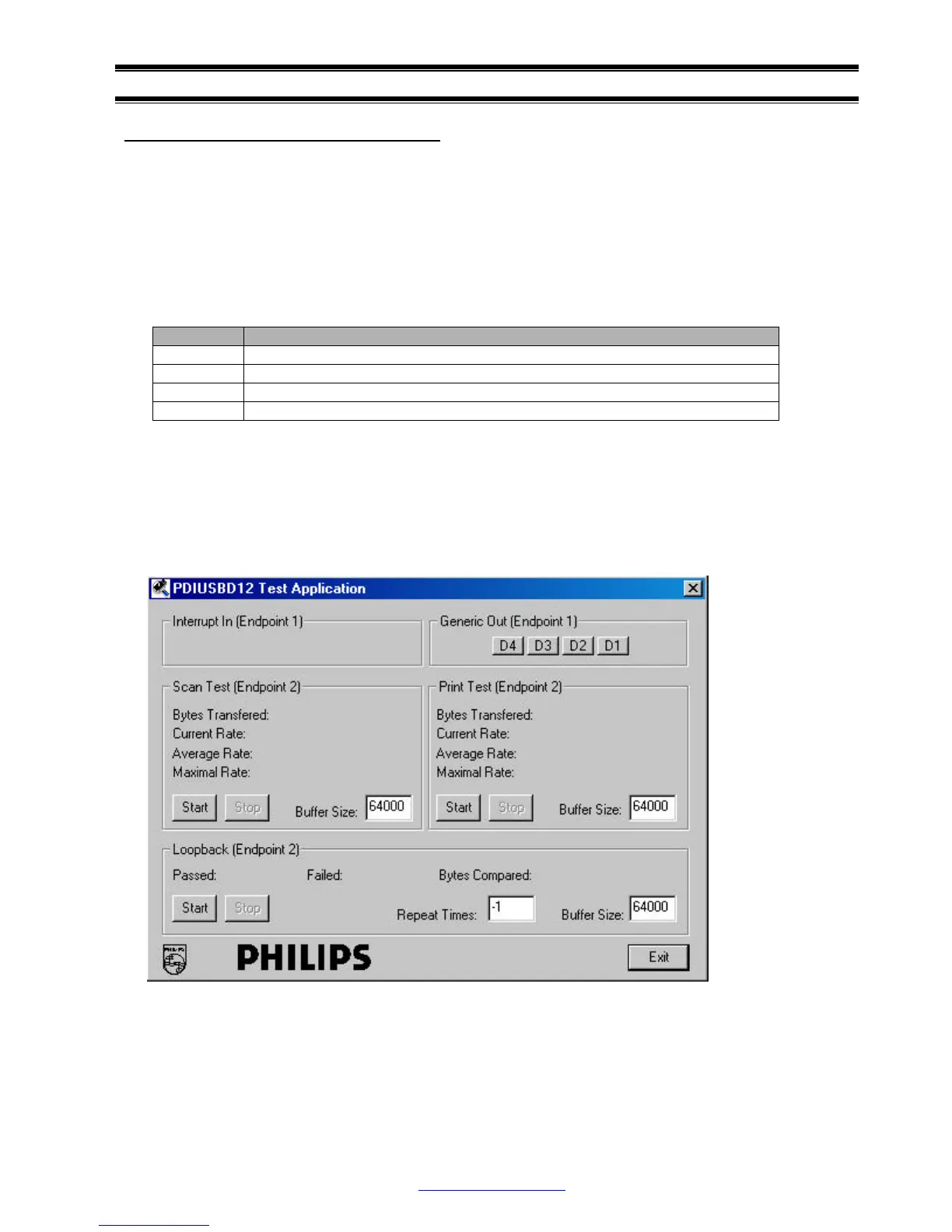
The test applet, D12TEST.EXE, exercises all PDIUSBD12 endpoints. Testing of control endpoints can
be further done by standard USB Chapter 9 test programs.
The operation of each endpoint is designed according to its nature that is supported in PDIUSBD12.
Generic in and generic out endpoints has max packet size of 16 bytes and supports I/O access only.
So they are suitable for small size and low rate data transfer like keyboard and logic controls. The
main endpoints have max packet size of 64 bytes or 128 bytes with double buffering and DMA
support. So they are suitable for high data rate, large size data transfer.



 To Next Page