20 EN
7 SimplyShare:
Connect to
your home
network
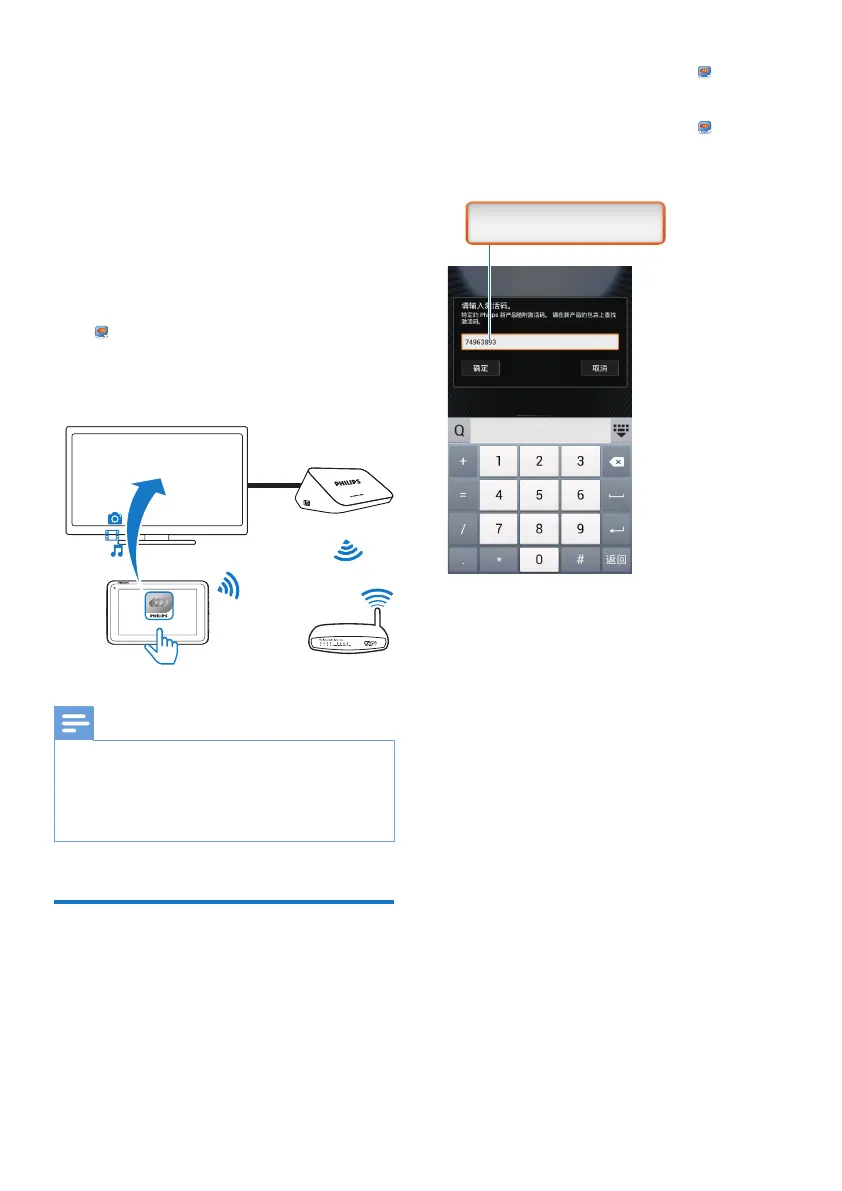
Connect Pi3900 to your home Wi-Fi network
(see 'Connect to the Internet' on page 13).
With
SimplyShare and a Philips HD media
player, you can stream media play from Pi3900
WRDKLJKGHÀQLWLRQ79V+'79VRUKLÀDXGLR
systems.
Note
Make sure that the Philips HD media player supports
the SimplyShare function.
The Philips HD media player connects to an HDTV
RUKLÀDXGLRV\VWHPVWKURXJKDQ+'0,FDEOHRU$9
cables.
Share media on your home
network
1
Make sure that you have connected Pi3900
tothe same Wi-Fi network as your Philips
HD media player.
SimplyShare
৷ၢཞ
HDMI
Philips HD Media Player
Pi3900
2 From the Home screen, go to
SimplyShare:
a 7KHÀUVWWLPH\RXODXQFK
SimplyShare, enter the activation code
as prompted.
b Find Pi3900 and the Philips HD media
player on the network.
3 Select the Philips HD media player as the
player:
Drag Pi3900 to the device.
» The device is selected as player.
74963893



 To Next Page