Service Modes, Error Codes, and Fault Finding
EN 33Q548.1E LA 5.
2009-Apr-03
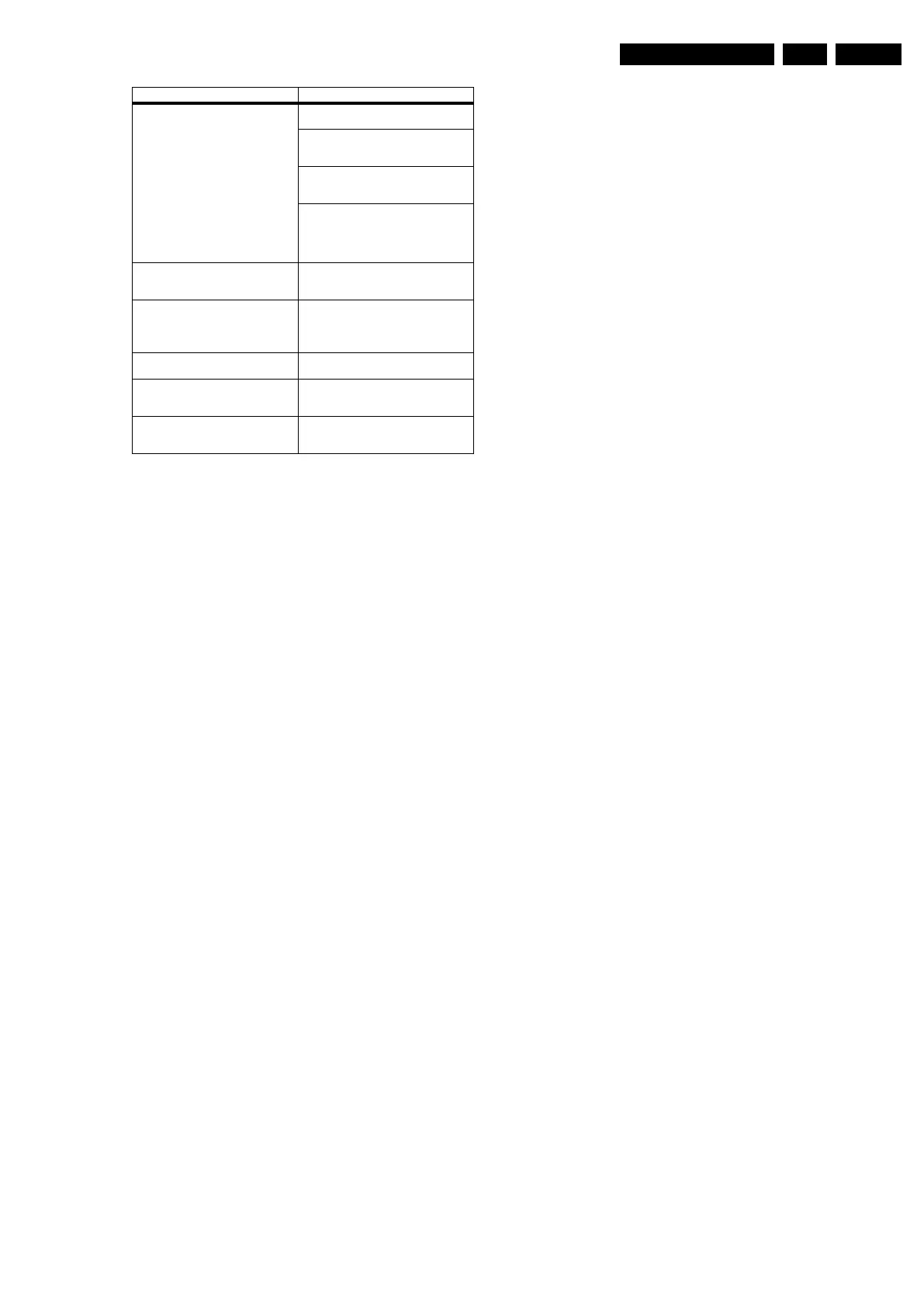
StandbySW_CFT69_x.x.x.x.zip Contains the Stand-by software in “upg”
and “hex” format.
- The “StandbySW_xxxxx_prod.upg” file
can be used to upgrade the Stand-by
software via USB.
- The “StandbySW_xxxxx.hex” file can be
used to upgrade the Stand-by software
via ComPair.
- The files
“StandbySW_xxxxx_exhex.hex” and
“StandbySW_xxxxx_dev.upg” may not be
used by Service technicians (only for
development purposes).
Tcon_xxxxxxxx_Q5431_x.x.x.x.zip Contains NVM data for the specific
display control board. Not to be used by
Service technicians.
UpgradeAll_Q5431_x.x.x.x.zip
Only for production purposes, not to be
used by Service technicians. Caution:
Never try to use this file, because it will
overwrite the HDCP keys!
UpgradeExe_Q5431_x.x.x.x.zip Only for production purposes, not to be
used by Service technicians.
VGA_FHD_EDID_TV543_x.x.x.x.zip Contains the EDID content of the different
(FHD) VGA NVM. See ComPair for
further instructions.
VGA_HD_EDID_TV543_x.x.x.x.zip Contains the EDID content of the different
(HD) VGA NVM. See ComPair for further
instructions.
File name Description



 To Next Page