English
EN 3
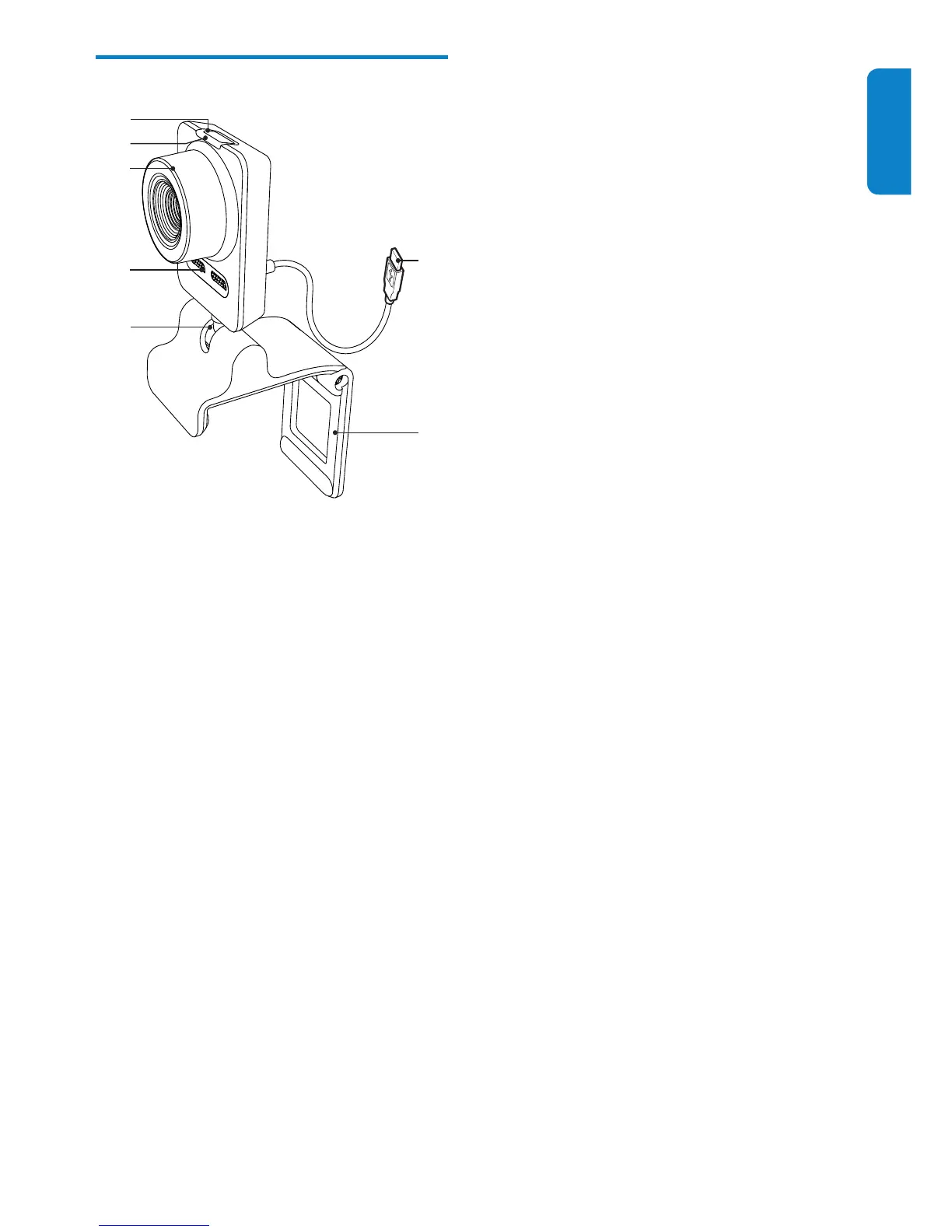
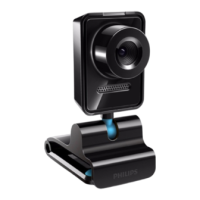
Functional overview
a Snapshot button
With Philips applications installed, •
take photos directly
b Power LED
Lights up when the webcam is in use•
c Focus ring
Adjust the focus of the image •
manually
d Built-in microphone
Capture voice and sound during •
video calling and recording
e Rotating joint
Change the viewing eld of the •
webcam manually
f Clamp with rubber rims
Mount the webcam on your ( at •
panel) PC monitor or notebook
display
Fold the clamp when the webcam is •
placed on a desk or (large) desktop
monitor
f
g
a
b
c
d
e
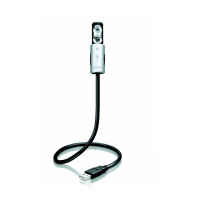
g USB connector
Connect the webcam to the USB •
port of the notebook or desktop PC
Supply power to the webcam when •
it is connected to the notebook or
desktop PC


 To Next Page