English
EN 7
4 Philips CamSuite
Philips CamSuite provides a quick access to a
number of the most used features and settings.
To enjoy the special features and settings
provided by Philips CamSuite, install it before
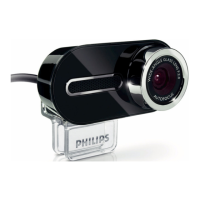
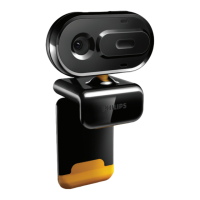
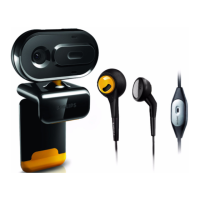
using it with Philips SPZ5000 webcam.
After you install Philips CamSuite, you can
double-click the Philips CamSuite icon
on
the Windows toolbar to access the Philips
CamSuite control panel.
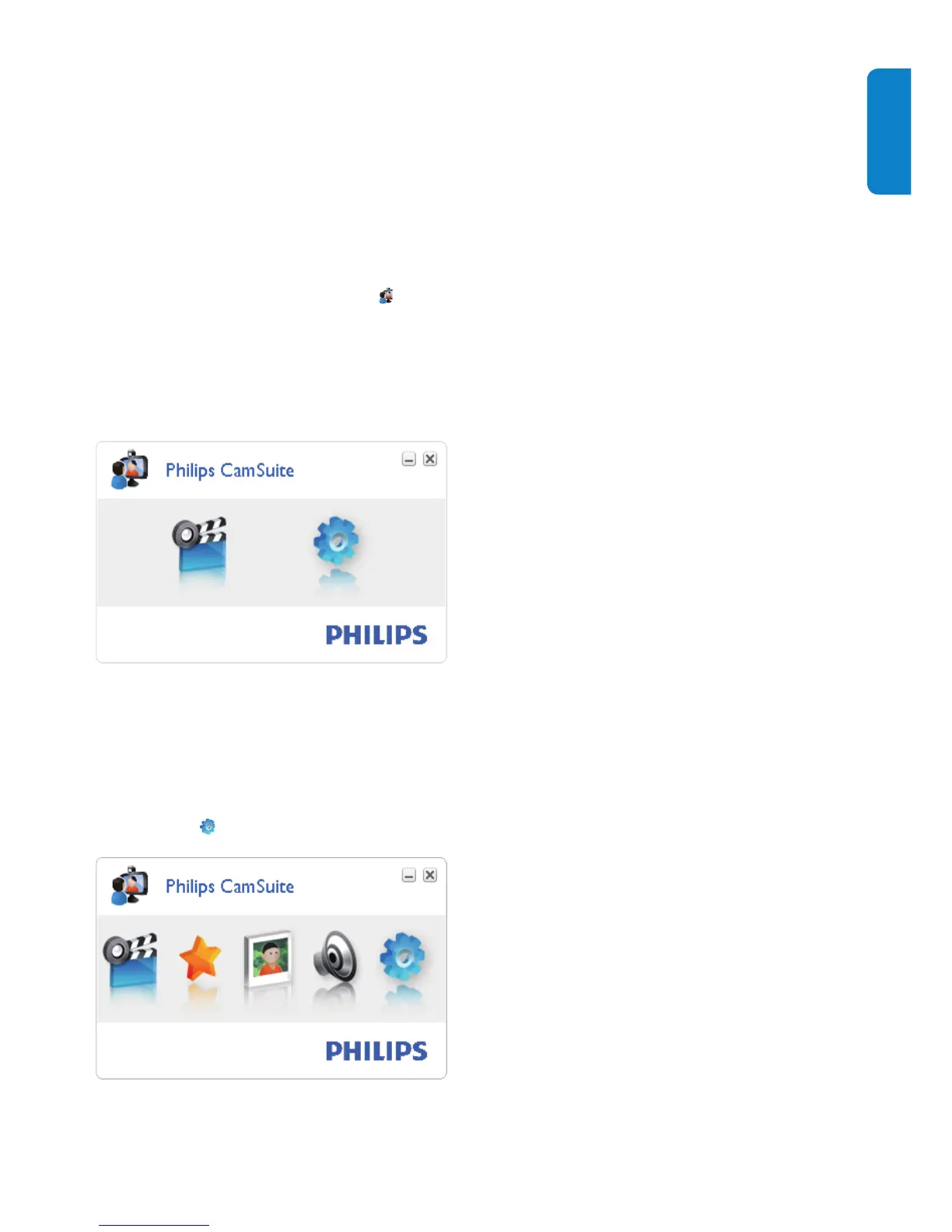
If Webcam Driver SPZ5000 is not •
installed, the following control panel is
displayed :
If you also have Webcam Driver •
SPZ5000 installed on the PC/notebook, a
different interface of the Philips CamSuite
control panel is displayed and a different
[Properties] window is displayed after
you click
.


 To Next Page