English
EN 5
Connect the webcam to your
PC/notebook
1 Turn on the PC/notebook.
2 For the rst time you use the webcam
with Philips CamSuite, install the software
in the provided CD-ROM.
After the software installation is »
complete, the Philips CamSuite icon is
displayed at the lower right corner of
the screen.
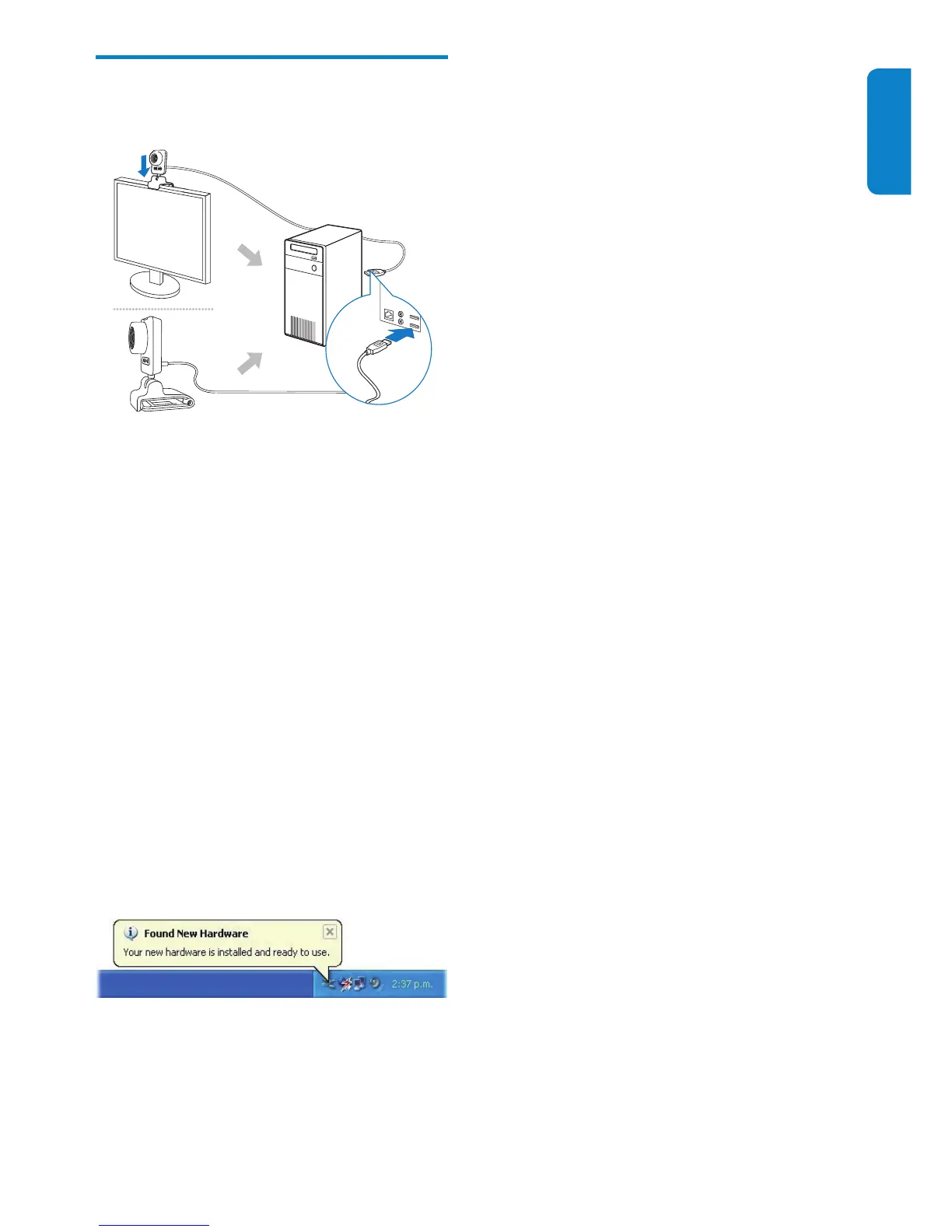
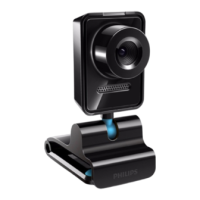
3 Use the clamp to mount the webcam on
your PC monitor or notebook display.
Fold the clamp to place the webcam •
on a desk or (large) desktop monitor.
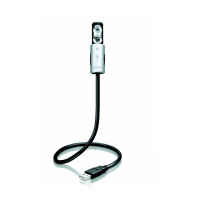
4 Connect the cable to a USB port on the
PC/notebook.
After the webcam is properly »
connected, the following pop-up
window is displayed at the lower right
corner of the screen .
5 Aim the webcam in a proper angle.
After you launch Philips CamSuite, »
you can use the features provided by
the application for Philips SPZ5000
webcam.


 To Next Page