70 EN
14.4.12 Duration
14.4.13 Key Tone
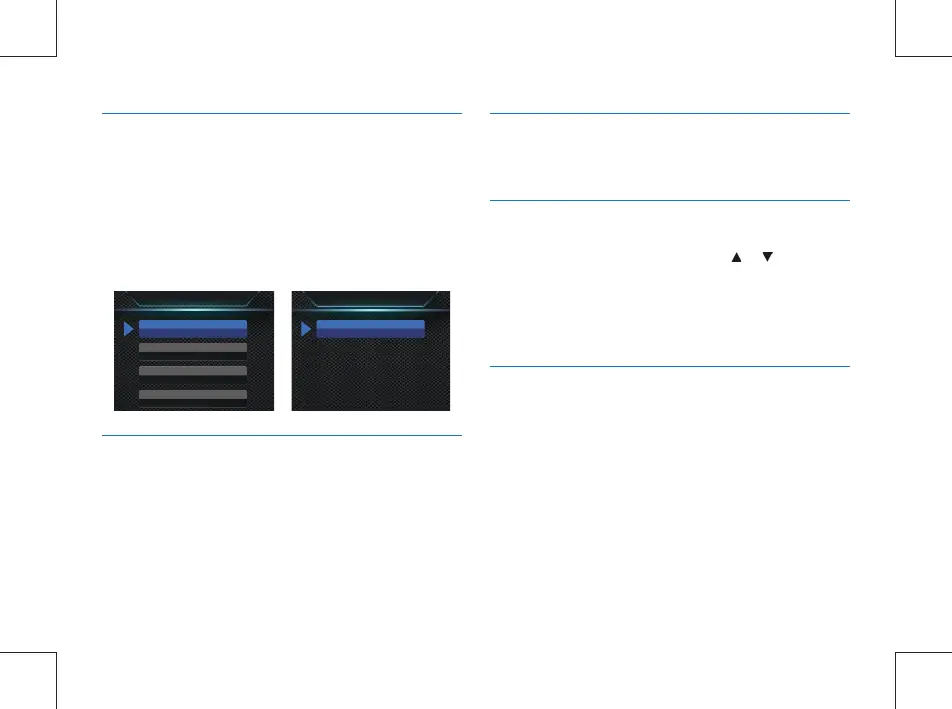
Video recording has ve time periods: 5 Min, 10 Min, 15 Min,
20 Min and 30 Min. In the course of video recording, this
function can automatically save a video le periodically at the
selected time interval, and enter the recording for the next
time period without any delay. The authomatic off interface
reference is illustrated below:
This function creates a sound when any button is pressed
if the recording is stopped. Turn on/off key tone with this
function.
Duration
5 Min
10 Min
Duration
30 Min
15 Min
20 Min
14.4.14 Indicator light
Turn on/off indicator according to needs.
14.4.15 Infrared Switch
14.4.16 Motion Detection
On the System Settings menu, press the or button to
select the “Infrared” menu, and then press the Menu button
to enter the Infrared Switch menu. The menu offers two
options: Manual and Auto. After selecting the mode, press the
OK button to conrm, or press the Back button to return to
the previous menu.
In detection mode, the Voice Tracer automatically starts
recording when any object enters the coverage of the body
worn camera. After the object gets out of the range of
coverage, it ends the recording and saves the recorded le.
Motion detection has four options: Off, Low, Medium and
High. It can be turned off or set to a desired level.



 To Next Page