EN 71
14.4.19 System Information
The System Information menu includes Total Space, Available
Space, Remain Video, Remain Sound, Battery Power and
Firmware Version;
Total Space: This allows the user to check the amount of
memory space in the device.
Available Space: This allows the user to check the remaining
space available.
Remain Video: This allows the user to check how long the
device can record for the current video resolution.
Remain Sound: This allows the user to check how long the
device can record for the current record type.
Battery Power: This allows the user to check the current
battery power.
Firmware Version: This allows the user to check the version
of rmware.
On the interface, press“ ” or “ ” and “ ” and “ ”
to set the Equipment No. and User No. of the device. Press “
” and “ ” to select the corresponding value, and press “ ” or “
” to move to the corresponding gure.
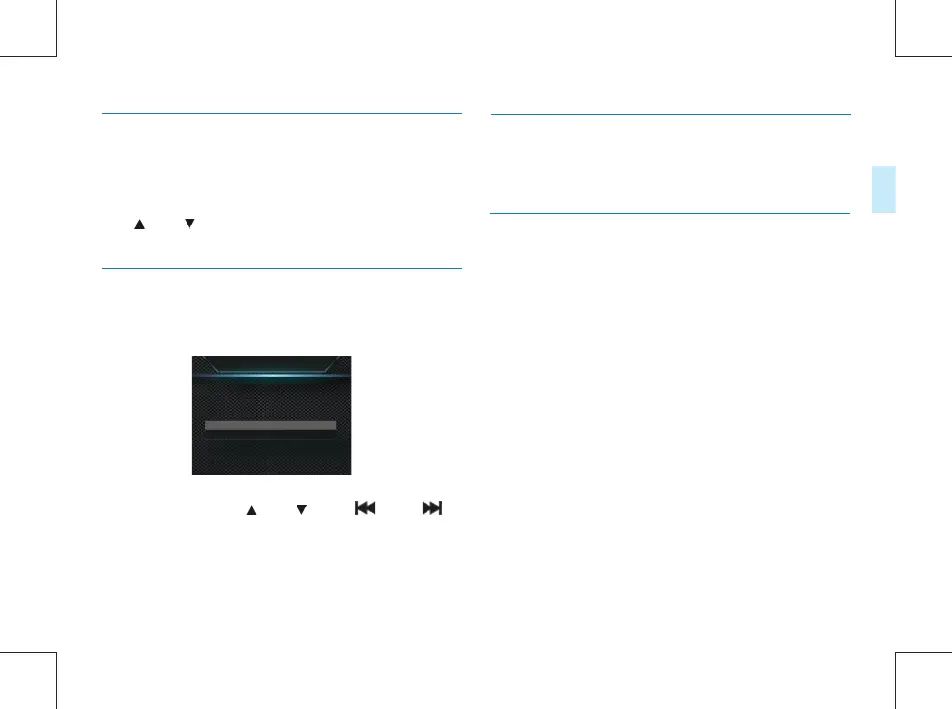
ID Number
V700000_000000
14.4.17 EV
14.4.18.1 ID VTR8100,Number
14.4.18.1 DSJ-1J,Number
As an exposure control mode, EV can adjust the brightness of
photos. You can adjust the brightness for unique visual effects.
EV can be set to any of 13 values within −2.0 to +2.0. Press
the “ ” or “ ” button to select the desired exposure
value. Press the Menu button to conrm after selection.
The PID setting interface is illustrated below:
DSJ-1J needs congure or change the ID number via the les
management system.



 To Next Page