English
HD
Playing Harddisk (HD)
On WAC5 Center is located a 80GB
hard disk, where music is centrally stored.
Via Wi-Fi, all the stored music can be
streamed and played on Station.
1 Check the Center or Station is switched on or
to standby
For Station: also check the Center is switched
on or to standby
➜ The blue indicator lights up
(See Basic functions, Switching to
standby/on and selecting functions,
Switching to Eco power/ on)
2 On Center: Press SOURCE once or more to
select HD (on Center’s remote control, press
HARDDISK)
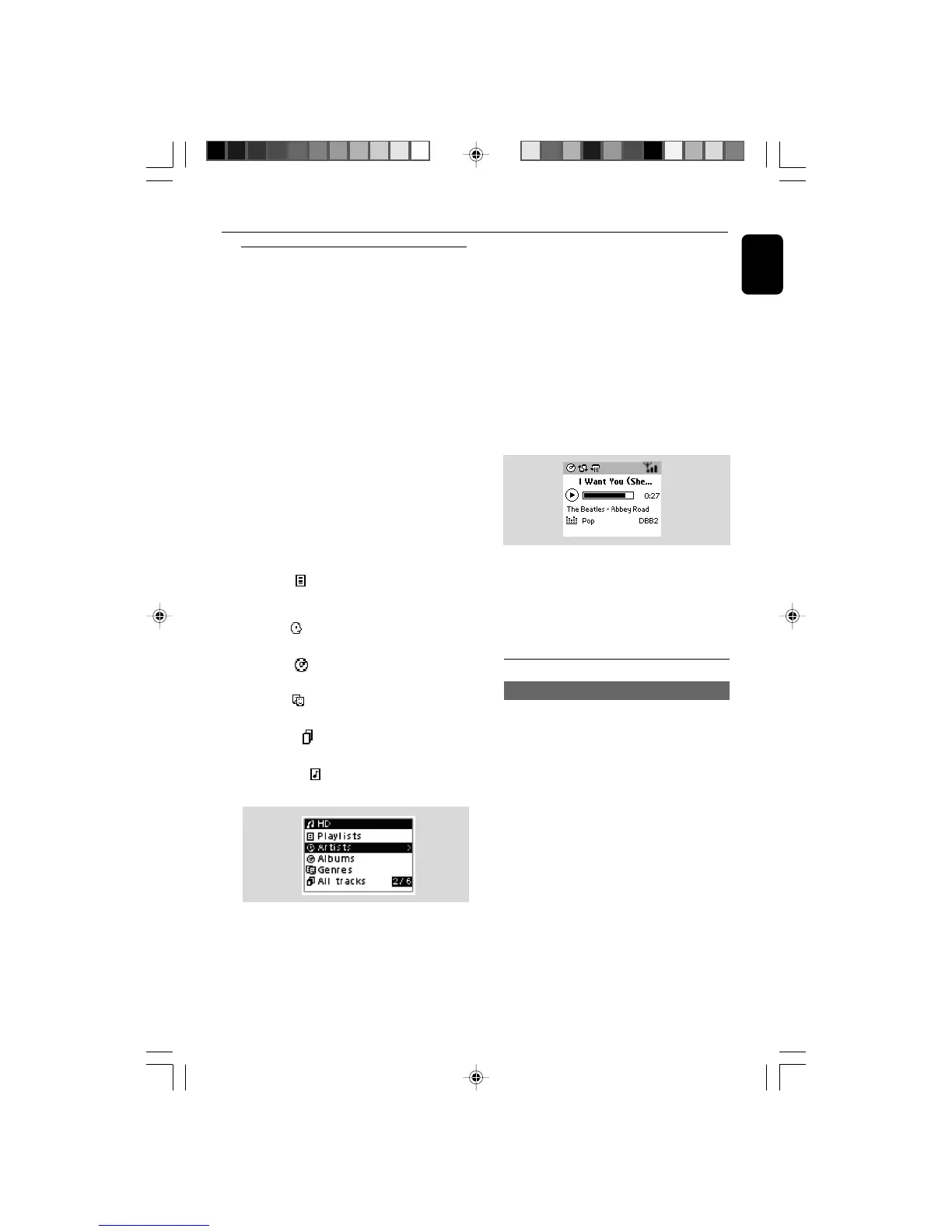
➜ Display shows HD and the categories of your
music library: Playlists, Artists, Albums,
Genres, All tracks, Raw tracks
➜ Demo tracks are stored in Playlists
Playlists( ): custom collection of your
favorite tracks sorted by the playlists’ name in
alphanumeric order
Artists ( ): collection of albums sorted by
the artists’ name in alphanumeric order
Albums ( ): albums sorted by the albums’
name in alphanumeric order
Genres ( ): artists’ album collection sorted
by music style
All tracks ( ): tracks sorted by the tracks’
name in alphanumeric order
Raw tracks ( ): tracks to be compressed
(MP3 conversion)
3 Press the navigation controls 3 or 4 and 2
to select your option
4 Press 2 (or OK) to start playback, if necessary.
● Press OK on a highlighted artist, genre or album
to start playback from the beginning of the item
(orÉÅ on Center’s remote control; the Play
keyÉ on Station’s remote control).
➜ The playback screen shows:
on the top: your HD option (e.g. Playlist, Artist)
in the middle: current track name, elapsed
playing time and some track information
at the bottom: equalizer setting and, if DBB is
activated, DBB setting.
5 To pause playback, press OK (orÉÅ on
Center’s remote control; Å on the Station’s
remote control). To resume playback, press the
button again.
6 To stop playback, press STOPÇ.
Selecting and searching
Selecting a different album or track
1 If necessary, repeatedly press 1 to enter
previous option lists
2 Repeatedly press the navigation controls 3 or
4 and 2 to select the desired album or track.
3 Press VIEW to return to the playback screen, if
necessary.
WACS5_Eng/37 8/3/2005, 15:1227














 To Next Page