English
AUX/ UPnP/SLEEP
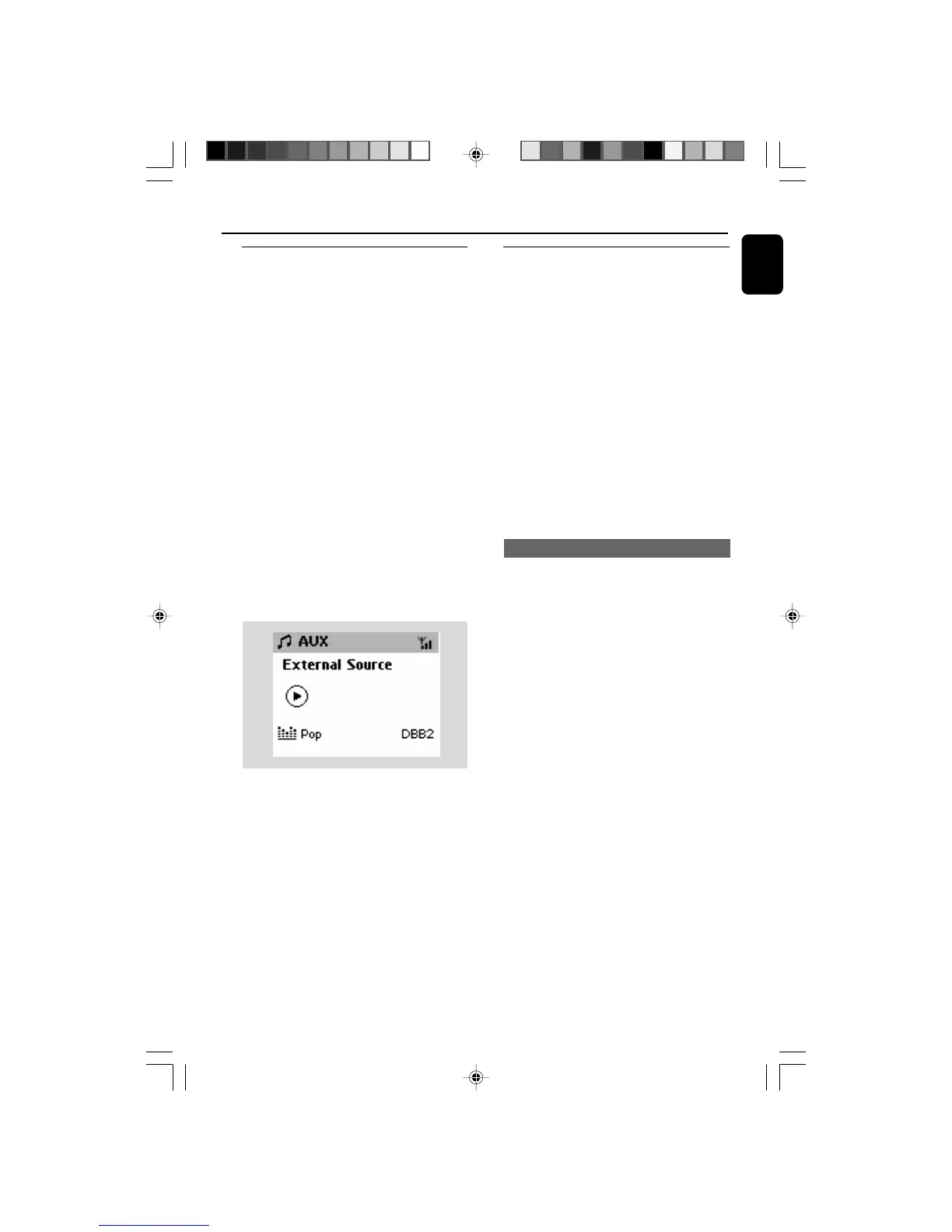
AUX (Listening to an external
source, on Center only)
You can listen to the sound of the connected
external device through your WAC5 Center.
1 Check the external device has been properly
connected (See Installation, Connecting an
additional appliance)
2 Check the WAC5 Center has been properly
connected to an additional appliance with
powerful speakers (See Installation,
Connecting an additional appliance)
3 Check the WAC5 Center is switched on or to
standby (See Basic functions, Switching on/
to standby and selecting functions,
Switching to Eco power/ on)
4 Press SOURCE once or more to select AUX
(on the remote control, press TUNER/AUX
once or more)
5 Press the PLAY key on the connected device to
start playback.
6 To adjust the sound and volume, use the sound
controls on your external device.
UPnP (on Station only)
After connecting your WAS5 to an existing
network, you can set up a UPnP* server in the
network. Play from your WAS5 stations the
music collection either on the Center or on the
UPnP server.
* Univeral Plug and Play (UPnPTM) builds on
standard networking technologies and provides
standardized protocols for a wide variety of
home and small business devices. It allows easy
interoperability of all the devices supporting the
the networking technologies.
● UPnP server software is installed (e.g. Philips
Media Manager, Musicmatch® ) and the UPnP
server function is enabled.
To connect a UPnP server
Requirements for the UPnP server:
● The UPnP device has been connected to the
same network as WAS5.
If the WAS5 Station is now connected to
Center,
1 Check the Center is switched on or to standby
mode
2 Check your UPnP-enabled PC is switched on
3 Switch on the Station
4 To select Select Server on Station
a. On the remote control, press MENU.
b. Use the navigation controls 3 or 4 and 2 to
select
➜ On the Station ‘s display shows the list of
servers connected
➜ Server not found appears if there is no
UPnP server in the network
5 Use the navigation controls 3 or 4 and 2 to
select your desired server
➜ On the Station ‘s display shows PC’s music as
it does on PC
If the WAS5 Station has ever been
connected to Center, but is now
disconnected from Center
1 Connect WAS5 to the power supply
➜ Display shows: “Connecting to Center...”
2 To connect to a UPnP server, press MENU or
STOP on the remote control
➜ Display shows the selection screen of
Installation Mode or Select Server
WACS5_Eng/37 8/3/2005, 15:1339














 To Next Page