English
CD
Display track information
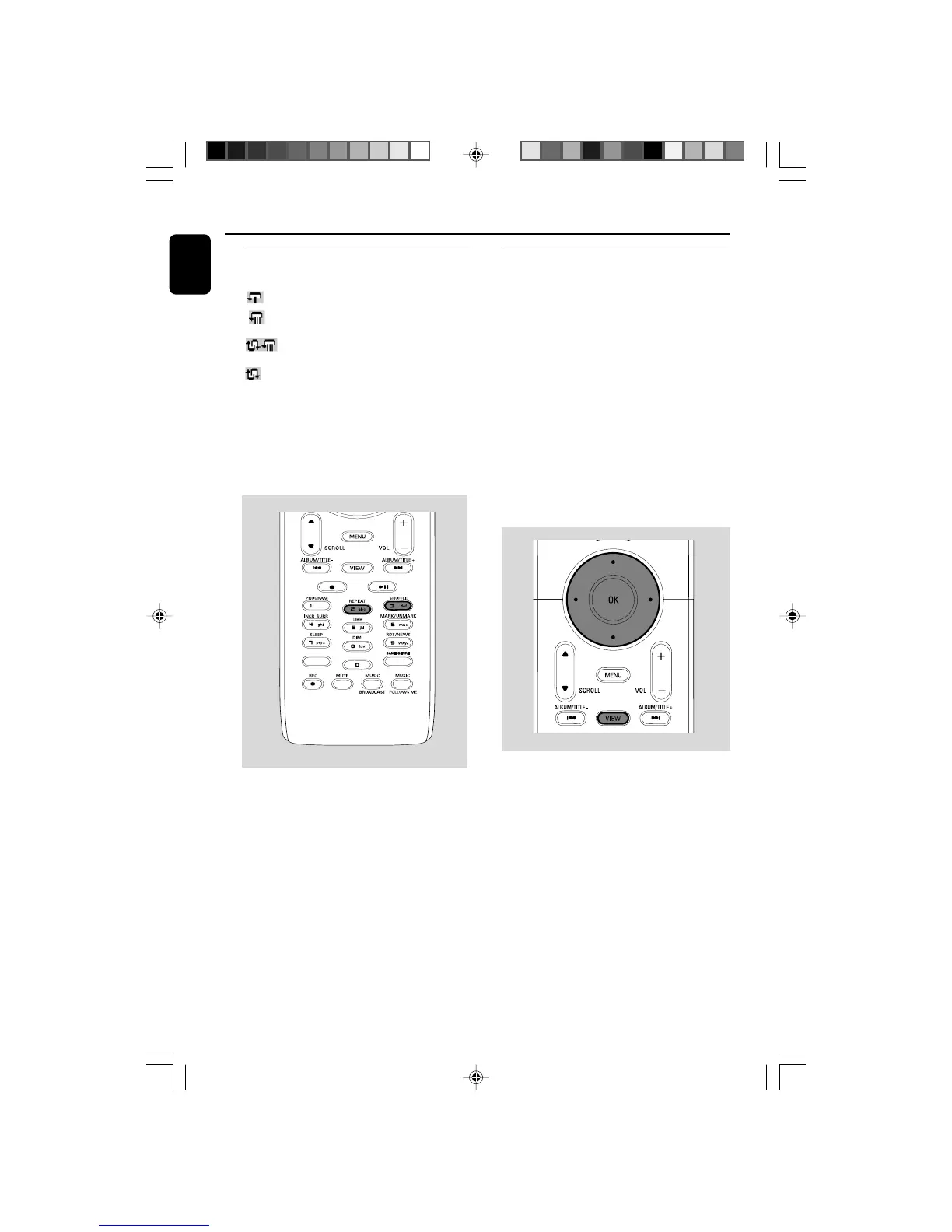
1 During playback, press VIEW once or more to
enter the playback screen
➜ The display shows:
on the top: CD
in the middle: current track name, elapsed
playing time and some track
information
at the bottom: equalizer setting and, if DBB is
activated, DBB setting.
2 Press 2
➜ The display shows track information (e.g.
track name, file type, file size, bit rate of mp3/
wma files)
3 Press VIEW once or more to return to the
playback screen.
SAME ARTIST
SMART EQ
Different play modes: REPEAT,
SHUFFLE
– plays the current track continuously
– repeats all the tracks (under current
album )
– repeats all the tracks (under current
album) in random order
– tracks (under current album) are played
in random order
1 During playback, press once or more REPEAT
or/ and SHUFFLE to select play modes.
2 To return to normal playback, press REPEAT or
SHUFFLE repeatedly until the various modes
are no longer displayed.
WACS5_Eng/37 8/3/2005, 15:1338














 To Next Page