English
3 Use the navigation controls 3 or 4 and 2 to
select Select Server
➜ On the Station ‘s display shows the list of
servers connected
➜ Server not found appears if there is no
UPnP server in the network
If the WAS5 Station has never connected to
Center or server,
1 Check your UPnP-enabled PC is switched on
2 Connect WAS5 to the power supply
SLEEP
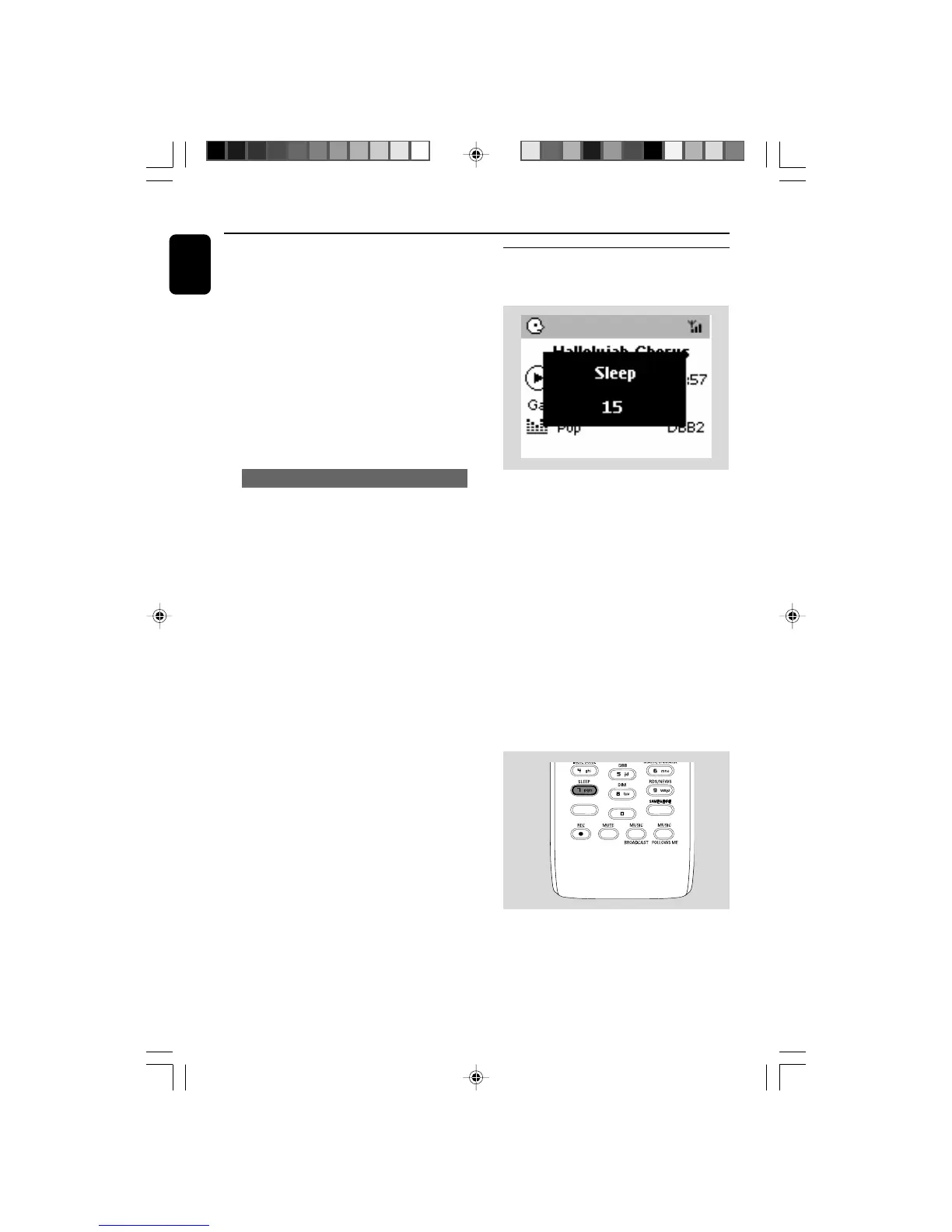
You can set a certain period of time after which
the Center or Station will switch to standby.
1 On the remote control, press SLEEP
repeatedly to select the desired time period
options (in minutes):
➜ Display shows in sequence: Sleep 15, 30,
45, 60, 90, 120, Off
➜ Display shows the selected option briefly and
returns to its previous status. The icon Z
Z
appears.
2 To view the time countdown to the standby
mode, press SLEEP again.
To deactivate the sleep timer, press
SLEEP until Sleep Off is displayed.
or
Press STANDBY-ON/ ECO POWER to
switch the set to standby (or y on the remote
control)
AUX/ UPnP/SLEEP
To play music on a UPnP server
➜ On the Station ‘s display shows music stored
on PC
1 Check the WAS5 Station is switched on or
standby mode
2 Check the WAS5 Station is connected to a
UPnP server
➜ On the Station ‘s display shows PC’s music as
it does on PC
Helpful hints:
– On WAS5’s UPnP mode, MUSIC FOLLOWS
ME and MUSIC BROADCAST are disabled.
WACS5_Eng/37 8/3/2005, 15:1340














 To Next Page