English
CD
Using the fast skip 3 or 4
Use this function to find an option (e.g. an album
or a track) in a long option list.
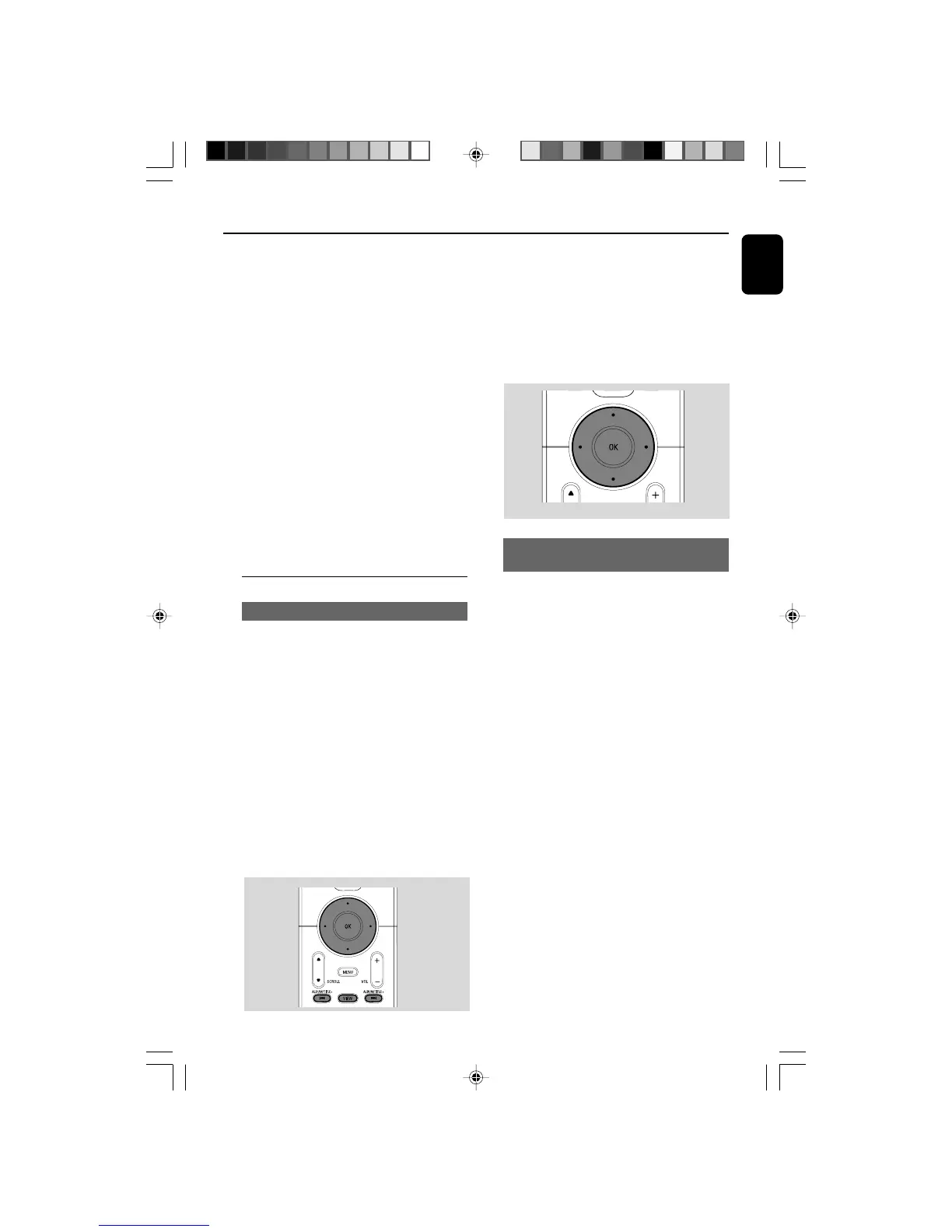
● Press and hold the navigation controls 3 or 4
in the long option list.
➜ You will skip the options faster and faster
➜ At the high speed skip, the initial letter of
current options appears for easy identification.
Finding a passage within a track
during playback
1 In the playback screen, press and hold the
navigation controls 3 or 4 (or 4 or ¢
on Center’s remote control; à / á on
Station’s remote control)
➜ The CD plays at a high speed.
2 When you recognize the passage you want,
release 4 or ¢ (or à / á on Station’s
remote control)
➜ Normal playback resumes.
3 Press once or more the navigation controls 3
or 4 and 2 to select a track
4 Press 2 (or OK) to start playback, if necessary.
● MP3/WMA: Press OK on a highlighted album
to start playback of the album (orÉÅ on
Center’s remote control; the Play keyÉ on
Station’s remote control)
● MP3/WMA: Press OK on the highlighted
album All tracks to star t playback of all the
tracks on the disc (orÉÅ on Center’s remote
control; the Play keyÉ on Station’s remote
control)
5 To pause playback, press OK.(orÉÅ on
Center’s remote control; Å on the Station’s
remote control). To resume playback, press the
button again.
6 To stop playback, press STOPÇ.
7 To remove the disc, press EJECT on Center
Selecting and searching
Selecting a different album/track
1 If necessary, repeatedly press 1 to enter
previous option lists
2 Repeatedly press the navigation controls 3 or
4 and 2 to select the desired album or track.
3 Press VIEW to return to the playback screen, if
necessary.
To select a different track (in current
album) during playback
● In the playback screen, briefly and repeatedly
press the navigation controls 3 or 4 to select
previous or next tracks (or 4 or ¢ on
Center’s remote control; O, P on Station’s
remote control)
WACS5_Eng/37 8/3/2005, 15:1237














 To Next Page