14 MultiMedia
MultiMedia
Music
Listen to your favorite music while go with the
music player.
Play music
1
Tap tto open the music screen.
2
Select a music category.
3
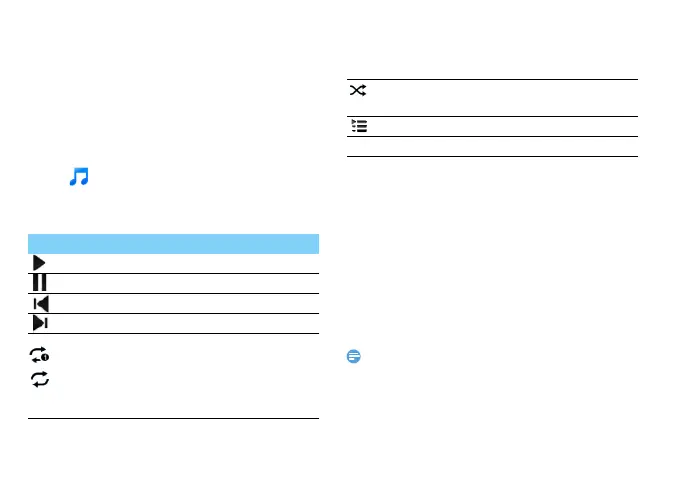
Using the following keys to control playback.
Music settings
Press O to enter into Settings:
•
Party shuffle: Play all the files in the folder
randomly.
•
Add to playlist : Add new music to your playlist.
•
Use as ringtone: Choose music as ringtone.
•
Delete: Delete the music from playlist.
•
Sound effects: Select a sound effect.
•
Library: Return to music category.
•
Search:Search for a music.
•
When listening to music, adjust the volume to a moderate
level. Continuous exposure to high volume may impair your
hearing.
Function Definition
Play and resume playback.
Pause the playback.
Select previous track.
Select next track.
Select the play mode:
• Repeat once (play current file
repeatedly)
• Repeat all (play all the files in the
folder repeatedly)
Activate Shuffle mode, play current
file randomly.
Select to enter into playlist.
M Return to the home screen.



 To Next Page