14
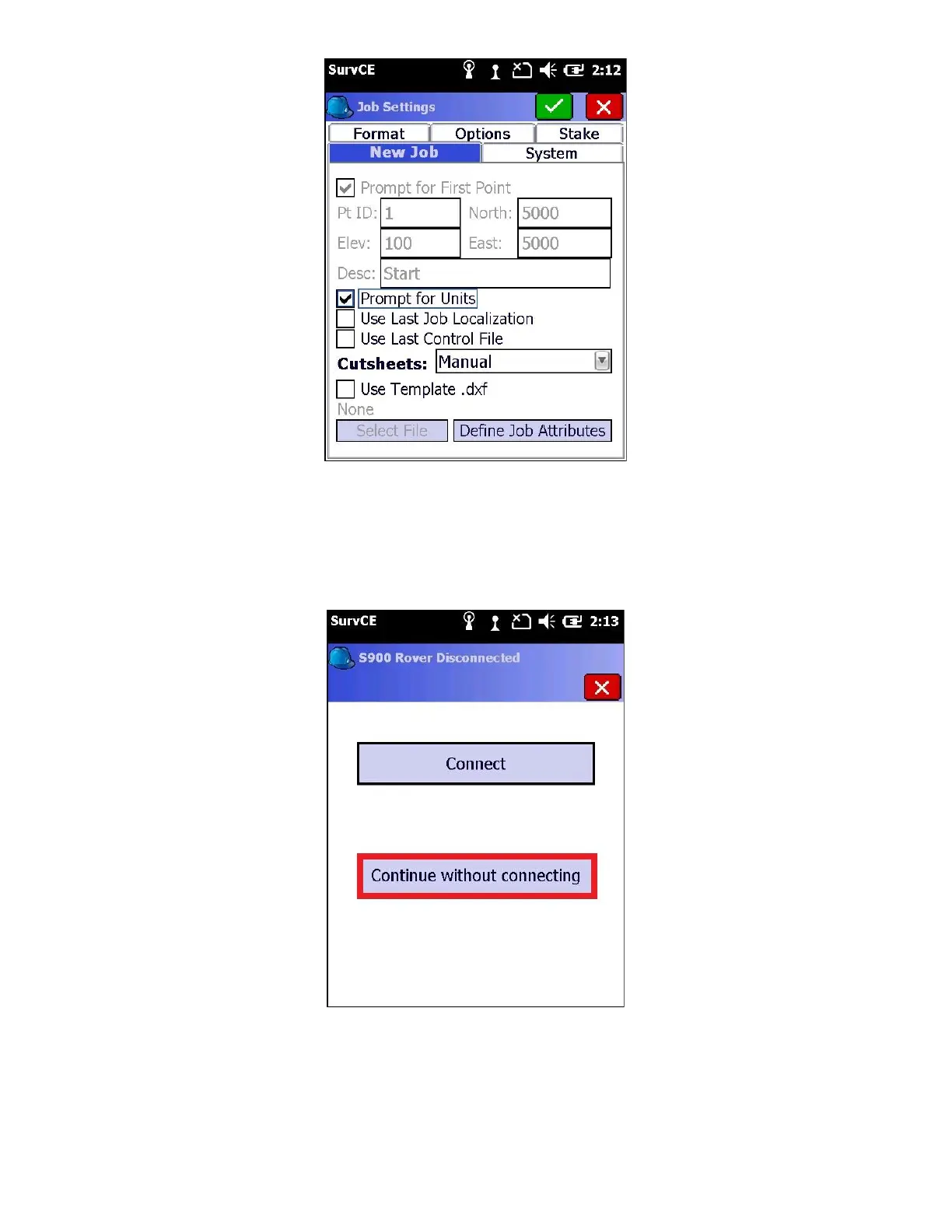
Unless you setup at the same location for every job (like a mine site) you will want to have ‘Prompt for Units’
checked and ‘Use Last Job Localization’ and ‘Use Last Control File’ unchecked.
8. Click the green check mark again to get back to the “Main Menu”
The “Connecting to Instrument” dialog is shown
9. Click on “Continue without Connecting” to reach the main menu without reconnecting to an instrument
10. Load a Geoid file. Refer to section 7 “Creating and Loading a Geoid Separation File for SurvCE” for creating and
loading specific Geoid files.



 To Next Page