15
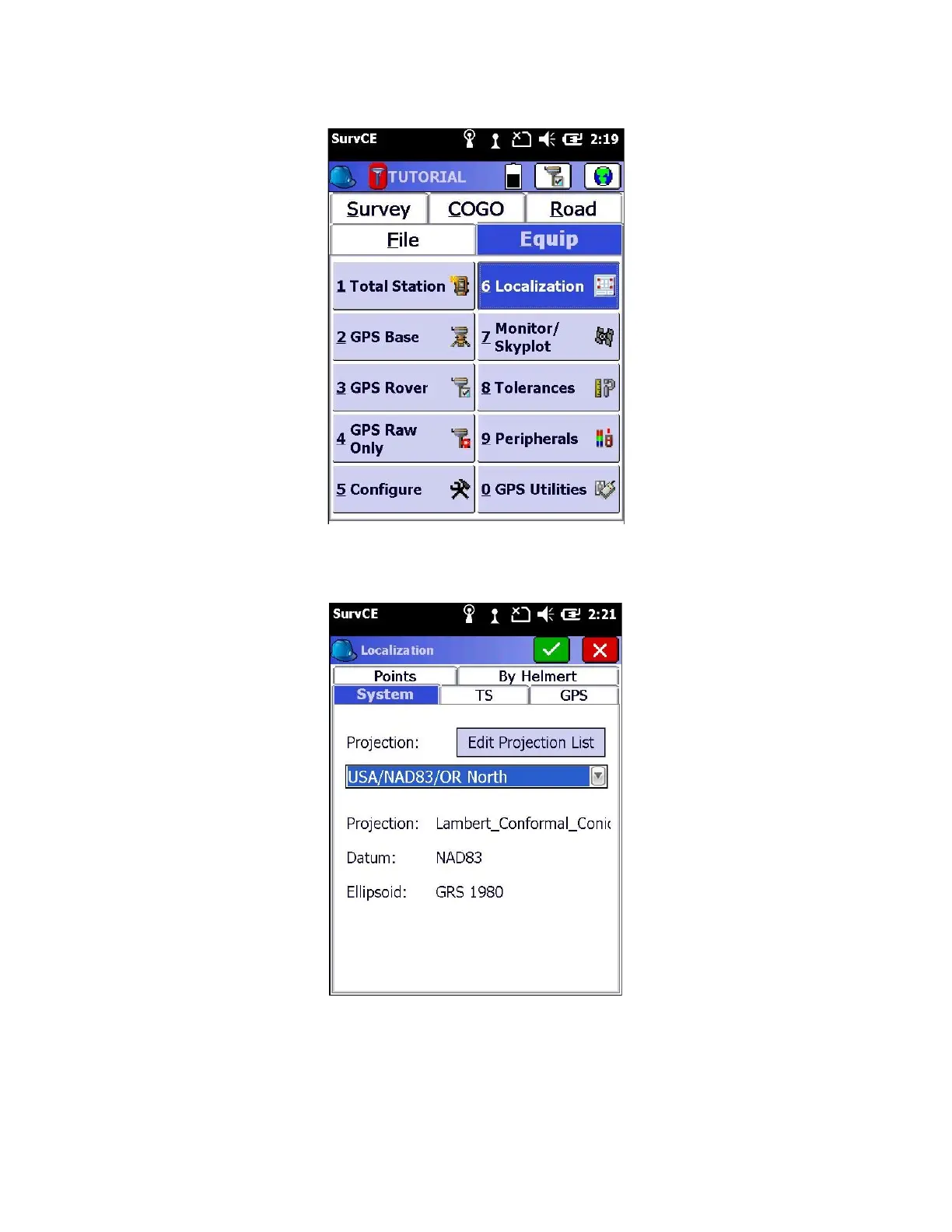
Click on the Equip tab > 6 Localization
SurvCE may display the “Connecting to instrument” dialog again. If so, simply press “Continue without connecting”.
11. While you are at the “System” tab, verify the correct Projection, Datum, and Ellipsoid is being utilized
12. Click on the “GPS” tab



 To Next Page